





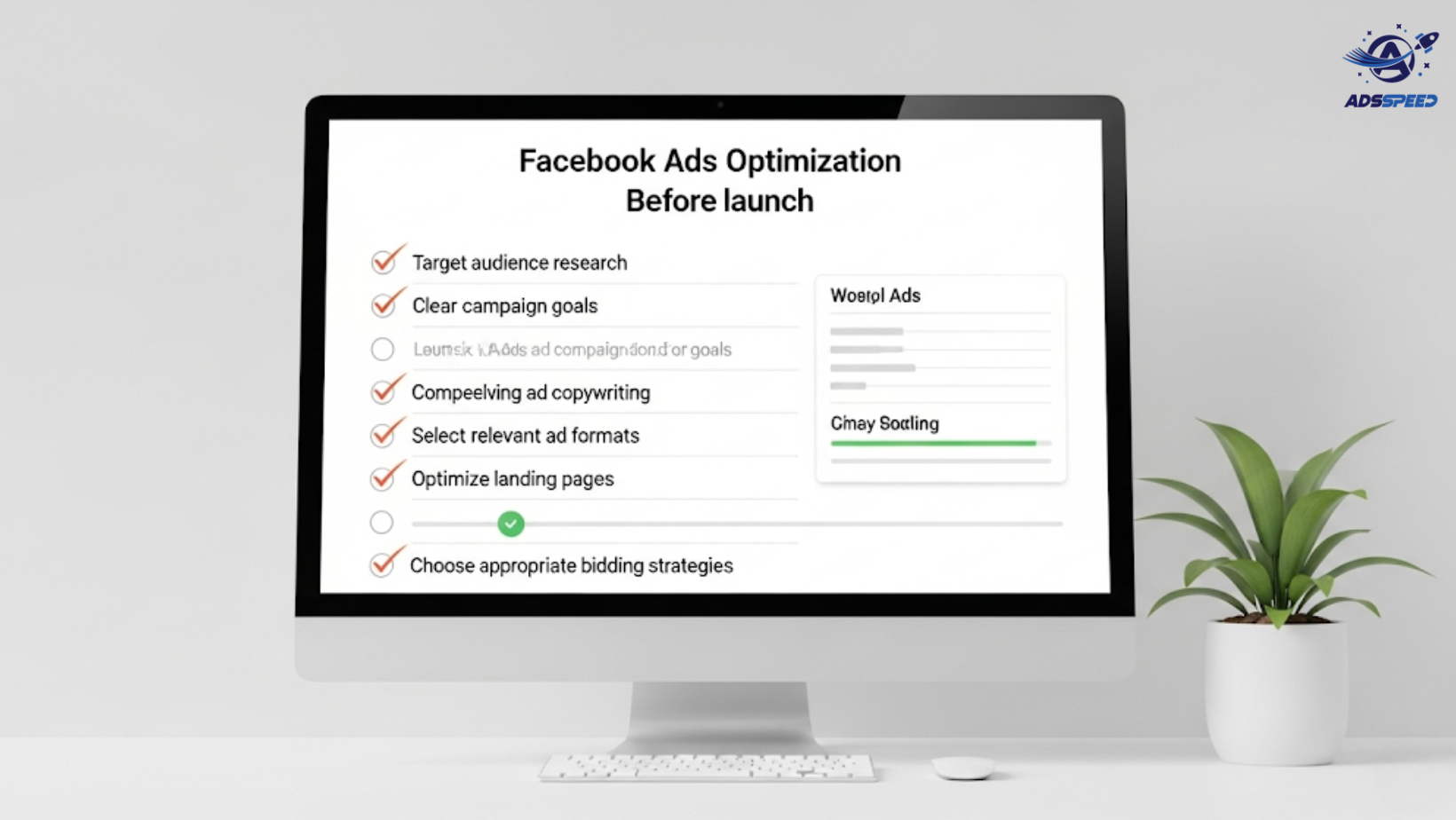
Why a Pre-Launch Checklist Matters
Before you hit “Publish,” every Facebook Ads campaign needs a final optimization review.
Why? Because skipping key steps can lead to:
- Poor ad delivery
- Wasted budget
- Low click-through and conversion rates
Whether you’re running one ad or managing dozens through platforms like Adsspeed, this checklist helps you launch confidently and effectively.
1. Set Clear Objectives
Make sure your campaign objective matches your goal:
| Goal | Facebook Objective |
| Website traffic | Traffic |
| Conversions | Sales or Leads |
| Engagement | Post Engagement |
| Awareness | Brand Awareness |
| App installs | App Promotion |
Don’t mix goals in one campaign — keep each focused for better results and clearer optimization.
2. Define the Right Audience
Before launching, double-check:
- Targeting options (interests, behaviors, location, age)
- Custom Audiences (website visitors, email lists, engagement)
- Lookalike Audiences built from your best customers
Tip: Use segmentation for better performance, and organize them in your Adsspeed dashboard for multi-account management.
3. Review Budget & Bidding Strategy
Ask yourself:
- Is the daily/lifetime budget realistic?
- Are you using manual or automatic bidding?
- Have you set a cost cap or bid cap if needed?
Test small before scaling. Start with $5–$20/day for new campaigns and increase based on performance.
4. Double-Check Creative Assets
Ensure your visuals and copy are:
- High-quality and attention-grabbing
- Optimized for mobile (square or vertical format)
- Include a clear CTA (“Shop Now,” “Sign Up,” etc.)
- Aligned with your landing page message
If using video, make sure it’s under 30 seconds and includes subtitles for silent autoplay.
5. Test Multiple Ad Variations
A/B test different elements:
- Headlines
- Images or videos
- Primary text
- CTA buttons
Let Facebook optimize toward the best performer—or manually monitor through ads check speed or Facebook Ads Manager.
6. Check Pixel and Conversion Tracking
No pixel = no data.
✔ Ensure:
- Facebook Pixel is installed and firing correctly
- Events like “Add to Cart,” “Lead,” or “Purchase” are configured
- Custom conversions are set if you’re tracking niche actions
Use tools like Meta’s Event Manager to validate everything is working before launch.
7. Ensure Landing Page Alignment
Your ad is only half the equation—the landing page must:
- Match the ad promise
- Load fast (under 3 seconds)
- Be mobile-optimized
- Include a visible CTA above the fold
Bonus: Install scroll tracking to see how far users engage.
8. Confirm Compliance with Facebook Policies
Before going live:
- Double-check Facebook’s Ad Policies (especially for finance, health, or bold claims)
- Avoid words like “you” + sensitive personal attributes
- Make disclaimers clear where needed
⚠ Ad rejection delays your entire funnel—always play it safe.
9. Schedule Wisely
Set start and end dates based on:
- Time zone of your audience
- Product launch timeline
- Campaign testing schedule
For global launches, use tools like Adsspeed to coordinate across regions without logging into each account individually.
10. Pre-Launch Reporting Setup
Finally, make sure you can track what matters:
- Create custom dashboards
- Set up UTM parameters
- Prepare daily/weekly reporting templates
This lets you optimize fast and avoid letting poor ads burn your budget for days unnoticed.
Final Thoughts
The success of your Facebook Ads often depends more on your preparation than your budget.
This checklist ensures that you:
Target the right people
Deliver the right message
Track performance from day one
Avoid costly mistakes
With powerful tools like Adsspeed, you can manage multiple campaigns effortlessly and launch with confidence—every single time.
🔹 Google Chrome Store: Search “Ads Check Speed | adsspeed.com”
https://chromewebstore.google.com/detail/ads-check-speed-adsspeedc/bhfahbbgppclfpeapkaebjbcffjnahcd
🔹 IOS Download : https://apps.apple.com/vn/app/adscheckspeed/id6742325139
🔹 Android Download : https://play.google.com/store/apps/details?id=com.dev.fbadsspeedv2&hl=vi

