





Why Budget Testing Matters in Facebook Ads
One of the most common traps advertisers fall into is either:
- Spending too much on tests with no results
- Or spending too little to learn anything useful
Effective budget testing helps you:
- Discover what ad sets, creatives, and audiences perform best
- Avoid ad fatigue
- Scale campaigns profitably
- Make data-driven decisions—not guesses
But how do you test without wasting budget?
Step 1: Define a Clear Goal Before Testing
Before spending even $1, ask:
What am I testing—and why?
- New audience segment?
- Ad creative variation?
- Bid strategy or placement?
- Objective comparison (Leads vs. Sales)?
Having one clear variable per test keeps your data clean and your results actionable.
Step 2: Start With Minimum Viable Testing Budget
You don’t need hundreds of dollars per day to test effectively.
For most small to mid-size brands, a good rule of thumb:
- $5–15 per ad set per day
- Run for 3–5 days to get statistically meaningful data
- Pause underperformers quickly
This gives Facebook’s algorithm time to optimize without burning money.
Step 3: Use A/B Testing Tools Inside Meta
Facebook’s A/B Testing (Experiments) tool lets you:
- Test audiences, creatives, placements, and more
- Split budget evenly between variations
- View clean results without overlap
Alternatively, create duplicate ad sets manually with identical setups—except for one variable.
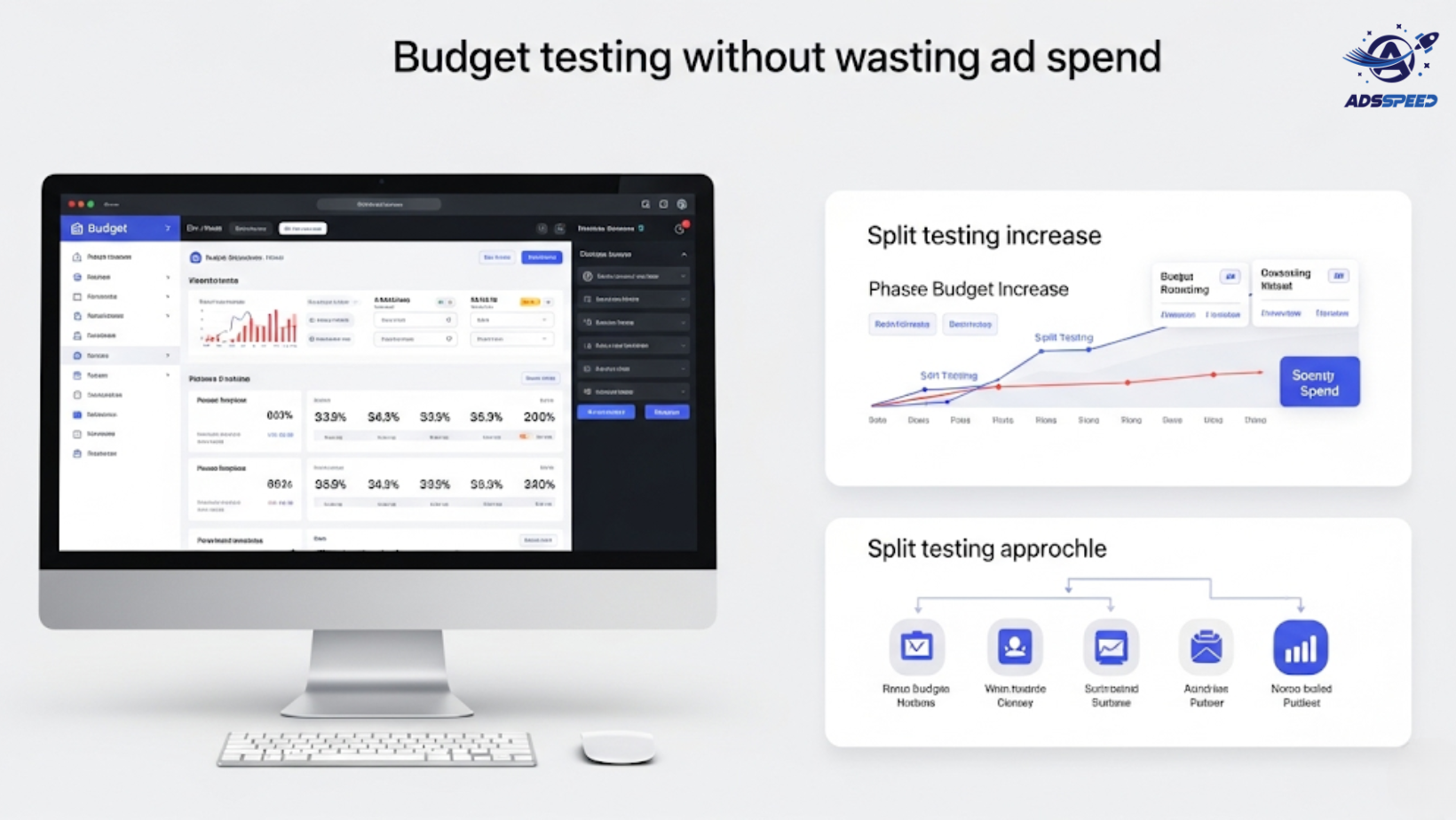
🛠 Bonus: Platforms like Adsspeed help monitor your test results across multiple accounts and campaigns from one smart dashboard, saving you time and preventing budget leaks.
Step 4: Track the Right KPIs (Not Just Clicks)
Focus on KPIs that match your campaign objective. For example:
- Conversion campaigns → ROAS, CPA
- Traffic campaigns → CTR, Bounce Rate
- Leads → CPL, lead quality metrics
- Video Views → 3s, 10s, and 100% view rates
Avoid the “vanity metric” trap. High CTR doesn’t mean high ROI.
Step 5: Don’t Change Everything at Once
Mistake: Launching 4 new creatives + 3 new audiences + 2 new bid strategies… in one campaign.
Fix:
Change one variable at a time. Otherwise, you won’t know what caused the performance shift.
Use a testing roadmap:
- Week 1: Test audiences
- Week 2: Test creatives
- Week 3: Test headlines or formats
Slow = smart when it comes to scaling profitably.
Step 6: Use Lifetime Budget for Small Tests
For micro tests (e.g., $20–$50 total), use Lifetime Budget instead of Daily Budget.
Why?
- Facebook distributes budget more intelligently
- Helps prevent early fatigue
- Great for weekend or holiday campaign bursts
Step 7: Scale Only the Winners
Once you’ve identified a winning audience or ad, don’t double the budget overnight. Instead:
- Increase by 10–20% every 48–72 hours
- Duplicate the ad set and scale slowly
- Watch for changes in CPA or ROAS as you scale
Remember, what works at $20/day may not perform the same at $200/day without adjustment.
Final Thoughts
Smart budget testing isn’t about spending more—it’s about spending smarter. With a lean testing strategy, you can:
- Discover what works
- Avoid costly mistakes
- Build high-ROI campaigns with confidence
🔹 Google Chrome Store: Search “Ads Check Speed | adsspeed.com”
https://chromewebstore.google.com/detail/ads-check-speed-adsspeedc/bhfahbbgppclfpeapkaebjbcffjnahcd
🔹 IOS Download : https://apps.apple.com/vn/app/adscheckspeed/id6742325139
🔹 Android Download : https://play.google.com/store/apps/details?id=com.dev.fbadsspeedv2&hl=vi

