





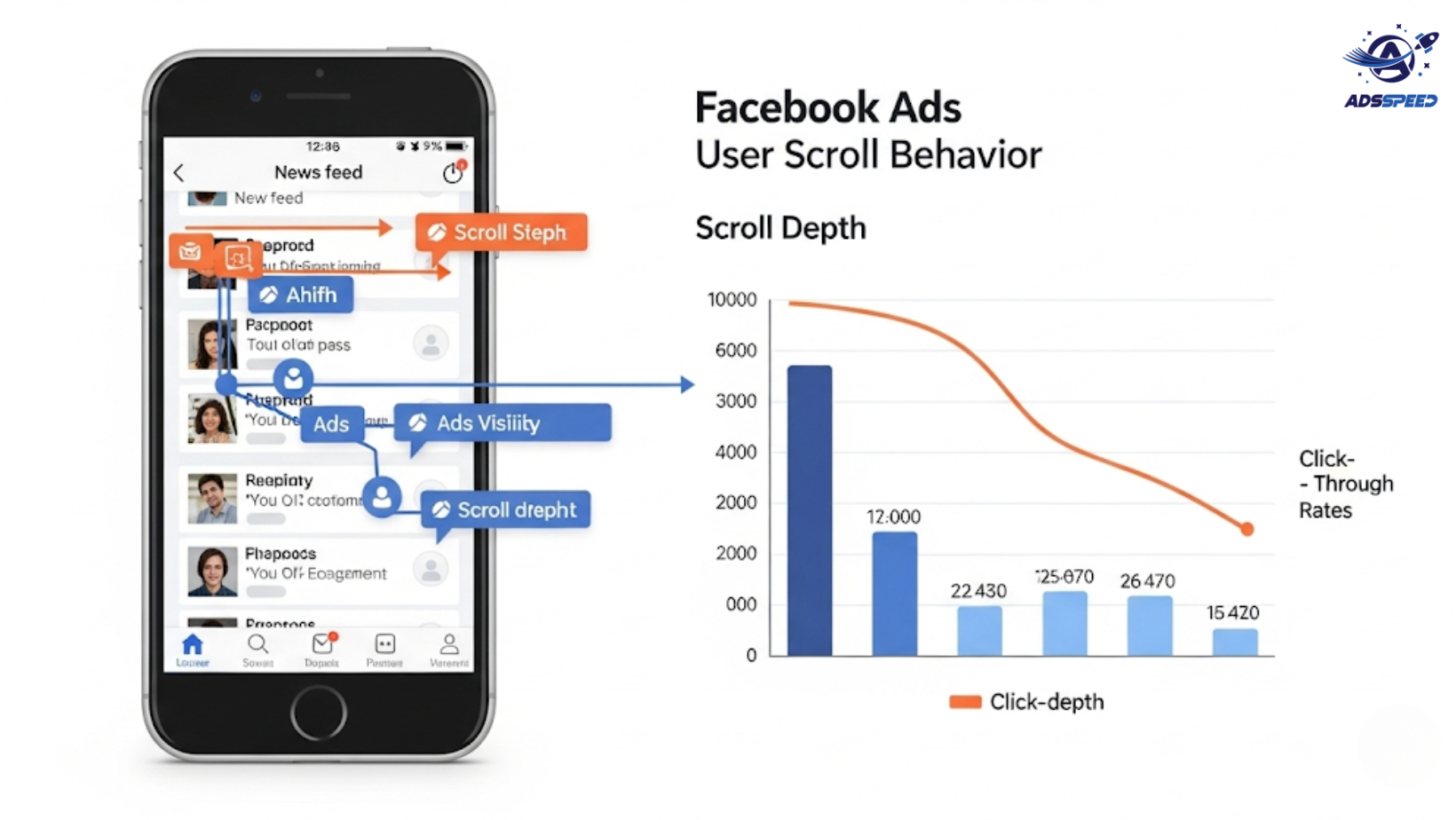
Why Scroll Behavior Matters in Facebook Ads
Every time users open Facebook or Instagram, they enter a high-speed scroll mode. Your ad only has 1–3 seconds to grab their attention before they swipe past.
By understanding user scroll behavior, marketers can:
- Improve ad visibility
- Reduce scroll-through skip rates
- Increase click-through rates (CTR)
- Maximize return on ad spend (ROAS)
Let’s break down how to adapt your Facebook Ads to match this behavior.
1. The Thumb-Stopping Test
Your first mission? Stop the scroll.
Most users scroll quickly until something visually disrupts their pattern. That’s where thumb-stopping creatives come in—images or videos that stand out instantly.
How to stop the scroll:
- Use bold colors and contrast
- Feature people, faces, or emotional expressions
- Animate motion in the first 1–2 seconds (for video ads)
- Include curiosity-driven or problem-solving headlines
Tip: Test different creatives with tools like Adsspeed or preview ads across devices to see how they catch attention mid-scroll.
2. Prioritize the Top-Visible Zone
When an ad appears in-feed, only a part of it is visible without scrolling. This includes:
- Image or thumbnail top portion
- First 1–2 lines of text
- Headline (if short enough)
Make this section count:
- Use bold benefit statements in line 1
- Add emojis or symbols (sparingly) for visual break
- Avoid burying the offer or hook in long paragraphs
3. Short vs. Long Copy: Match Intent
Scroll speed varies by user intent. Cold audiences scroll faster and need punchy, short-form ads. Warm or hot audiences may tolerate long-form storytelling.
Strategy:
- For awareness campaigns: short, punchy copy with a clear CTA
- For retargeting: longer copy that addresses objections and trust
Test both styles using A/B variations and monitor engagement metrics like CTR, time-on-ad, and bounce rates.
4. Leverage Vertical Video for Full-Screen Impact
On mobile, users are more likely to scroll vertically. Vertical videos (4:5 or 9:16 aspect ratio) fill the screen and feel more native—slowing the scroll.
Video best practices:
- Show your hook within the first 3 seconds
- Use large text overlays for silent viewing
- Include captions or animated CTAs
Many winning ads now begin with a movement pattern break—a fast zoom, snap motion, or surprising reveal.
5. Utilize Facebook’s Scroll Data Smartly
Facebook’s algorithm tracks how users scroll and interact. This includes:
- Time spent viewing your ad
- Whether they paused
- If they hovered over the CTA
- Scroll speed drop-offs
These signals feed into your ad’s Relevance Score and delivery optimization.
Track behavior with:
- Facebook Ads Manager’s Engagement Metrics
- On-site tools like heatmaps
- Post-click analysis using ads check speed or Google Analytics
🔹 Google Chrome Store: Search “Ads Check Speed | adsspeed.com”
https://chromewebstore.google.com/detail/ads-check-speed-adsspeedc/bhfahbbgppclfpeapkaebjbcffjnahcd
🔹 IOS Download : https://apps.apple.com/vn/app/adscheckspeed/id6742325139
🔹 Android Download : https://play.google.com/store/apps/details?id=com.dev.fbadsspeedv2&hl=vi
6. Match Ad Placement to Scroll Behavior
Scroll behavior differs across placements:
- Feed: high scroll rate, needs visual punch
- Stories: fast taps, vertical-only format
- Reels: immersive, audio-first with strong hooks
- In-Article: slower, more relaxed viewing
Tip: Customize creative per placement, rather than using the same asset everywhere.
Final Thoughts
Understanding Facebook’s scroll behavior isn’t just about visuals—it’s about timing, intent, and attention flow.
Optimize your ad to win in the first 3 seconds, match format to placement, and let data guide your next creative move.

