





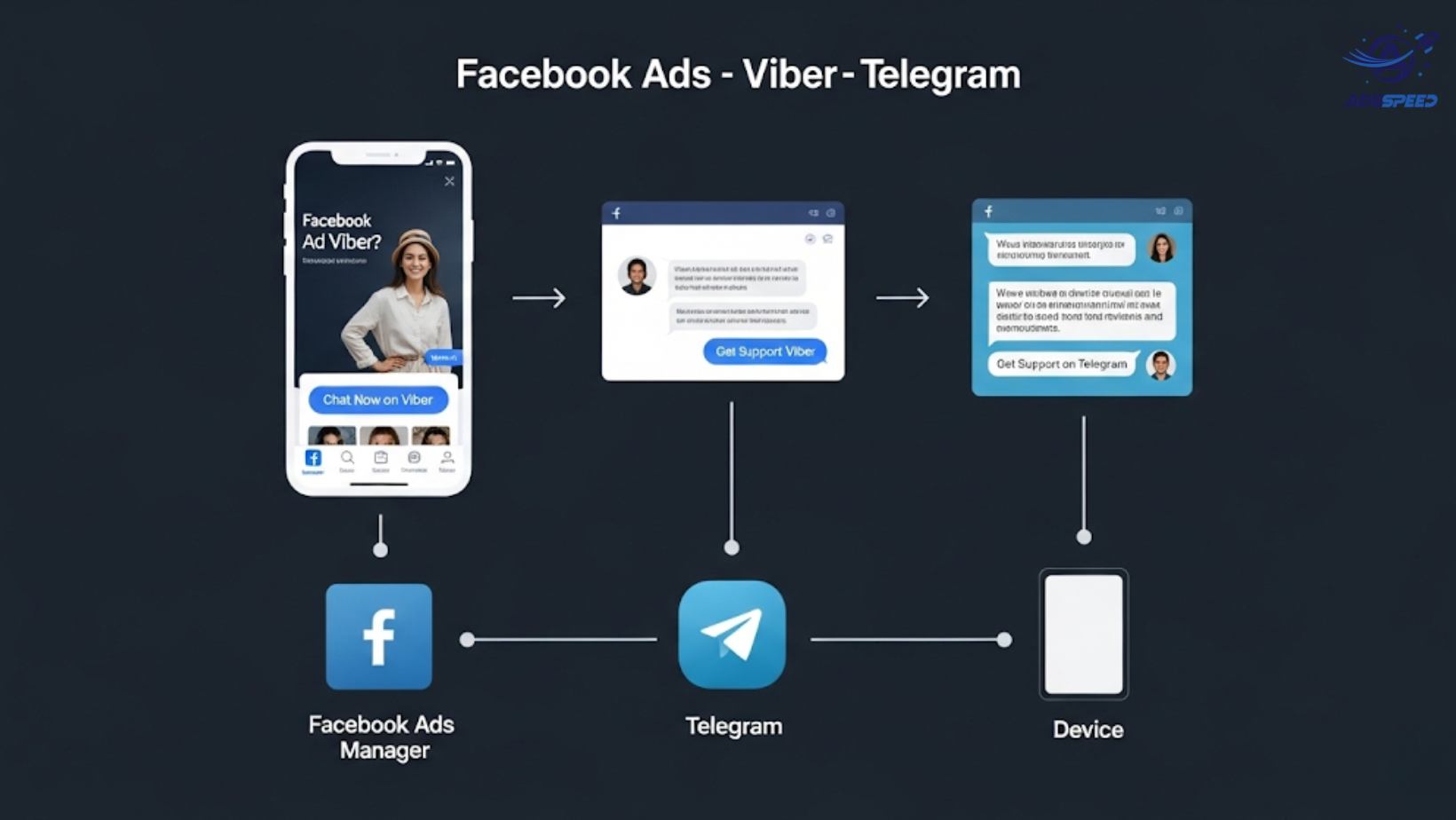
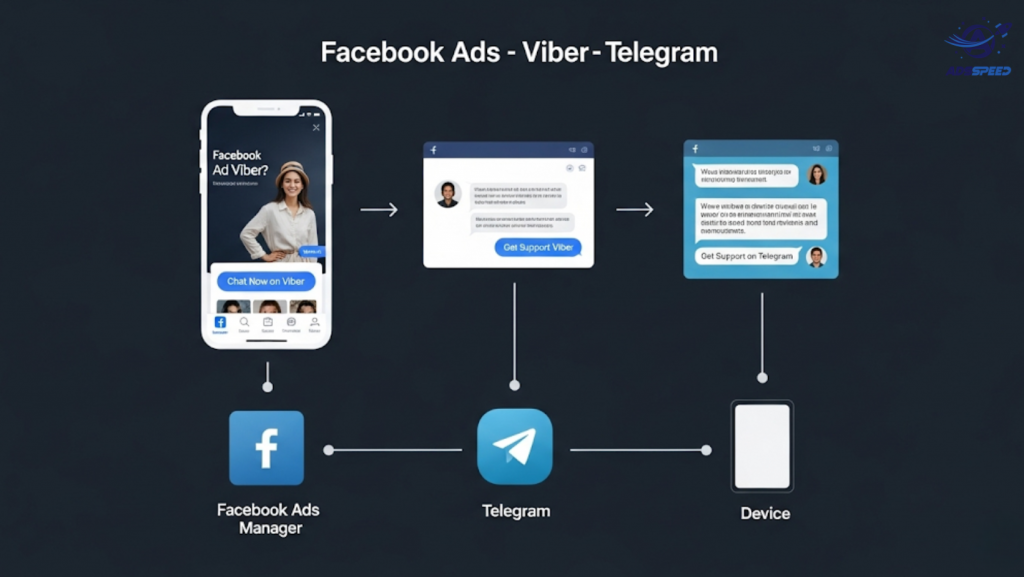
Why Integrate Facebook Ads with Messaging Apps?
In many global and emerging markets, Viber and Telegram are go-to messaging apps for communication. Users often feel more comfortable chatting via these apps than filling out forms or calling a hotline.
By linking your Facebook Ads to Viber or Telegram, you can:
- Build real-time engagement
- Offer instant customer support
- Drive conversions faster
- Reduce lead drop-off
1. Create a Click Path from Facebook to Messaging Apps
Facebook Ads do not directly support “Click-to-Viber” or “Click-to-Telegram” as native destinations like Messenger or WhatsApp. But there’s a smart workaround:
How It Works:
- Set up a Traffic or Conversion ad on Facebook.
- Link the ad’s CTA button to a landing page (using tools like LadiPage, Carrd, or even your own site).
- Place custom buttons that say “Chat on Viber” or “Message us on Telegram”.
- Use deep links like:
- viber://chat?number=YOURNUMBER
- https://t.me/YOURUSERNAME
These links open the respective apps instantly when clicked on mobile.
2. Use Messaging Bots to Guide the Conversation
To prevent user drop-off after the first click, make sure you provide a guided chat experience:
On Viber:
- Use Viber Business Messages or a chatbot via platforms like BotStar or SendPulse.
- Set up quick replies for FAQs, order support, or lead collection.
On Telegram:
- Use Telegram bots (e.g., via Manybot, FlowXO, or custom-built bots).
- Offer smart flows: product recommendations, customer support, or demo requests.
Automated flows = faster response + better conversion.
3. Offer a Clear Incentive to Start a Conversation
Facebook users are more likely to click your ad and message you if they get something in return.
Effective incentives include:
- Discount codes (“Chat now to get 10% off”)
- Exclusive info or guides
- Priority support or booking
- Membership to a VIP group (for Telegram)
Write a strong CTA in your ad:
“Have questions? Chat with us on Viber – support in under 5 minutes!”
4. Track Conversions from Facebook to Messaging Apps
Tracking performance is essential—but tricky across platforms. Here’s how to do it:
- Use UTM links in your ad’s button to track clicks in Google Analytics.
- Add Pixel tracking on the landing page between Facebook and the app links.
- If using bots, enable lead tracking or webhook integration with your CRM or Google Sheets.
Tip: Use tools like ads check speed to audit your funnel and measure click-through performance fast.
🔹 Google Chrome Store: Search “Ads Check Speed | adsspeed.com”
https://chromewebstore.google.com/detail/ads-check-speed-adsspeedc/bhfahbbgppclfpeapkaebjbcffjnahcd
🔹 IOS Download : https://apps.apple.com/vn/app/adscheckspeed/id6742325139
🔹 Android Download : https://play.google.com/store/apps/details?id=com.dev.fbadsspeedv2&hl=vi
5. Retarget Messaging Users with Facebook Ads
If a user lands on your landing page but doesn’t start a chat, retarget them:
- Set up a Custom Audience for landing page visitors.
- Create retargeting ads with new offers, testimonials, or urgency.
- Push them back to your Viber/Telegram entry point for conversion.
Final Thoughts
While Facebook doesn’t natively integrate with Viber or Telegram, a smart funnel using landing pages, deep links, and automation bridges the gap. Done right, it creates a low-friction customer journey that feels personal and effective.

