





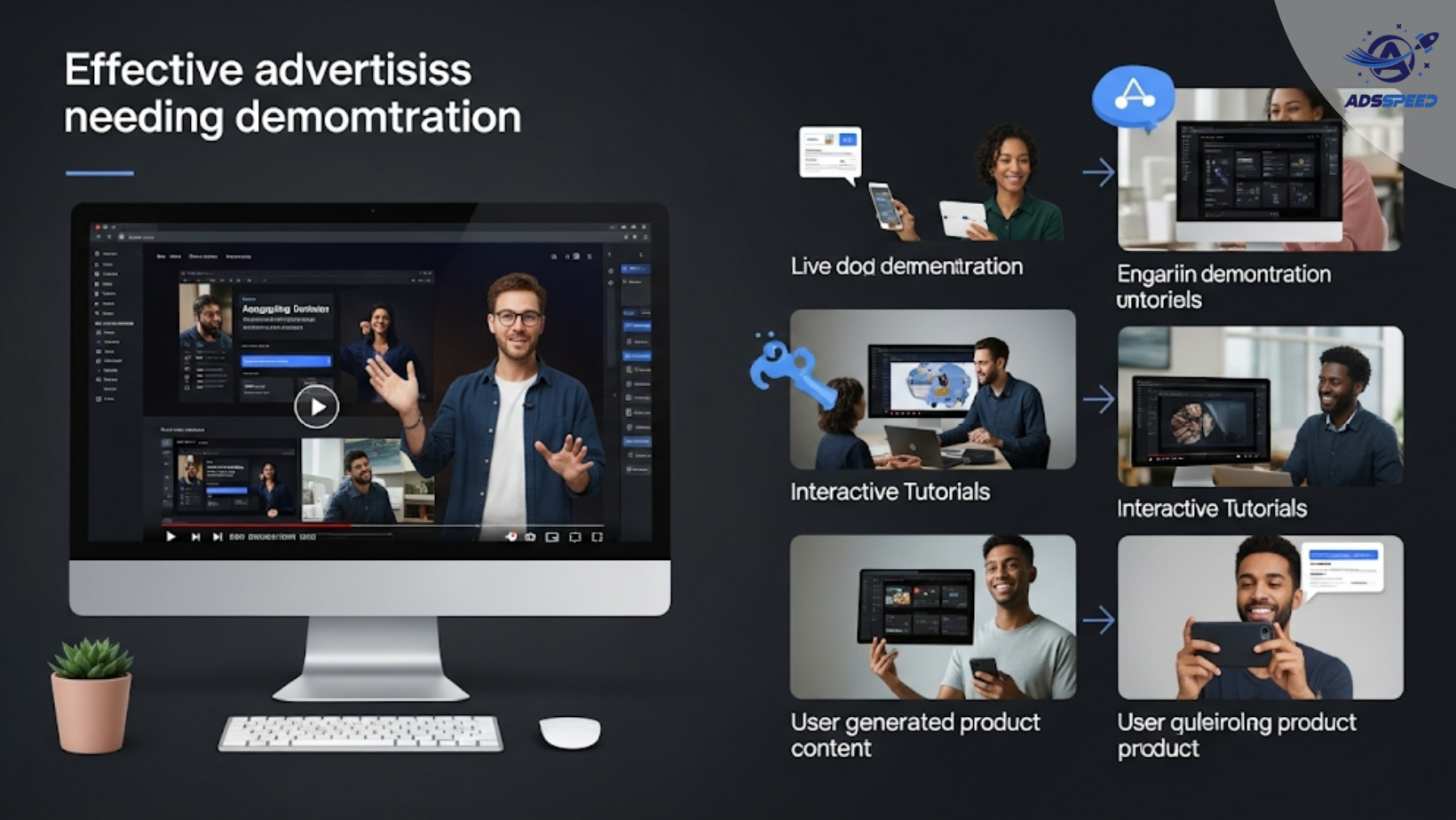
Why Product Demonstration Matters in Facebook Ads
If your product is innovative, hands-on, or solves a problem not immediately obvious, visual explanation is key. Demonstration ads let you:
- Educate your audience quickly
- Overcome objections before they arise
- Showcase real-life benefits and use cases
- Build trust through transparency
Unlike simple, static ads, demo-based ads let the product speak for itself.
Which Products Need Demonstration?
Products that often require demonstration include:
- Kitchen appliances or tools
- Skincare or beauty gadgets
- Fitness equipment
- Mobile apps or software
- DIY or assembly-required items
- Tech devices with unique features
These items benefit more from seeing in action than just reading specs.
Facebook Ad Formats That Work Best
1. Video Ads
Nothing beats video for demonstration. Use:
- Step-by-step tutorials
- Unboxing clips
- Time-lapse or before-after comparisons
- Screen recordings for apps or platforms
Tip: Add subtitles—many people watch without sound.
2. Carousel Ads
Each card can show a different use case, benefit, or feature, creating a visual walkthrough.
3. Instant Experience (Full-Screen Ads)
Create a mobile-first, immersive format that walks users through the product journey from problem to solution.
Creative Best Practices
- Start with a pain point or hook
- Show the product in use within the first 3 seconds
- Focus on results and ease of use, not just features
- Add testimonials or user reactions during the demo
- Include a clear CTA like “Watch how it works” or “Try it now”
Use performance tools like ads check speed or Adsspeed to monitor how fast your video demos load and perform across devices.
🔹 Google Chrome Store: Search “Ads Check Speed | adsspeed.com”
https://chromewebstore.google.com/detail/ads-check-speed-adsspeedc/bhfahbbgppclfpeapkaebjbcffjnahcd
🔹 IOS Download : https://apps.apple.com/vn/app/adscheckspeed/id6742325139
🔹 Android Download : https://play.google.com/store/apps/details?id=com.dev.fbadsspeedv2&hl=vi
Copy Tips for Demo Ads
- Use action verbs: “See it in action”, “Watch how”, “Tap to view”
- Mention relatable outcomes: “No more messy wires” or “One-click setup”
- Highlight transformation: “Before vs. After”
Example:
“Tired of tangled cables? Watch how our Magnetic ClipTech keeps your desk clean—in just 30 seconds.”
Tracking Success
To ensure your demo-focused ads are working:
- Track view-through rates (VTR) on videos
- Use UTM codes to follow the full journey
- A/B test different demo angles (e.g. tutorial vs testimonial)
- Retarget viewers who watched 75% or more with a stronger CTA
Final Thoughts
Running ads for products that require demonstration isn’t just helpful—it’s necessary for some offers.
By choosing the right format, storytelling, and tracking, you can turn product complexity into a conversion advantage.

