





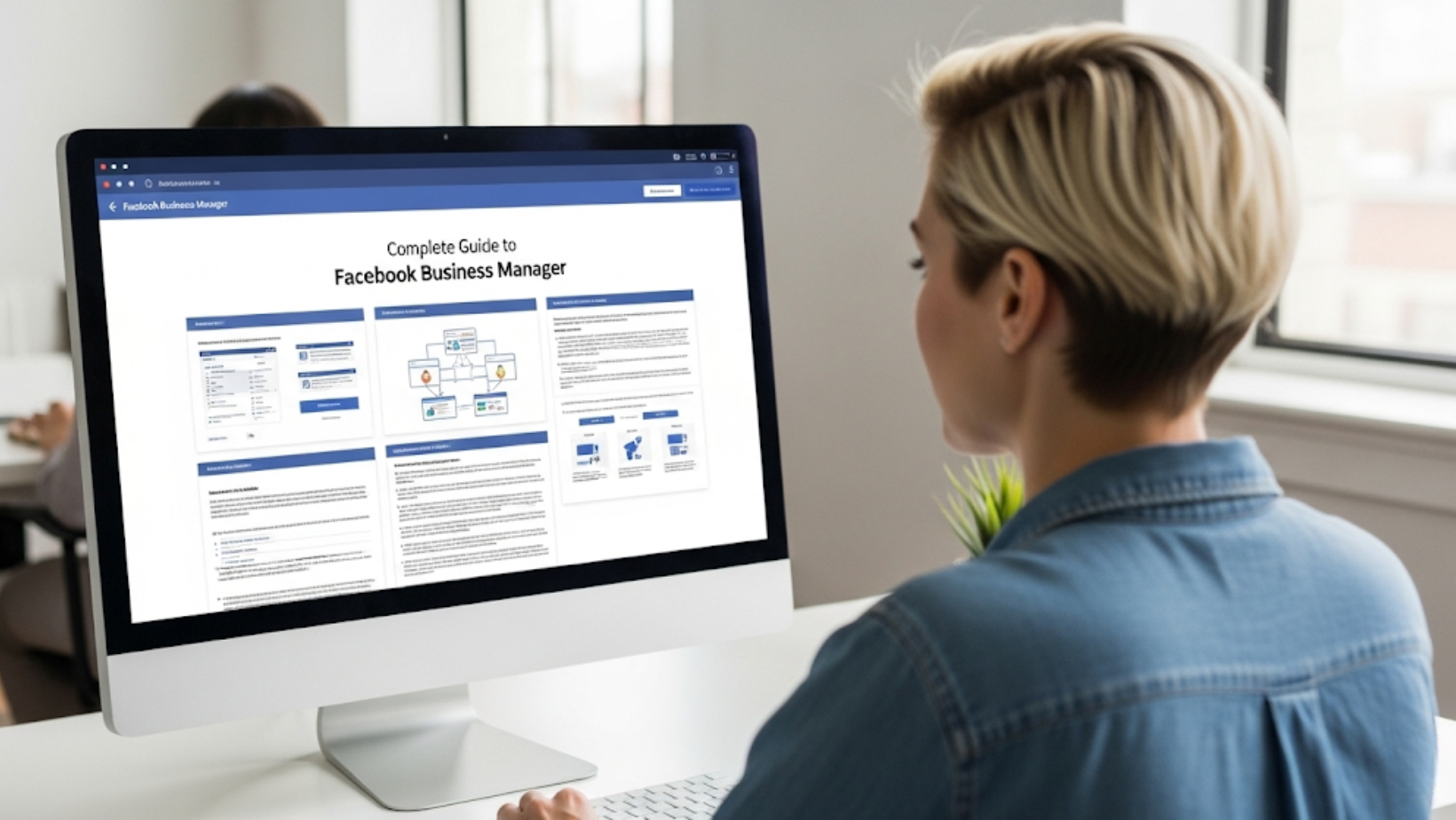
Are you still managing Facebook Ads from your personal account?
That’s risky, unscalable, and not professional. If you’re serious about growing your business online, it’s time to switch to Facebook Business Manager (now Meta Business Suite).
This complete guide walks you through everything you need to know in 2025 to set up, optimize, and master Business Manager.
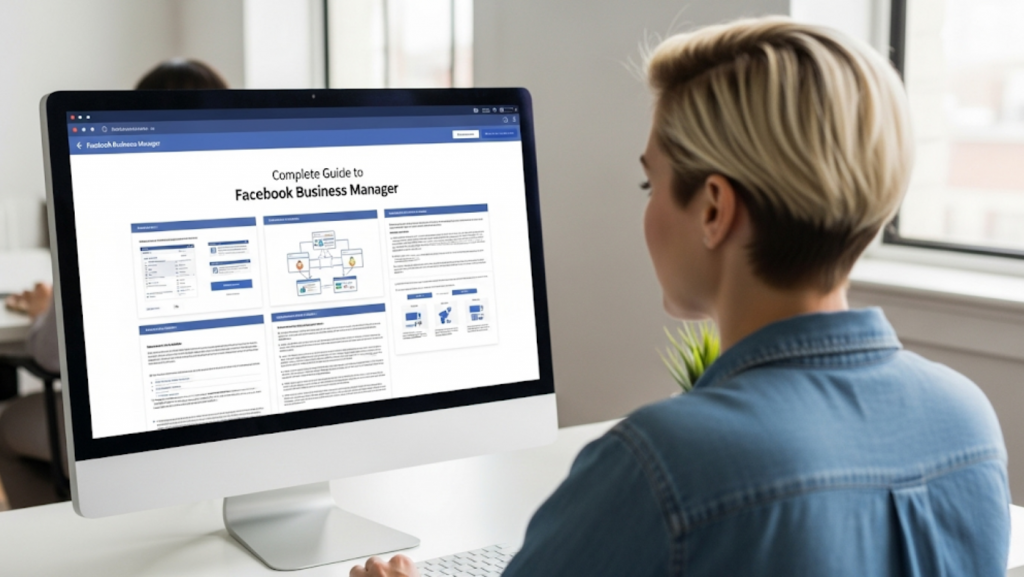
🔍 What Is Facebook Business Manager?
Facebook Business Manager (now part of Meta Business Suite) is a centralized platform where you can manage:
- Facebook & Instagram pages
- Ad accounts
- Team permissions
- Pixels & custom audiences
- Business settings securely
✅ It’s the control center for everything related to your business’s presence on Meta platforms.
✨ Key Benefits
| Feature | Benefit |
| Centralized control | Manage multiple Pages, assets & people securely |
| Access control | Give different permission levels to your team or agency |
| Pixel & Events setup | Track website activity and conversions |
| Payment management | Add, control, or restrict who uses your payment methods |
| Better security | Prevent loss of business assets with two-factor authentication |
🛠️ Step-by-Step: How to Set Up Facebook Business Manager
1. Create a Business Manager Account
👉 Go to business.facebook.com
Click “Create Account”
Fill in:
- Business name
- Business details
2. Add Your Facebook Page
- Go to Business Settings
- Click “Pages” → Add Page
- Choose “Claim an existing Page” or “Request Access”
3. Add an Ad Account
You can:
- Claim an existing ad account
- Create a new one
- Request access to a client’s ad account
⚠️ You can’t remove an ad account once added, so choose wisely!
4. Assign People & Permissions
Go to:
Business Settings → People → Add
You can set:
- Admin
- Employee
- Finance Analyst
👥 Tip: Use 2FA (Two-factor authentication) for all users.
5. Connect Instagram & WhatsApp Business
You can now integrate:
- Your Instagram account for cross-platform advertising
- WhatsApp Business for message campaigns
6. Set Up Your Pixel & Events Manager
Pixels help track:
- Conversions
- Website traffic
- Product sales
📍 Go to Events Manager → Create Pixel → Add to your website via code or partner integration (like Shopify).
🔄 Business Manager vs. Meta Business Suite
| Feature | Business Manager | Meta Business Suite |
| Main Use | Asset control, permissions | Content scheduling, overview |
| Access | More advanced | More visual |
| Best for | Agencies, advertisers | Solo brands, social media managers |
🧩 Common Issues & Fixes
| Issue | Solution |
| Can’t add a Page | Check admin rights on that Page |
| Pixel not firing | Use Meta Pixel Helper extension to debug |
| Ad account access denied | Confirm Business ID matches the one used by the client |
| Team member can’t access | Double-check assigned permissions under “People” tab |
🔐 Tips for Security & Access Control
- Always enable 2-Factor Authentication
- Assign Finance roles carefully
- Never share passwords; assign via Business Manager
- Use Business Verification for credibility and ad account stability
🎯 Final Thoughts
Setting up your Facebook Business Manager the right way saves time, prevents access issues, and creates a secure base for scaling your campaigns.

