





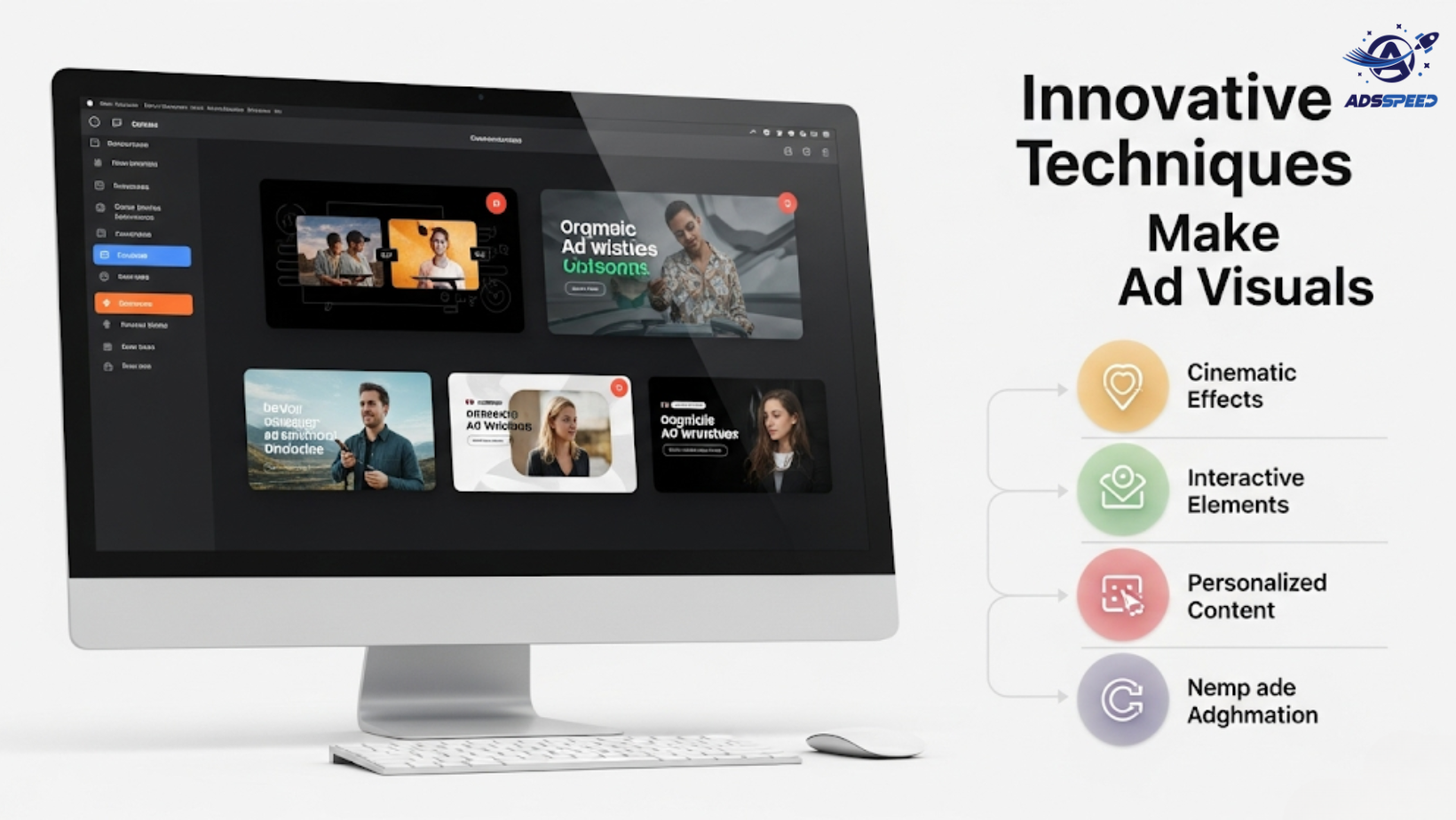
Why Visuals Matter More Than Ever
On Facebook, your visuals are the first (and often only) thing users see before deciding whether to engage. In a crowded feed, static and generic designs simply don’t cut it anymore.
Whether you’re running Facebook Ads for eCommerce, services, or personal branding, great visuals can:
- Stop the scroll
- Deliver your message faster
- Trigger emotional response
- Improve click-through and conversion rates
Let’s explore the most creative ways to make your ad visuals come alive — and stand out.
1. Use Subtle Motion in Static Designs
Static doesn’t have to mean boring. Add life to images by using:
- Cinemagraphs (photos with one moving element, like steam or blinking lights)
- Gently animated text overlays
- Pulse or bounce effects on CTAs
Micro-movements subtly draw attention without overwhelming the viewer.
2. Tell a Story in a Carousel
Carousel Ads don’t have to be product slideshows. Try:
- Sequential storytelling: Use each card to build a mini-narrative
- Zoom-out effect: Start close, reveal more with each swipe
- Before-and-after journeys: Show transformation step-by-step
This approach increases swipes and keeps users engaged longer.
3. Embrace User-Generated Content (UGC)
Nothing feels more “alive” than real people using your product or service.
Try:
- UGC videos with expressive reactions
- Collage-style visuals featuring real customer photos
- Side-by-side comparisons: studio vs. customer photo
Bonus: UGC builds trust and authenticity, especially in competitive industries.
4. Use Bold Color Psychology
Colors impact perception, emotion, and memory. Use:
- Warm tones (orange, red) to spark urgency or passion
- Cool tones (blue, green) to evoke trust or calm
- Contrasting accents for call-to-action buttons
Consistent color use also helps reinforce brand identity.
5. Add Unexpected Visual Twists
Surprise makes your ad memorable. Try:
- A product floating in mid-air
- An upside-down headline
- Creative use of white space or broken-grid layout
- Mixing real photography with illustrated elements
These visual “interruptions” often perform better than standard designs.
6. Use Video in a Smart, Silent-Friendly Way
Most Facebook users watch videos without sound. So:
- Add bold captions or motion text
- Use expressive facial reactions or gestures
- Design for vertical placement (Reels/Stories format)
- Keep your message front-loaded in the first 3 seconds
Tools like Adsspeed can help you A/B test video vs. image quickly across multiple ad sets and markets.
🔹 Google Chrome Store: Search “Ads Check Speed | adsspeed.com”
https://chromewebstore.google.com/detail/ads-check-speed-adsspeedc/bhfahbbgppclfpeapkaebjbcffjnahcd
🔹 IOS Download : https://apps.apple.com/vn/app/adscheckspeed/id6742325139
🔹 Android Download : https://play.google.com/store/apps/details?id=com.dev.fbadsspeedv2&hl=vi
7. Bring Data to Life Visually
If your ad shares insights or results:
- Use animated charts or infographics
- Turn a number into a visual metaphor (e.g., 92% → filling cup)
- Make data feel human — not spreadsheet-like
This is perfect for SaaS, education, and service-based brands.

