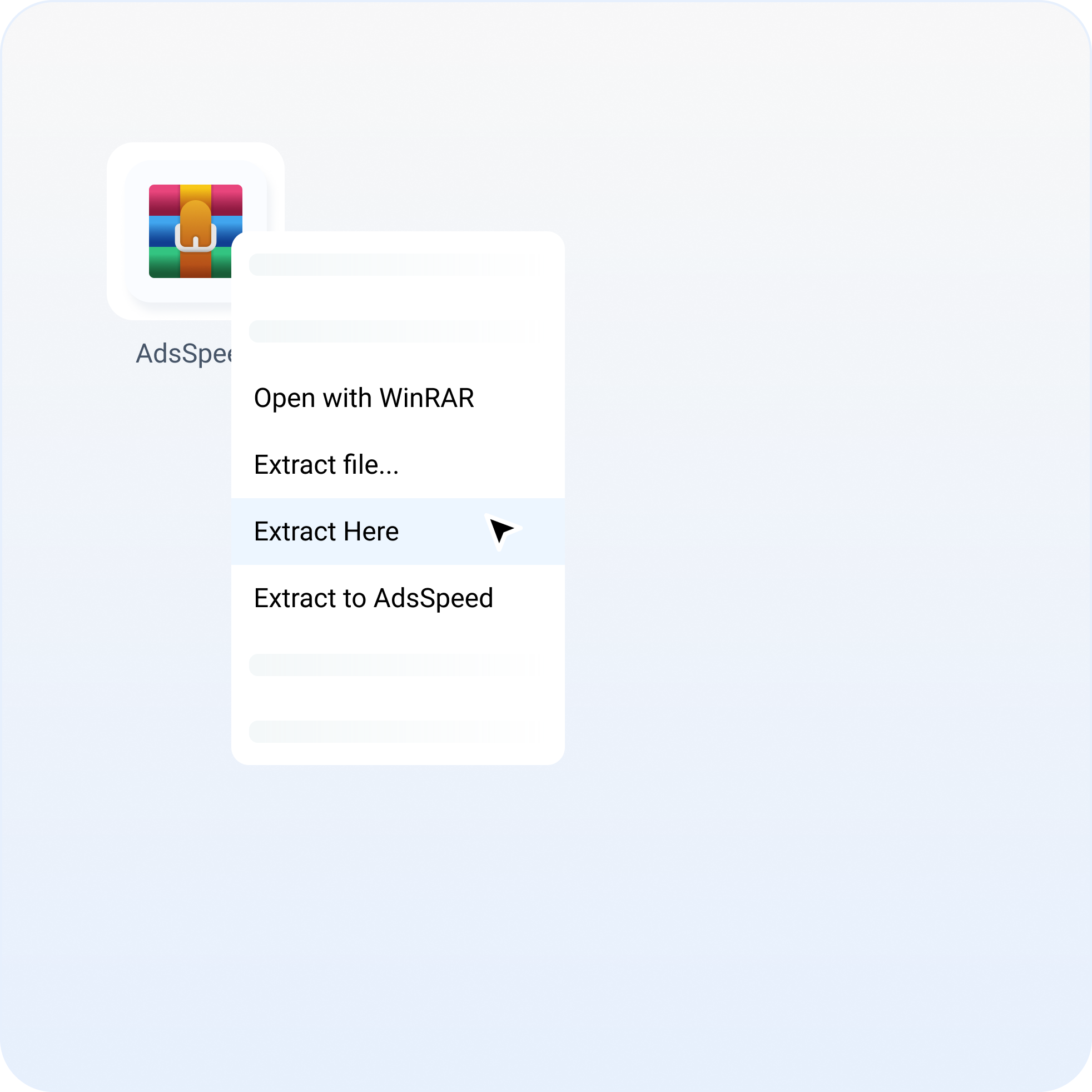
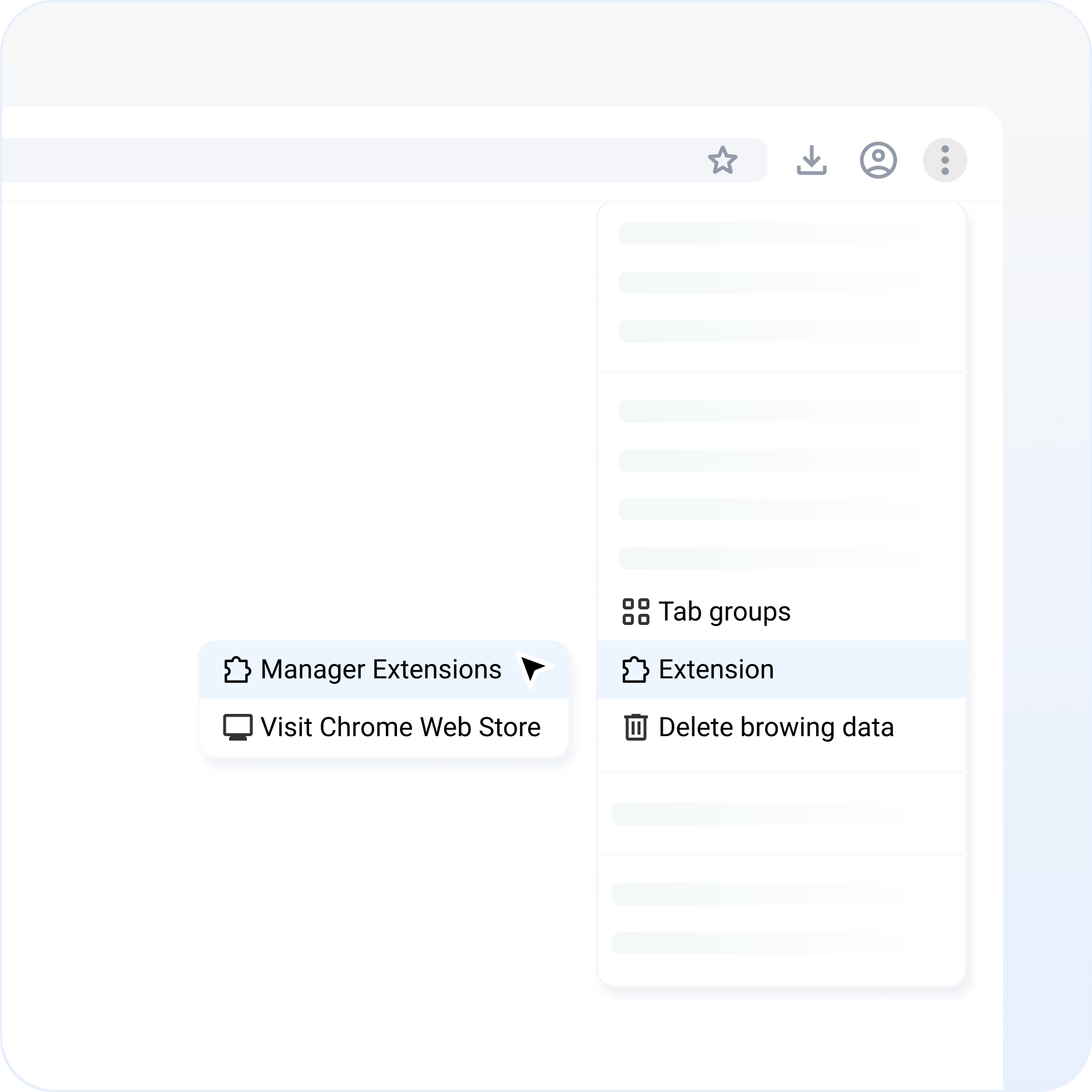
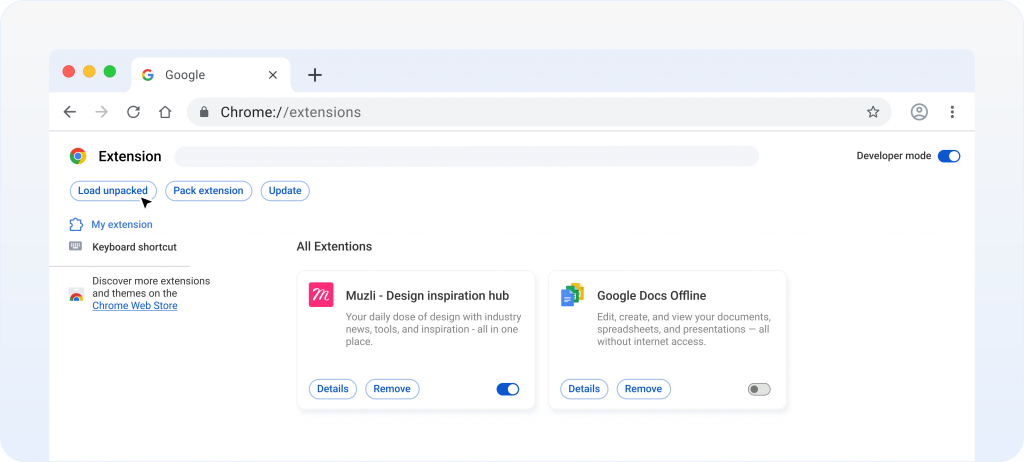
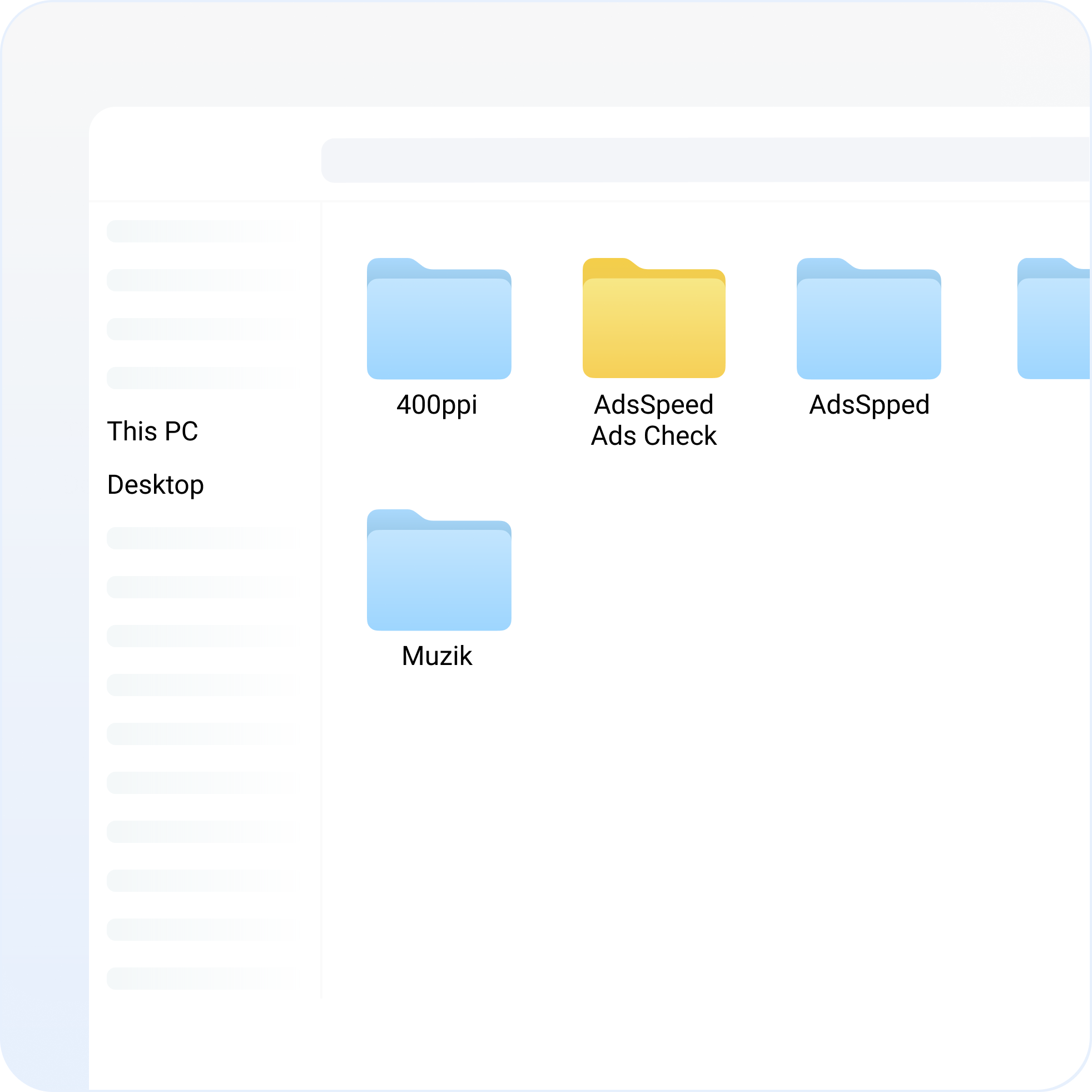
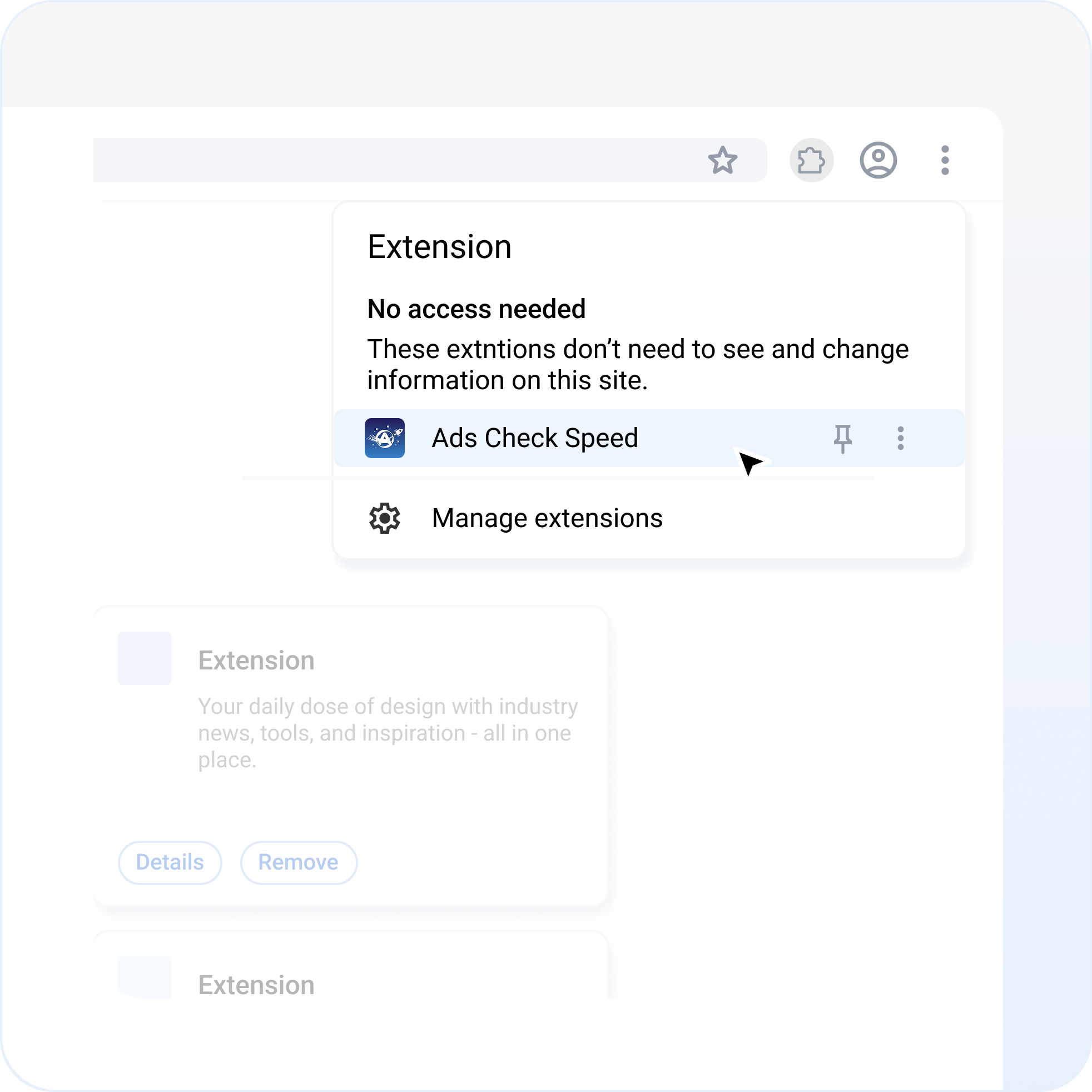
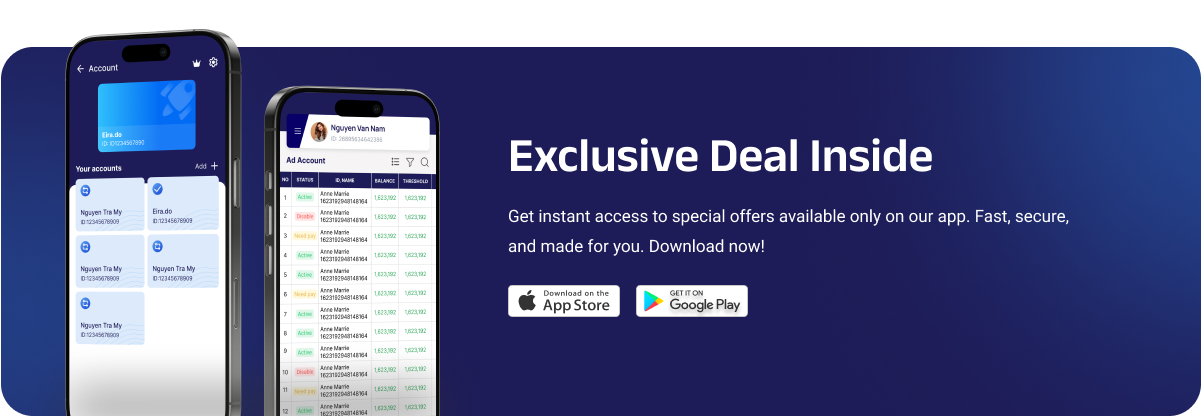
Download Our App Today! Instructions for installing AdsSpeed on PC/MAC Chromium Core Optimized version for browsers like Google Chrome, Brave, Opera, Coc Coc and more iOS, Android Download on iOS or Android to control and track your ad campaigns anytime, every device Join our community Join our Telegram community to get the latest news and limited membership offers Method 2: Download file and install Click here to download AdsSpeed 1. Extract file to AdsSpeed-Ads Check 2. Go to settings on your browser and select Manage Extensions 3. Select Load unpacked 4. Select AdsSpeed-Ads Check folder 5. Start using AdsSpeed