





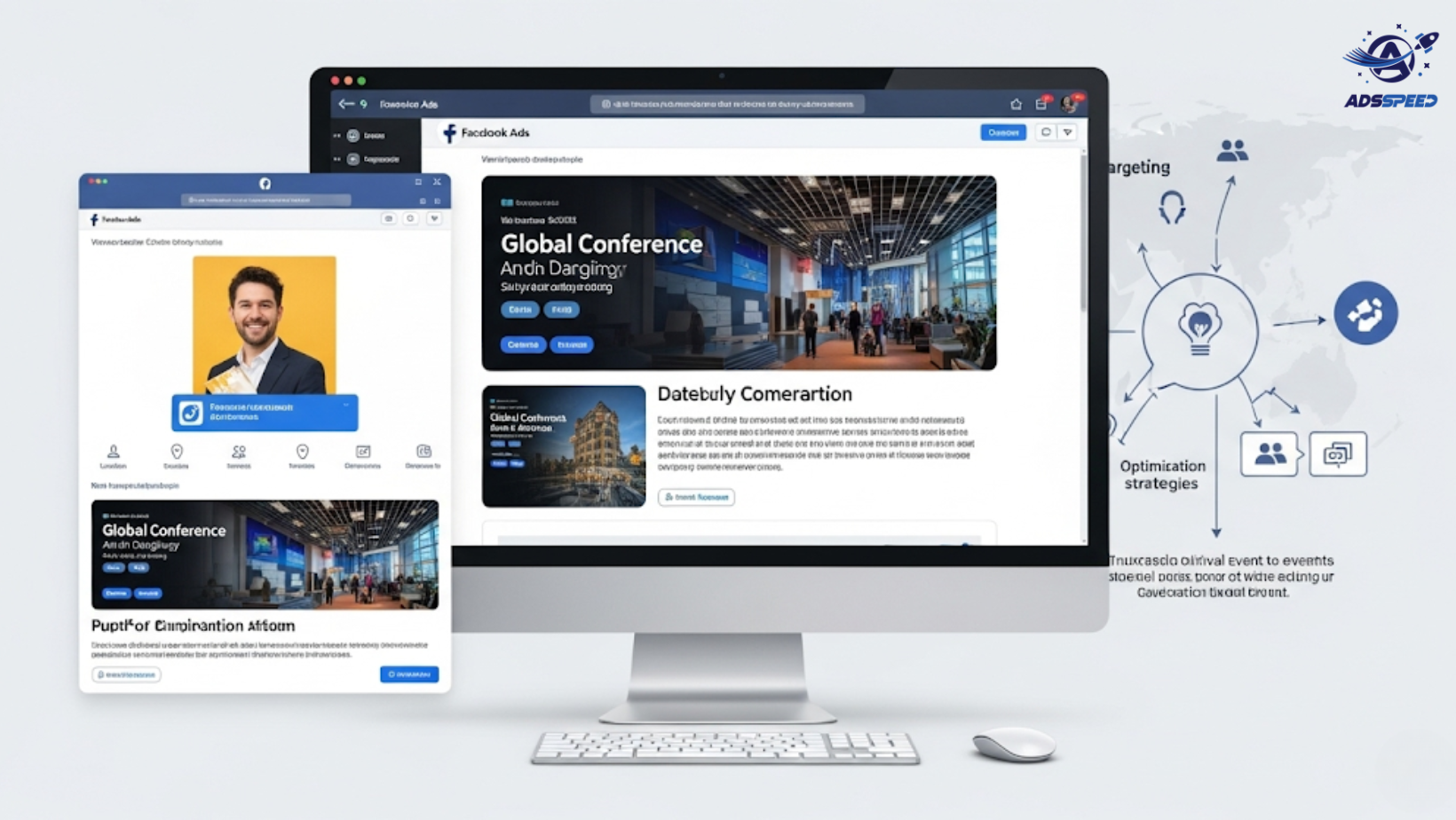
Why Use Facebook Ads for Global Events?
Global conferences and events require broad reach, precise targeting, and cost-effective promotion—all of which Facebook Ads are built for. Whether you’re hosting a tech summit in Singapore, a startup forum in Berlin, or a virtual workshop spanning time zones, Facebook helps you:
- Reach niche professional audiences
- Retarget visitors who showed interest but didn’t sign up
- Promote in multiple languages and currencies
- Monitor performance across different countries
Step 1: Define Your Global Target Audience
Start by identifying:
- Geography: Where are your ideal attendees? Target by country, city, or region.
- Profession: Use job titles, industries, or employers in your targeting.
- Language: Tailor ad creatives for English, Spanish, Korean, or other local audiences.
- Behavior: Target people who attend events or frequently travel internationally.
Pro tip: Tools like adsspeed can help manage these segmented campaigns across different markets, keeping your ad budget in check.
Step 2: Use Time-Zone-Aware Ad Scheduling
Global audiences live in different time zones—so should your ads.
Use Ad Scheduling in Facebook to make sure your promotions appear when people are awake and active. For example:
- Run ads in Europe from 6am–10pm CET
- Run ads in Asia-Pacific from 8am–11pm JST
- Run ads in the Americas from 7am–10pm EST/PST
Avoid wasting budget by showing ads when your audience is asleep.
Step 3: Promote Early, Mid, and Last-Minute
For best results, break your campaign into three phases:
- Early bird: Focus on awareness and discounted tickets (30–60 days before)
- Mid-run: Share speaker lineups, agenda highlights (15–30 days before)
- Last push: Use urgency-based messaging like “Seats are filling fast!” (Last 7 days)
Facebook’s retargeting capabilities allow you to show different ads to people who visited your landing page but haven’t registered yet.
Step 4: Retarget and Remarket to Drive Sign-ups
Use these powerful tools:
- Custom Audiences: Upload email lists from past attendees
- Website Retargeting: Show ads to people who visited the registration page but didn’t convert
- Lookalike Audiences: Find new potential attendees similar to your past ones
You can also A/B test creatives to see which versions convert better. Platforms like adsspeed make managing multiple creatives and pages easier—especially for multi-country campaigns.
Step 5: Optimize for Mobile and Cross-Device
Many users browse Facebook events on mobile. Make sure:
- Your landing page is mobile-friendly
- Forms are quick and easy to fill out
- Video teasers or highlights are subtitled and short
Don’t forget to use Facebook Pixel to track sign-ups and optimize for event registrations.
Bonus: Use Event-Based Ad Formats
Use formats like:
- Event Response Ads – to drive in-app RSVPs
- Messenger Ads – to answer FAQs and boost engagement
- Video Ads – for speaker highlights or venue walkthroughs
- Carousel Ads – to showcase key moments or speaker lineup
Conclusion
Facebook Ads can help you attract the right attendees, no matter where they are in the world. With smart segmentation, proper scheduling, and retargeting, you can boost visibility and maximize registrations for your next global conference.
And when managing multiple ad accounts, creatives, and time zones feels overwhelming—tools like adsspeed help streamline it all from one intuitive dashboard.
🔹 Google Chrome Store: Search “Ads Check Speed | adsspeed.com”
https://chromewebstore.google.com/detail/ads-check-speed-adsspeedc/bhfahbbgppclfpeapkaebjbcffjnahcd
🔹 IOS Download : https://apps.apple.com/vn/app/adscheckspeed/id6742325139
🔹 Android Download : https://play.google.com/store/apps/details?id=com.dev.fbadsspeedv2&hl=vi
Make your next global event unforgettable—start with the right Facebook Ads strategy.

