






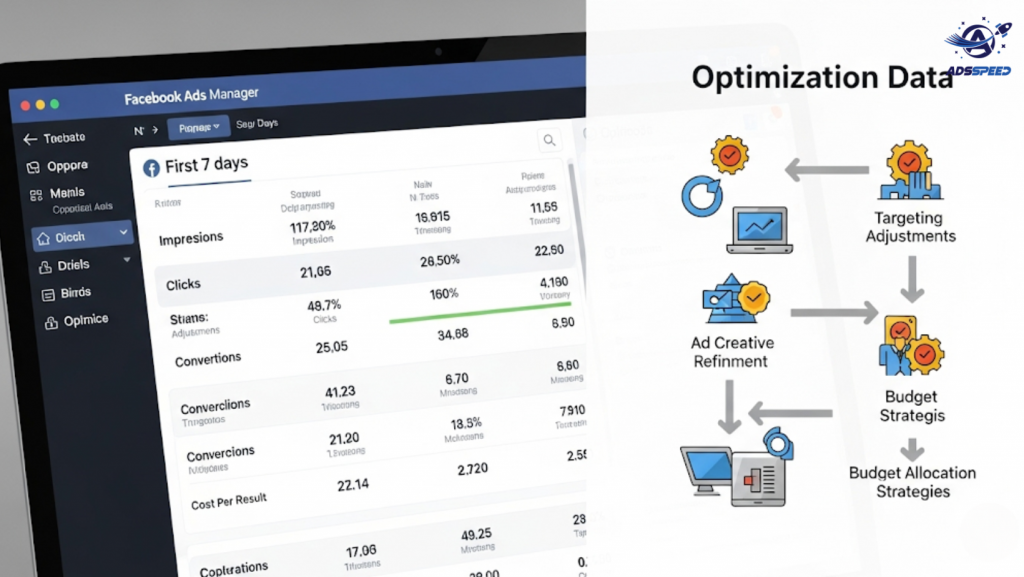
Why the First 7 Days Matter
The first week of your Facebook Ads campaign is all about data collection and learning. Facebook’s algorithm is in the Learning Phase, testing who to show your ad to and how to best deliver results.
But once you cross day 7, it’s time to analyze, optimize, and scale. Without action, your campaign might stall—or worse, waste your budget.
Step 1: Review Core Performance Metrics
After 7 days, dig into your Ads Manager and assess:
- CTR (Click-Through Rate) — Is your ad catching attention?
- CPC (Cost per Click) — Are you paying too much for each click?
- CPM (Cost per 1000 Impressions) — Useful to compare ad efficiency.
- Conversion Rate — Is the traffic actually converting?
Use tools like ads check speed or Adsspeed to quickly compare performance across multiple campaigns or accounts.
🔹 Google Chrome Store: Search “Ads Check Speed | adsspeed.com”
https://chromewebstore.google.com/detail/ads-check-speed-adsspeedc/bhfahbbgppclfpeapkaebjbcffjnahcd
🔹 IOS Download : https://apps.apple.com/vn/app/adscheckspeed/id6742325139
🔹 Android Download : https://play.google.com/store/apps/details?id=com.dev.fbadsspeedv2&hl=vi
Step 2: Evaluate Audience Segments
See which audiences are responding best.
- Age, gender, device, and location breakdowns
- Cold vs. warm audiences
- Lookalikes vs. interests
Turn off segments that underperform. Double down on the best ones by duplicating the ad set and allocating more budget.
Step 3: Refresh Creative If Engagement Is Low
Low CTR or high frequency? It might be time to refresh your ad creative:
- Swap out your headline (see our “3-day headline test” method)
- Test a new image or video
- Rewrite your primary text to be more benefit-focused
Make small, controlled changes—not all at once—so you can track impact.
Step 4: Use Retargeting for Interested Users
By now, you’ve built an audience of people who:
- Clicked your ad
- Watched 50%+ of your video
- Visited your website
Create retargeting campaigns with:
- Limited-time offers
- Testimonials or case studies
- Reminder messages like “Still interested?”
These users are warm leads—don’t let them go cold.
Step 5: Adjust Budget Strategically
Don’t just scale blindly. Follow this rule:
- If your campaign is hitting goals: Increase budget slowly (10–20% every 2–3 days)
- If it’s underperforming: Reduce or pause and test alternatives
Pro tip: Use campaign budget optimization (CBO) if running multiple ad sets and want Facebook to allocate spend dynamically.
Step 6: Watch the Learning Phase Status
If your campaign is still “Learning Limited” after 7 days, try:
- Consolidating ad sets
- Increasing daily budget slightly
- Avoiding frequent edits that reset learning
Your goal is to give Facebook enough consistent data to optimize delivery.
Final Thoughts
The first 7 days are just the start. What you do after determines your campaign’s success. With smart optimization, clear metrics, and consistent tweaks, you’ll turn an average ad into a high-performing asset.

