





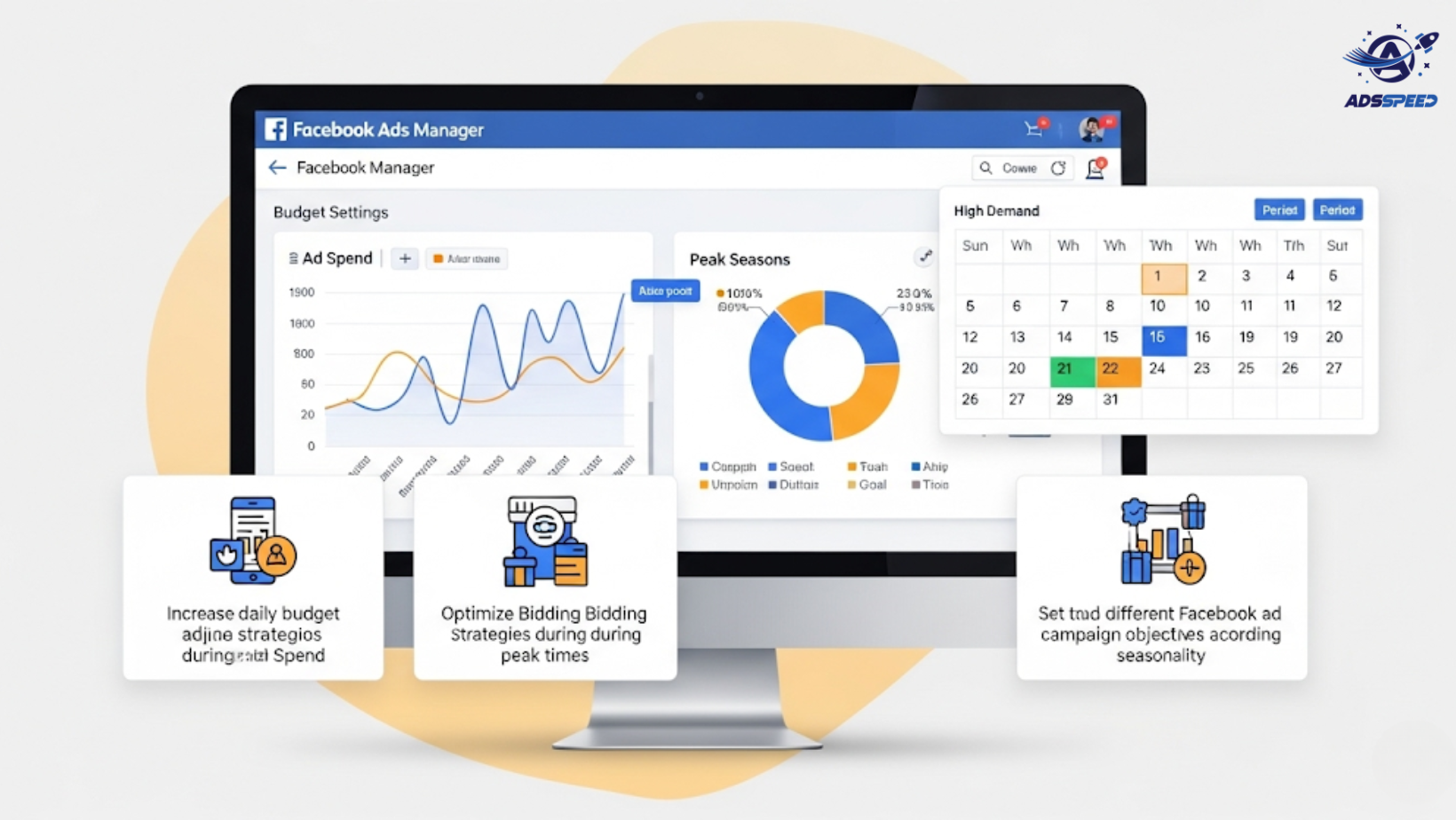
Why Budget Allocation Matters More During Peak Seasons
Peak seasons—like Black Friday, Cyber Monday, Christmas, or back-to-school—come with huge opportunities and intense competition.
Higher traffic
More purchase intent
But also: Increased CPMs and faster ad fatigue
That’s why knowing how to allocate your Facebook Ads budget effectively can make or break your campaign.
1. Start Planning 2–4 Weeks in Advance
Don’t wait until the big day.
Set aside 20–30% of your total peak season budget for pre-season campaigns.
Use this phase to:
- Build warm audiences
- Collect leads
- Educate users on offers
- Test creatives and CTAs
Example:
Run lead ads with “Notify Me” offers to create anticipation and grow email lists.
Tools like Adsspeed can help you organize and scale these early-phase campaigns efficiently.
2. Allocate Budget by Funnel Stage
During peak season, break your total budget into three main parts:
| Funnel Stage | Budget Allocation | Goal |
| Awareness | 20–30% | Reach cold audiences |
| Consideration | 20–30% | Engage and nurture |
| Conversion | 40–60% | Close sales with urgency |
Conversion campaigns get the biggest slice only after you’ve warmed up your audience.
3. Increase Budget Gradually, Not All at Once
Instead of a massive one-day spike, scale gradually as the key dates approach.
Budget ramp-up example:
- Week 1 (pre-season): 10–15%
- Week 2: 20%
- Week 3 (peak week): 50–60%
- Week 4 (post-season): 10–15%
Meta’s learning phase resets if you change too much too quickly. Scale with 10–20% daily increases where possible.
4. Use Campaign Budget Optimization (CBO)
Let Facebook’s AI help you optimize performance across ad sets.
CBO helps:
- Shift budget to top-performing audiences automatically
- Balance ROAS during high-volume days
- Prevent underspending or overspending in weaker segments
Combine CBO with Adsspeed‘s budget monitoring to avoid overspending or missed opportunities.
5. Retarget Like a Pro
Set aside at least 20–25% of your peak budget for retargeting:
- Add-to-cart abandoners
- Product viewers
- Engaged video viewers or lead form openers
Use dynamic product ads (DPAs) and urgency-based copy like:
“Only 3 items left – complete your purchase now!”
Peak season = fast decision cycles. Use time-sensitive copy and countdown timers in creatives.
6. Don’t Forget the Post-Peak Phase
After your main sale period, use remaining budget (10–15%) to:
- Retarget non-converters
- Upsell to new customers
- Send loyalty thank-you messages
- Promote “last chance” or clearance offers
This is also a good time to gather feedback, run engagement ads, and test future creatives.
Final Tips for Peak Season Budgeting
Set daily budget caps to control sudden spending surges
Prepare multiple creatives to fight ad fatigue
Keep a flexible “buffer budget” for real-time opportunities
Monitor performance hourly during the peak day(s)
Use real-time tracking tools like ads check speed and Adsspeed to stay in control and make fast budget pivots when needed.
🔹 Google Chrome Store: Search “Ads Check Speed | adsspeed.com”
https://chromewebstore.google.com/detail/ads-check-speed-adsspeedc/bhfahbbgppclfpeapkaebjbcffjnahcd
🔹 IOS Download : https://apps.apple.com/vn/app/adscheckspeed/id6742325139
🔹 Android Download : https://play.google.com/store/apps/details?id=com.dev.fbadsspeedv2&hl=vi
Final Thoughts
Allocating your Facebook Ads budget wisely during peak seasons ensures that every dollar works harder.
Warm your audience
Scale at the right moment
Retarget with urgency
Maximize ROAS with a structured plan
Plan smart, monitor closely, and you’ll make this peak season your most profitable one yet.

