





Why Geographic Insights Matter in Facebook Advertising
When you’re running Facebook Ads across multiple cities, regions, or countries, performance will never be equal everywhere. Some areas will:
- Deliver cheaper CPMs and CPCs
- Convert better
- Show higher click-through rates
- Match your ideal customer profile more closely
Without tracking geographic insights, you’re guessing instead of optimizing. This guide shows how to turn Facebook’s location data into actionable strategies.
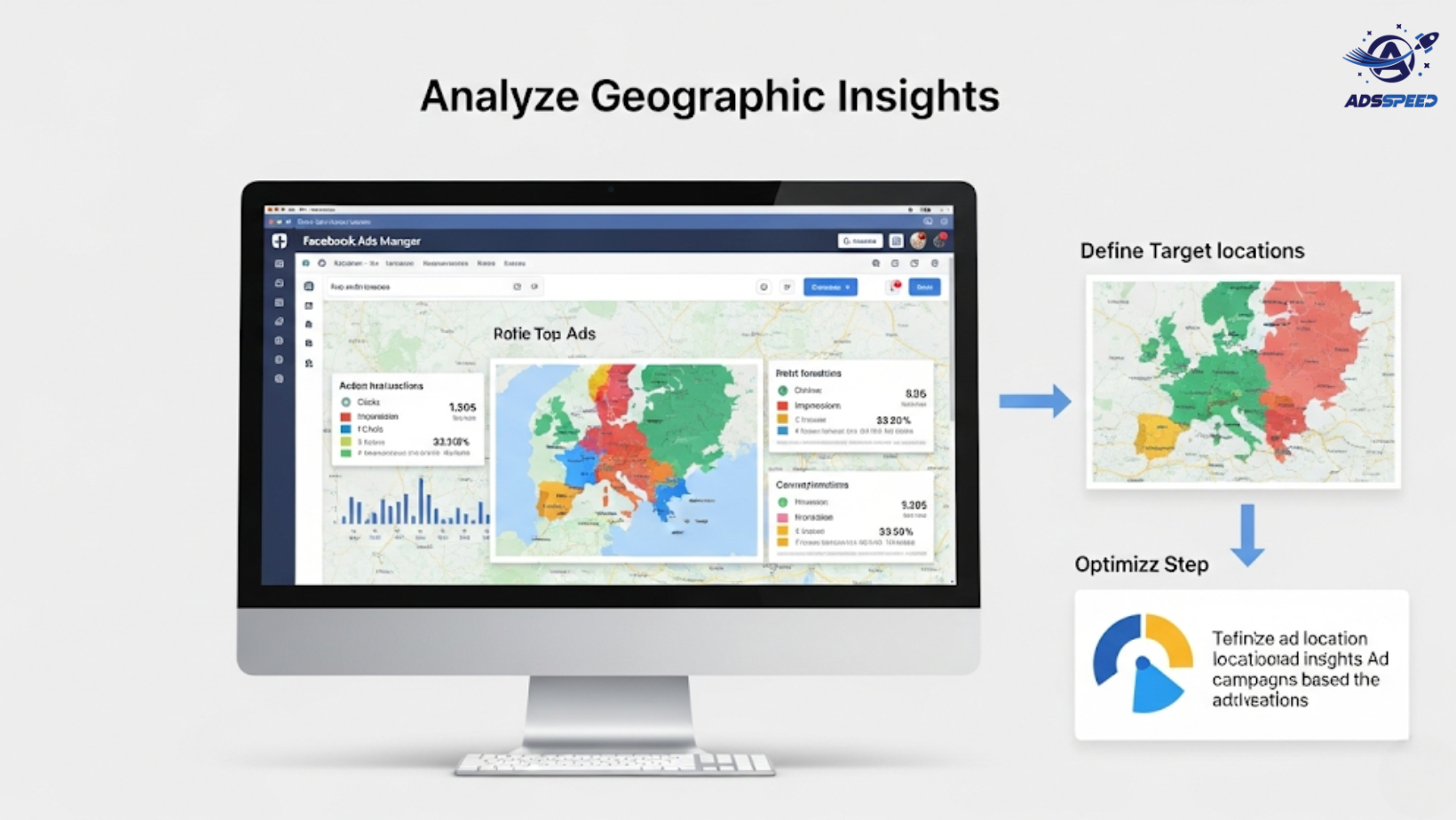
1. Where to Find Geographic Insights
To view geographic performance in Facebook Ads Manager:
Go to your campaign or ad set
➡ Click Breakdown > By Delivery > Region or Country
Here, you’ll see key metrics per location, such as:
- Impressions
- Clicks
- CTR (Click-Through Rate)
- Conversions
- Cost per result
If you’re managing multiple accounts or need clearer visualization, tools like Adsspeed help consolidate and compare geo-data easily.
2. Look Beyond Surface Metrics
It’s tempting to just pick the country with the lowest CPC and scale it. But low cost doesn’t always mean high value.
Here’s what to compare:
| Metric | Why It Matters |
| CPM | Cost to reach 1,000 people; varies by country size |
| CPC | Cheaper in emerging markets, but quality may vary |
| CTR | Reflects creative/audience relevance |
| Conversion Rate | Indicates true interest + landing page effectiveness |
| ROAS | The most important metric—how much revenue you make |
Example: A campaign in India may have lower CPC, but if users from Singapore generate 5x more purchases, focus your budget there.
3. Segment Campaigns by Geo-Performance
Once you spot regional patterns:
Group high-performing regions into one campaign
Create separate ad sets for:
- Tier 1 countries (e.g., US, UK, Australia)
- Tier 2 countries (e.g., Mexico, Thailand, Poland)
- Specific regions (e.g., Southeast Asia, Middle East)
Then adjust:
- Bidding strategies
- Creative language or tone
- Currency display or offers
4. Adapt Creatives by Region
Use what you learn from geo-insights to adjust your ad assets:
High CTR in Brazil? Localize your visuals and copy to Portuguese.
Low conversion in Germany? Try a more direct CTA and test pricing formats.
High reach in the UAE but poor clicks? Optimize mobile formatting for Arabic script or cultural tone.
Pro Tip: Regularly use ads check speed to test how quickly your landing pages load in different countries. Slow speed kills conversions.
5. Allocate Budget Based on Value, Not Just Volume
Don’t just spend where traffic is cheapest—spend where results are most valuable.
Shift more budget to:
- Regions with high ROAS
- Countries where you have logistics or service support
- Areas where customer lifetime value (LTV) is higher
Also, test new markets slowly with low-risk budget trials before scaling.
6. Watch for Trend Changes Over Time
Regional performance isn’t static.
Track over time:
- Seasonality (e.g. Q4 spikes in the US or Singles Day in Asia)
- Economic changes or local regulations
- Algorithm shifts that affect delivery by region
Tools like Adsspeed allow long-term monitoring and quick reallocation by region, keeping you agile.
🔹 Google Chrome Store: Search “Ads Check Speed | adsspeed.com”
https://chromewebstore.google.com/detail/ads-check-speed-adsspeedc/bhfahbbgppclfpeapkaebjbcffjnahcd
🔹 IOS Download : https://apps.apple.com/vn/app/adscheckspeed/id6742325139
🔹 Android Download : https://play.google.com/store/apps/details?id=com.dev.fbadsspeedv2&hl=vi
Final Thoughts
Analyzing geographic insights in your Facebook Ads is the difference between running “okay” campaigns—and running strategic, efficient global advertising.
Go beyond CPCs and CTRs
Look for real ROI by location
Segment and personalize by region
Let data—not guesswork—guide your budget shifts
If you’re advertising globally, this should be a weekly habit—not an afterthought.

