





Introduction
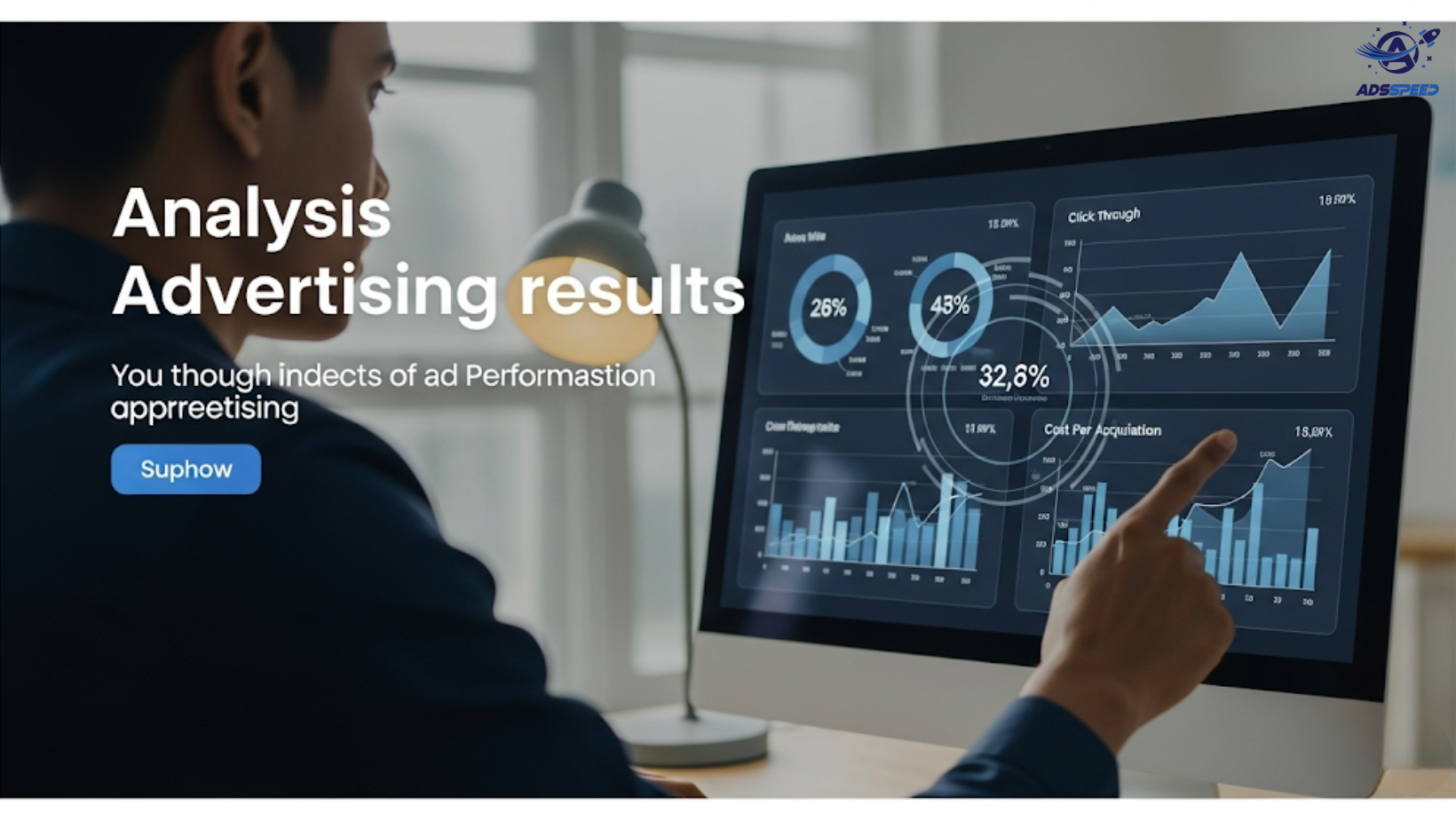
Running Facebook Ads is easy. Running profitable Facebook Ads? That requires smart analysis. If you’re spending money on Meta Ads without deeply analyzing performance, you’re leaving conversions—and cash—on the table.
In this guide, you’ll learn how to analyze your Facebook Ads performance using native tools, essential KPIs, and data-driven strategies to optimize campaigns like a pro.
Why Facebook Ads Analysis Matters
Data is your most valuable asset in digital advertising. Without it, you’re just guessing.
Benefits of regular analysis:
- Identify what works and scale it
- Cut wasteful ad spend
- Improve ROAS (Return on Ad Spend)
- Make smarter creative and targeting decisions
- Understand your audience behavior deeply
Step-by-Step: How to Analyze Your Facebook Ads Performance
1. Use Meta Ads Manager — Your Main Dashboard
Go to Meta Ads Manager and select the campaign you want to analyze. You’ll see an overview of performance at the campaign, ad set, and ad level.
Use filters by time range, placement, or audience to compare data accurately.
2. Understand Key Facebook Ads Metrics
Let’s break down the most important metrics and what they actually mean:
| Metric | What It Tells You |
| CTR (Click-Through Rate) | How engaging your ad is |
| CPC (Cost per Click) | Efficiency of driving traffic |
| CPM (Cost per 1000 Impressions) | Cost of reaching people |
| Conversion Rate | % of users who take desired action |
| ROAS | Return on each $1 spent |
| Frequency | How often the same person sees your ad |
| Link Clicks vs. Landing Page Views | Gauge page load speed and real engagement |
📊 Tip: A CTR below 1% may indicate weak creatives or mismatched targeting.
3. Compare Campaign Objectives vs. Results
If you run different types of campaigns (traffic, leads, purchases), compare success based on objective-based metrics:
- Traffic Campaign → Focus on CPC and CTR
- Conversion Campaign → Focus on Cost per Result and ROAS
- Lead Gen Campaign → Monitor Cost per Lead and Lead Quality
Avoid judging campaigns by the wrong metric. A low CPC means little if the conversion rate is terrible.
4. Analyze Audience Performance
Break down your performance by:
- Age & Gender
- Location (especially important for global targeting)
- Device (Desktop vs. Mobile)
- Placement (Feeds, Stories, Reels, etc.)
🌍 If you’re targeting multiple countries, compare cost per result and ROAS per region. You may discover certain markets outperform others.
5. Review Ad Creatives & Messaging
Creative fatigue is real. Analyze:
- Which ad creatives perform best? (Images vs. videos, headlines, CTAs)
- Are engagement metrics (likes, shares, comments) correlated with conversion?
- Are certain formats (carousel, story, reel) outperforming others?
🎯 Refresh your creatives every 1–2 weeks if frequency is high and CTR drops.
6. Use Breakdown & A/B Testing Tools
Meta’s “Breakdown” tool lets you slice data by various dimensions: age, gender, placement, time of day, and more.
Also use A/B testing (Experiments) to test:
- Different CTAs
- Different images/videos
- Broad vs. Lookalike audiences
- Manual bidding vs. automatic
7. Set Benchmarks and Track Trends Over Time
Don’t evaluate a campaign on one day of data. Look for patterns:
- Is your CPC increasing over time?
- Is your ROAS declining in certain countries?
- Did a creative change result in better CTR?
Final Thoughts
Understanding how to analyze your Facebook Ads performance is the difference between random spending and strategic scaling. By mastering your data, measuring the right KPIs, and optimizing based on real insights, you’ll be able to grow your brand, boost ROI, and make every ad dollar count.

