






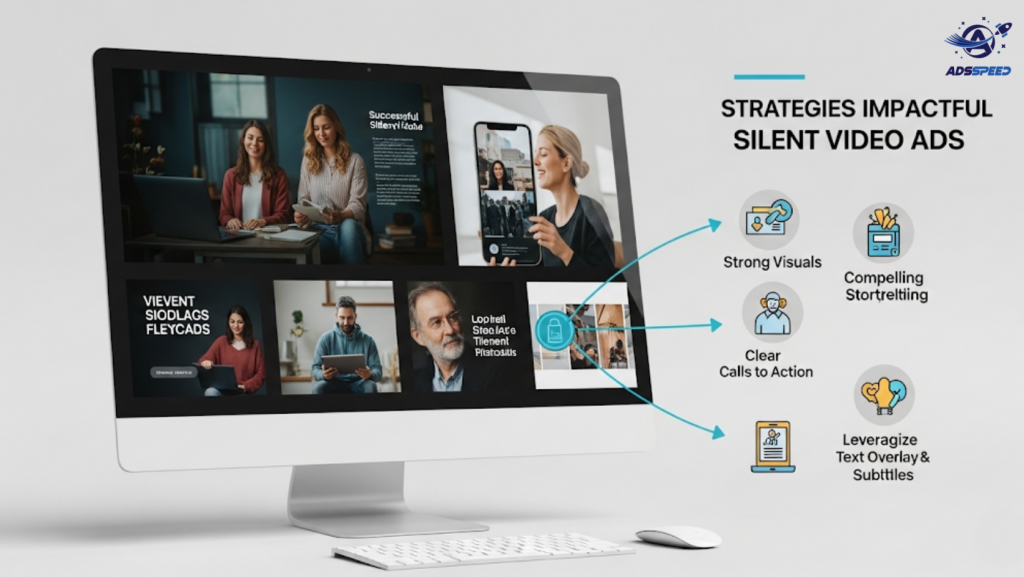
Why Silent Video Ads Matter in 2025
Over 85% of Facebook videos are watched on mute—especially on mobile. Whether users are at work, in public, or just scrolling casually, your ad must grab attention and deliver the message without relying on sound.
That’s where silent video ads come in. Done right, they’re just as powerful—sometimes even more engaging—than sound-on ads.
1. Lead with Strong Visual Hooks
If your video doesn’t stop the scroll in 3 seconds, it’s gone.
Use:
- Bold opening motion (e.g. zoom, color pop)
- Emotional facial expressions
- Visual contrast (light/dark, fast/slow)
- Big text or product unboxing shots
Example:
Show a “before/after” transformation with dramatic lighting or side-by-side visuals.
2. Add Captions or On-Screen Text
Facebook allows auto-captions, but it’s better to design your own:
- Brand-consistent fonts and colors
- Dynamic text animations
- Clear CTAs mid-video (not just at the end)
Tip: Use tools like Adsspeed to A/B test versions with different headline text or CTA placements.
3. Focus on Visual Storytelling
Structure your silent ad like a mini-movie:
| Part | Purpose | Example |
| Hook | Grab attention | “Tired of messy ads dashboard?” (onscreen text) |
| Problem | Relatable pain point | Show someone struggling to switch accounts |
| Solution | Your product in action | Screen demo of adsspeed dashboard |
| CTA | Encourage action | “Try it free – no login needed!” |
Use emojis, arrows, icons to guide attention and emotion without sound.
4. Use Looping Logic
Silent videos perform well when they’re short (under 15 seconds) and loop seamlessly.
Why?
- Users often rewatch it once or twice
- It feels satisfying and native to Reels/Stories format
Tip: End the video where it started (same frame or action) to create an infinite loop effect.
5. Optimize for Mobile
Silent viewers = mobile users. Your video should be:
- Vertical (9:16) for Stories/Reels
- Fast loading (keep file size light)
- Bright, high-contrast visuals for all lighting environments
- Preview-friendly (make sure the thumbnail tells a story)
Add visual branding early—logo, product interface, color scheme—so they remember you.
6. Test Without Sound Before Launching
Before publishing, watch your ad with no sound and ask:
- Do I understand the message?
- Is the offer clear?
- Does the video feel complete?
Use feedback tools or internal polls before launching to identify weak spots.
Final Thoughts
Creating silent Facebook video ads is more than just muting the sound—it’s about communicating visually, instantly, and impactfully.
Recap Checklist:
Bold visual hook
Custom on-screen captions
Strong visual story arc
Seamless looping
Vertical, mobile-optimized format
Clear CTA without audio
With tools like ads check speed and Adsspeed, you can create, test, and manage these video ads at scale—with full visibility on performance metrics.
🔹 Google Chrome Store: Search “Ads Check Speed | adsspeed.com”
https://chromewebstore.google.com/detail/ads-check-speed-adsspeedc/bhfahbbgppclfpeapkaebjbcffjnahcd
🔹 IOS Download : https://apps.apple.com/vn/app/adscheckspeed/id6742325139
🔹 Android Download : https://play.google.com/store/apps/details?id=com.dev.fbadsspeedv2&hl=vi

