






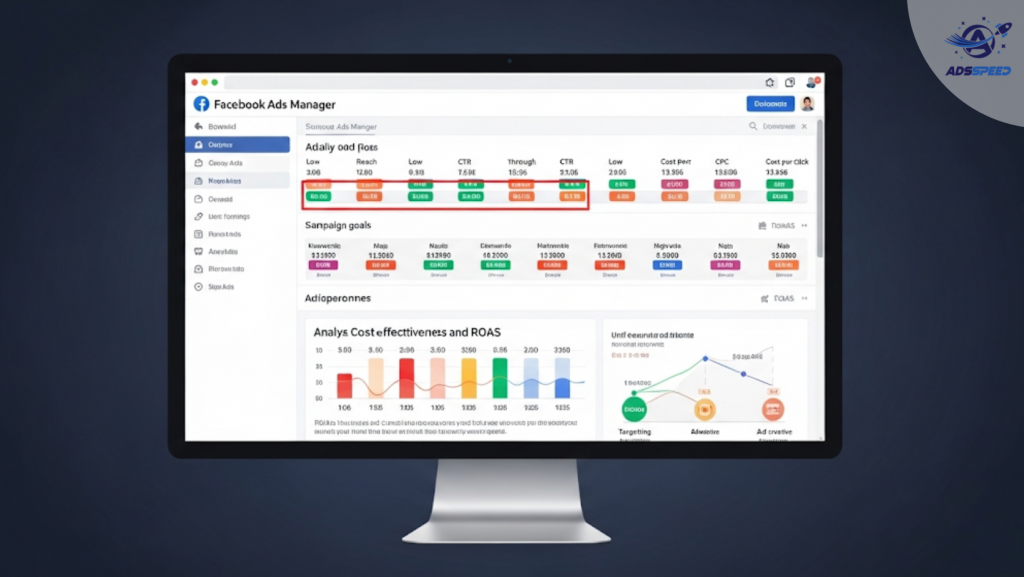
Why Detecting Underperforming Facebook Ads Matters
Running Facebook Ads without monitoring performance is like sailing without a compass. Underperforming ads don’t just waste budget—they can drag down your entire campaign and skew optimization.
Detecting which ads are underperforming helps you:
- Optimize faster
- Cut budget waste
- Improve ROI
- Protect your ad account from low-quality scores
Key Signs Your Facebook Ad Is Underperforming
1. Low Click-Through Rate (CTR)
A CTR below 1% is a red flag. It means people see your ad but aren’t interested enough to click.
What to check:
- Is your headline clear and attention-grabbing?
- Are your images or videos engaging?
- Is the audience too broad or mismatched?
2. High Cost Per Result (CPR)
If your cost per lead, click, or purchase keeps climbing, your ad may not be resonating.
What to check:
- Are you targeting the right funnel stage (cold, warm, hot)?
- Is your offer compelling enough for the audience?
3. Low Engagement Rate
If your ad gets few likes, comments, or shares, it may not be connecting emotionally.
What to check:
- Is the visual emotionally flat or generic?
- Does your caption invite interaction?
4. Poor Relevance Score or Quality Ranking
Facebook rates your ad based on quality, engagement, and conversion likelihood. A Low Quality Ranking suggests:
- Your ad is irrelevant to the audience
- Users are hiding or reporting the ad
What to check:
- Refine targeting to match user intent
- Remove spammy or clickbait language
5. High Bounce Rate on Landing Page
You’re getting clicks—but no one is staying? That’s a sign your ad and landing page are misaligned.
What to check:
- Is your landing page mobile-optimized?
- Does it match the ad promise?
Tools like Adsspeed or heatmap trackers can help monitor click behavior post-ad.
6. Ad Fatigue Indicators
If performance drops after running for a few days, it might be ad fatigue.
What to check:
- Has your frequency gone above 2.5–3?
- Are CPM or CPC increasing without better results?
Rotate creatives regularly or duplicate winning ad sets with fresh copy.
7. Low Conversion Rate Despite High Traffic
This signals a problem beyond just the ad—it’s often:
- A poor user experience
- A confusing offer
- Weak CTA on the page
What to check:
- Test new offers or landing pages
- Run split tests for different calls to action
Metrics Dashboard to Spot Weak Ads Quickly
| Metric | Warning Sign | Suggested Action |
| CTR | Below 1% | Test new visuals and headlines |
| CPC / CPL / CPA | Increasing with no improvement | Tighten targeting, improve offer |
| Quality/Engagement Rank | “Below Average” | Refresh creative, refine audience |
| Frequency | Over 3 | Rotate creatives, refresh ad sets |
| Conversion Rate | Below 2% (varies by goal) | Review landing page or sales funnel |
Final Thoughts
Underperforming ads happen—even in the best campaigns. The key is to detect them early, understand the cause, and take swift action. With the right strategy and insights, you’ll quickly turn weak performers into winning assets.
🔹 Google Chrome Store: Search “Ads Check Speed | adsspeed.com”
https://chromewebstore.google.com/detail/ads-check-speed-adsspeedc/bhfahbbgppclfpeapkaebjbcffjnahcd
🔹 IOS Download : https://apps.apple.com/vn/app/adscheckspeed/id6742325139
🔹 Android Download : https://play.google.com/store/apps/details?id=com.dev.fbadsspeedv2&hl=vi

