





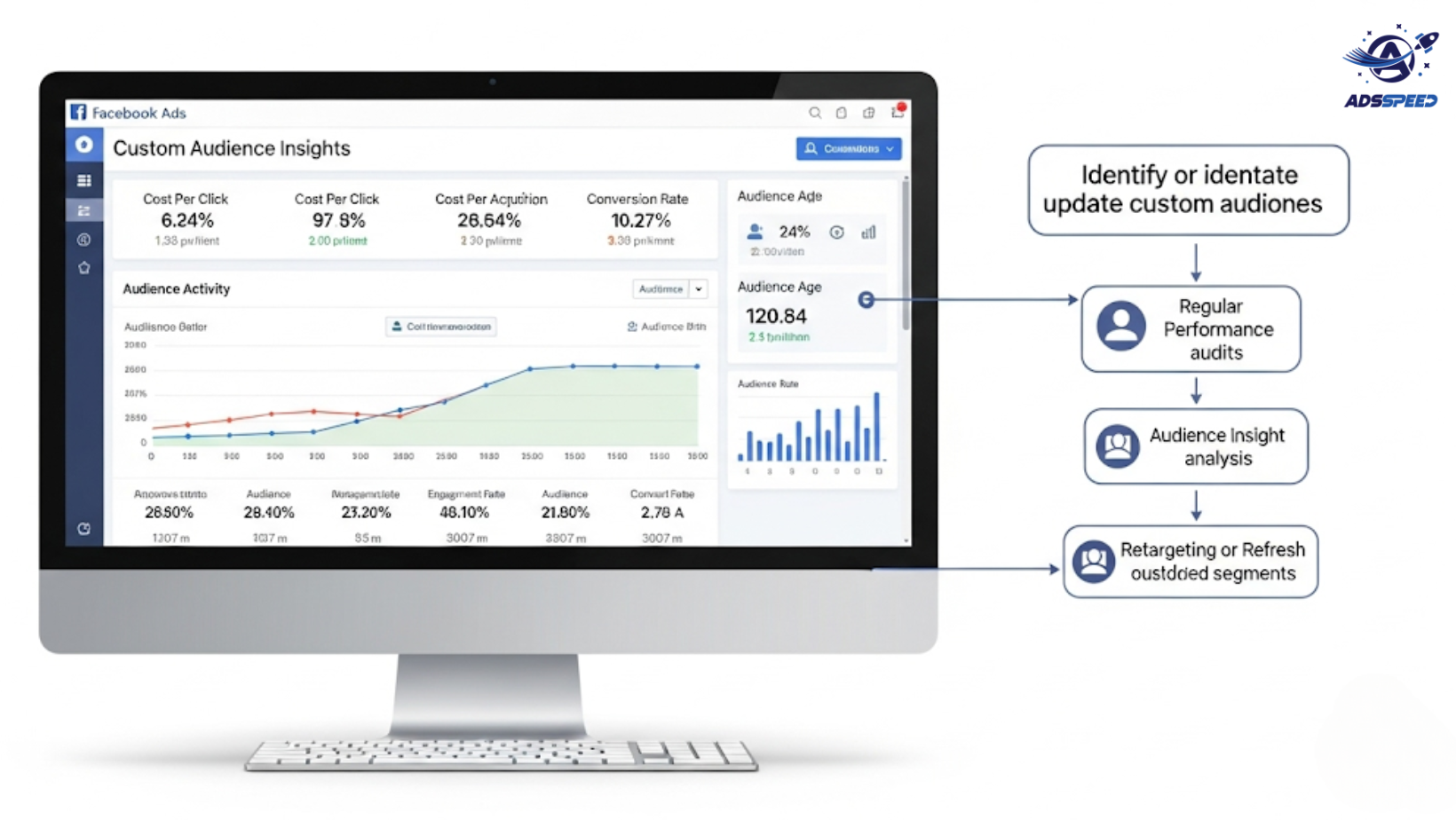
Why Monitoring Custom Audiences Matters
Custom Audiences are one of Facebook’s most powerful ad features—but only when they’re up to date.
Outdated or “stale” audiences can lead to:
- High cost-per-click (CPC)
- Low engagement and click-through rates (CTR)
- Poor return on ad spend (ROAS)
- Wasted budget targeting inactive users
If your ads are underperforming, your audience data might be the problem.
What Are Outdated Custom Audiences?
An outdated custom audience refers to a segment that no longer reflects your current or ideal users. This may include:
- Users who haven’t interacted with your brand in months
- Email lists with bounced or inactive addresses
- Website visitors from old campaigns
- App users who uninstalled long ago
- Past buyers who are no longer relevant to current offers
Using outdated data means Facebook is spending your budget showing ads to people who are unlikely to convert.
1. Signs Your Custom Audiences Are Outdated
Here’s how to tell if your custom audiences need a refresh:
Low CTR: People are seeing the ads but not clicking—your messaging might not resonate anymore.
Increased CPC: Facebook may struggle to optimize delivery when your audience is no longer engaging.
Declining Conversions: Leads or purchases are dropping even though the ad creative is strong.
High Frequency, Low Engagement: Same users see your ad multiple times but aren’t taking action.
Stagnant Size: If your audience hasn’t grown or changed in 30–60 days, it’s time to update.
Using a dashboard like Adsspeed helps you monitor audience engagement over time and catch these patterns early.
2. How to Review Your Existing Custom Audiences
Go to Ads Manager > Audiences and check:
- Date Created – When was this audience last updated?
- Source Type – Is it from an email list, pixel, video views, etc.?
- Audience Size Trends – Is it shrinking or stuck?
You can also compare overlap between audiences using Facebook’s built-in tools. If your audiences are cannibalizing each other, it’s time to reorganize.
3. Best Practices to Keep Custom Audiences Fresh
a. Set Auto-Refresh Rules
- For website audiences: Use 30-day or 60-day activity windows
- For video views: Segment by users who watched 75% or more in the last 14–30 days
- For email lists: Sync frequently with your CRM or email platform
b. Remove Inactive Sources
Delete or pause audiences based on:
- Lists from over 6 months ago
- Old pixels that no longer collect data
- Apps no longer in use
c. Create Layered Audiences
Combine custom audiences with interests, behaviors, or demographics for more refined targeting.
d. Use Lookalike Audiences Built from Updated Sources
Once refreshed, build new lookalikes based on:
- Recent converters
- High-value customers
- Fresh email signups
4. Tools to Help You Maintain Audience Quality
You can manage and optimize audiences more efficiently with third-party tools like:
- Adsspeed – For bulk audience performance monitoring and update reminders
- LeadsBridge or Zapier – To automate syncing between Facebook and your CRM
- Meta Conversions API – To track and send server-side events for real-time updates
🔹 Google Chrome Store: Search “Ads Check Speed | adsspeed.com”
https://chromewebstore.google.com/detail/ads-check-speed-adsspeedc/bhfahbbgppclfpeapkaebjbcffjnahcd
🔹 IOS Download : https://apps.apple.com/vn/app/adscheckspeed/id6742325139
🔹 Android Download : https://play.google.com/store/apps/details?id=com.dev.fbadsspeedv2&hl=vi
Final Thoughts
Refreshing your custom audiences isn’t optional—it’s essential. In 2025, where personalization and relevance drive performance, relying on outdated data can quietly kill your campaigns.

