





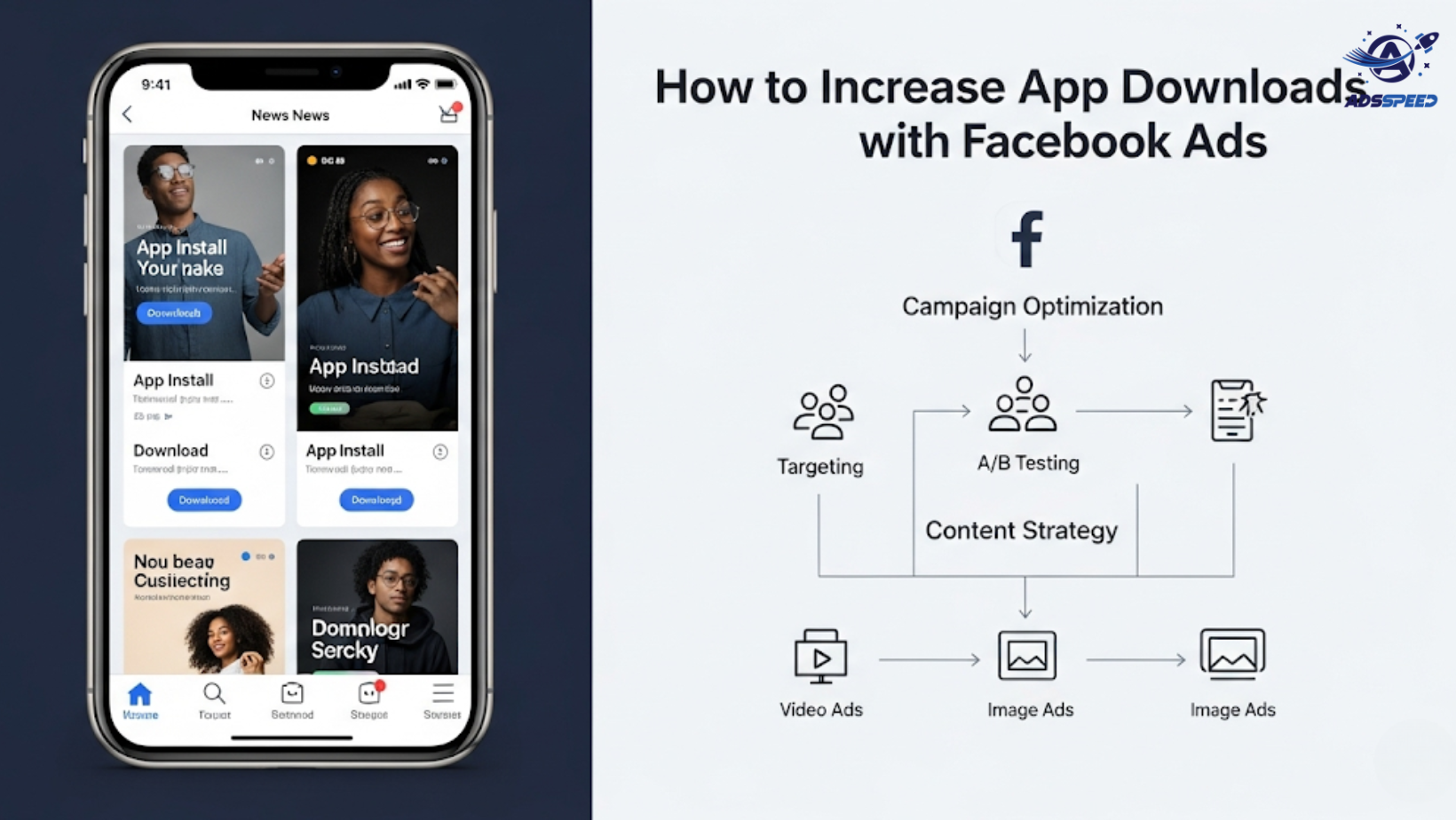
Why Use Facebook Ads to Promote Your App?
With over 2.9 billion monthly active users, Facebook offers unmatched targeting precision. Whether you’re launching a lifestyle app, a game, or a B2B tool, Facebook Ads can be one of the most cost-effective ways to drive downloads.
Benefits include:
- Highly specific audience targeting
- Easy A/B testing for creatives
- Seamless integration with iOS and Android app stores
- Detailed analytics for optimizing your cost-per-install (CPI)
1. Choose the Right Campaign Objective
To increase downloads, choose the “App Installs” objective in Meta Ads Manager. This ensures your ad is shown to users most likely to take install-related actions.
Tip: Use SKAdNetwork and App Events API for better attribution, especially for iOS 14+ users.
2. Target the Right Audience Segments
The key to downloads? Show your ad to people who actually need your app.
Start with:
- Lookalike audiences from current users
- Interest-based targeting (e.g., fitness lovers for a health app)
- Behavioral targeting (e.g., frequent online shoppers for an e-commerce app)
Use Adsspeed or similar tools to manage multi-account targeting if you’re promoting across different countries or user groups.
3. Design App-Focused Creatives
Your ad creative should show the app in action, not just describe it.
Effective ad formats include:
- Demo videos (15–30 seconds) with features highlighted
- Carousel ads to showcase screens and benefits
- Instant Experience ads for an immersive preview
Use overlays like “Install Now,” “Swipe to See Features,” or “Play Demo.”
4. Write Conversion-Optimized Ad Copy
Clear, benefit-driven ad copy converts.
Structure your copy using the PAS (Problem–Agitate–Solve) or AIDA (Attention–Interest–Desire–Action) framework.
Example:
“Tired of losing track of your daily habits?
Our app helps you stay consistent—track goals, get reminders, and stay motivated.
Download now and start your journey.”
Always include a strong call to action (CTA) like “Download Now,” “Get Started,” or “Try Free.”
5. Optimize App Store Landing Pages
Once users click your ad, your app store page must seal the deal.
Make sure to:
- Have a compelling app title and screenshots
- Include user reviews and ratings
- Highlight key features in the app description
- Use the same visual tone as your ad for consistency
6. Monitor Key Metrics
Track these KPIs:
- Cost per Install (CPI)
- Click-Through Rate (CTR)
- Install-to-Action Rate (e.g., sign-ups, purchases)
- Retention Rate (Day 1, Day 7)
Using analytics and ad-checking platforms like ads check speed ensures your campaign performance stays healthy and scalable.
🔹 Google Chrome Store: Search “Ads Check Speed | adsspeed.com”
https://chromewebstore.google.com/detail/ads-check-speed-adsspeedc/bhfahbbgppclfpeapkaebjbcffjnahcd
🔹 IOS Download : https://apps.apple.com/vn/app/adscheckspeed/id6742325139
🔹 Android Download : https://play.google.com/store/apps/details?id=com.dev.fbadsspeedv2&hl=vi
Final Thoughts
Facebook Ads are an incredibly effective channel for driving app installs—when done right. By combining strategic targeting, eye-catching creatives, and clear messaging, you can turn scrollers into app users at scale.

