





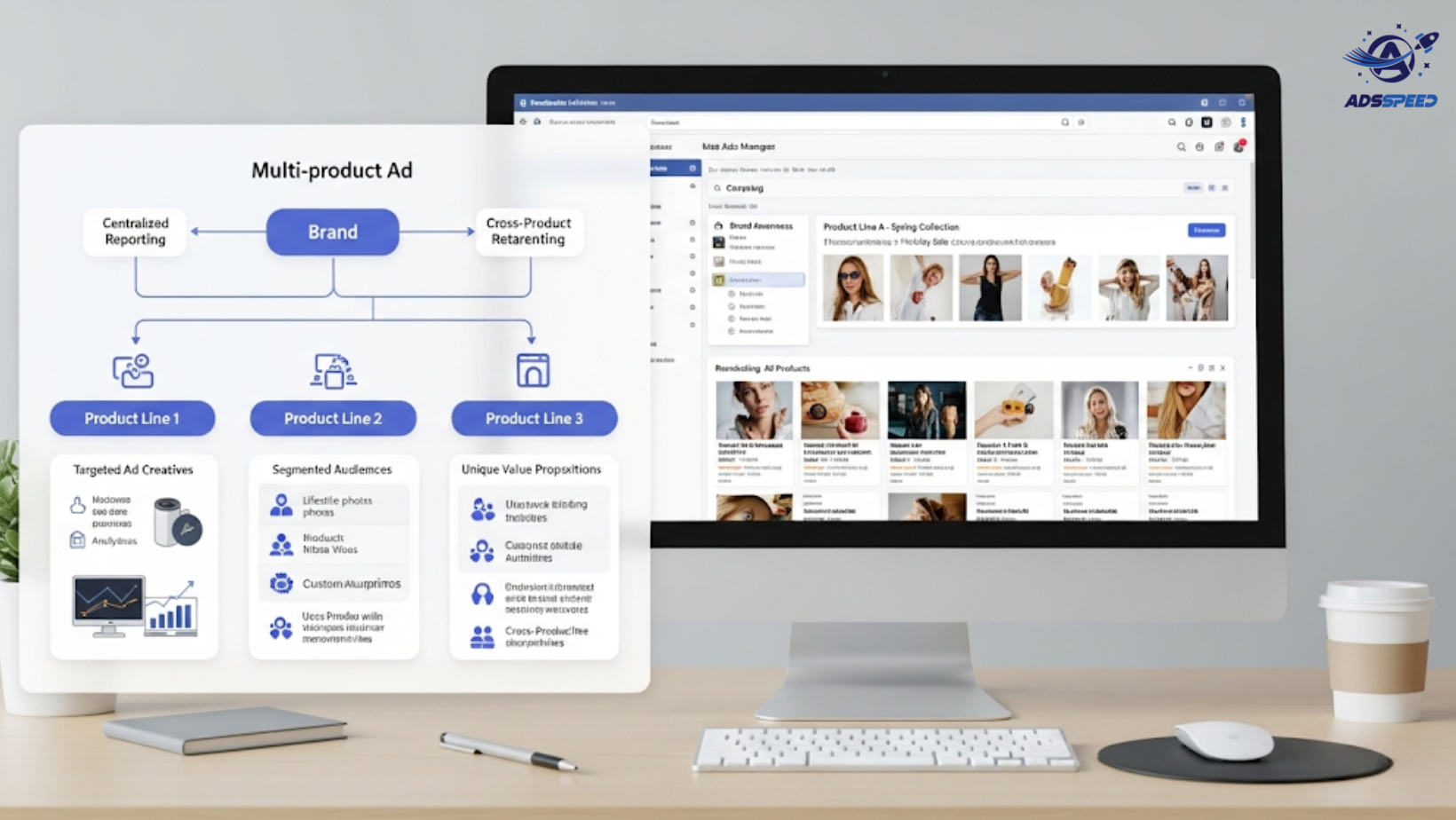
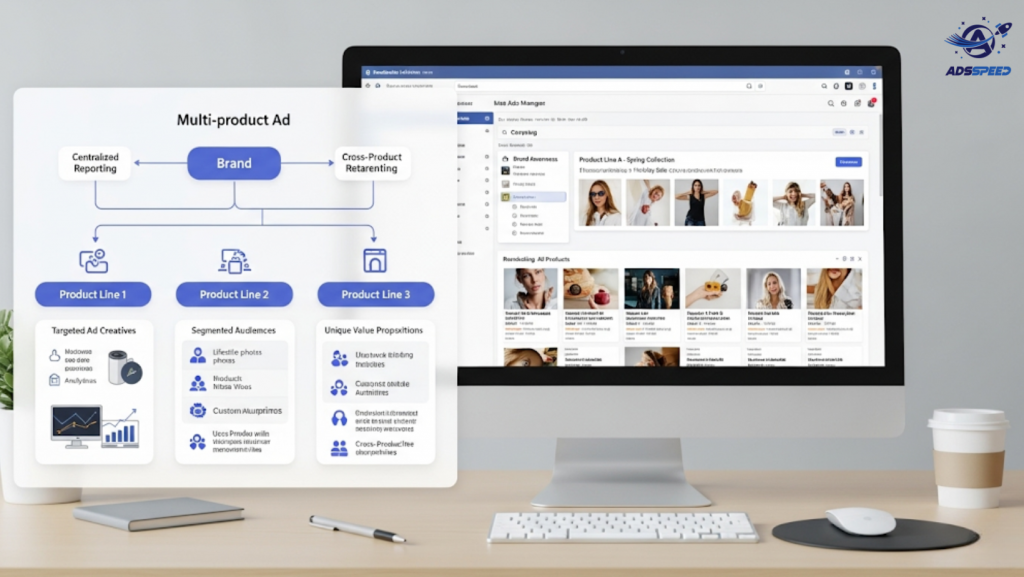
If you manage Facebook Ads for a multi-product brand, you know the struggle: dozens of SKUs, multiple customer personas, and campaigns pulling in all directions.
Whether you’re an eCommerce brand with hundreds of items or a service business offering various packages, running ads for multiple products can quickly turn messy — unless you structure it strategically.
Here’s how to stay focused, organized, and profitable when managing Facebook Ads for a multi-product brand.
1. Don’t Promote Everything at Once
It’s tempting to try and showcase your full catalog — but doing so overwhelms both your team and your audience.
Instead:
- Focus on priority products (bestsellers, seasonal items, or high-margin offers)
- Run campaigns in phases: awareness → interest → conversion
- Test one product per ad set to collect clean performance data
Your customers aren’t looking to browse — they’re looking to solve a specific problem. Help them do that one product at a time.
2. Segment by Product Category + Audience Intent
Create campaigns based on product categories and match them with different stages of the buyer journey. For example:
- Cold audiences → problem-solving products or educational content
- Warm audiences → comparisons or bundles
- Hot audiences → limited-time offers or retargeting ads
Each segment needs its own creative, copy, and offer — personalization is key to cutting through the noise.
3. Use Dynamic Product Ads (DPA)
If you’re managing a large inventory, Facebook’s Dynamic Product Ads are a game-changer.
They let you:
- Automatically show relevant products based on user behavior
- Retarget users who viewed, added to cart, or purchased
- Sync your product catalog to generate personalized ad creatives at scale
Make sure your product feed is well-structured with clean images, pricing, and metadata.
4. Monitor Budget Allocation by Product
Not all products are equal in value or performance. Track:
- ROAS by product
- Cost per acquisition
- Revenue contribution
Regularly pause underperforming products and reallocate budget toward winners. Use automated rules to keep your ad spend efficient.
💡 Quick tip: If you’re managing multiple ad accounts or product lines, platforms like Adsspeed can help you rename, group, and track campaigns in bulk — without logging into each account. It’s especially useful when you’re juggling ads for different SKUs or regional stores.
🔹 Google Chrome Store: Search “Ads Check Speed | adsspeed.com”
https://chromewebstore.google.com/detail/ads-check-speed-adsspeedc/bhfahbbgppclfpeapkaebjbcffjnahcd
🔹 IOS Download : https://apps.apple.com/vn/app/adscheckspeed/id6742325139
🔹 Android Download : https://play.google.com/store/apps/details?id=com.dev.fbadsspeedv2&hl=vi
5. Build Cross-Sell & Upsell Funnels
Don’t stop at selling one product. Use your ad ecosystem to:
- Retarget buyers with complementary products
- Offer product bundles in follow-up campaigns
- Use existing data to create lookalike audiences for specific product categories
This extends lifetime value and helps you scale smarter — not just louder.
Final Thoughts
Managing Facebook Ads for a multi-product brand isn’t about doing more — it’s about doing it smarter.
Segment your campaigns, focus on what works, and build a system that grows with your catalog.
And if you’re running multiple accounts, catalogs, or product campaigns, don’t hesitate to leverage small workflow tools that reduce friction. A few saved hours can free up brainpower for what matters most: strategy and scale.

