





What Is Facebook Ads ROI and Why Does It Matter?
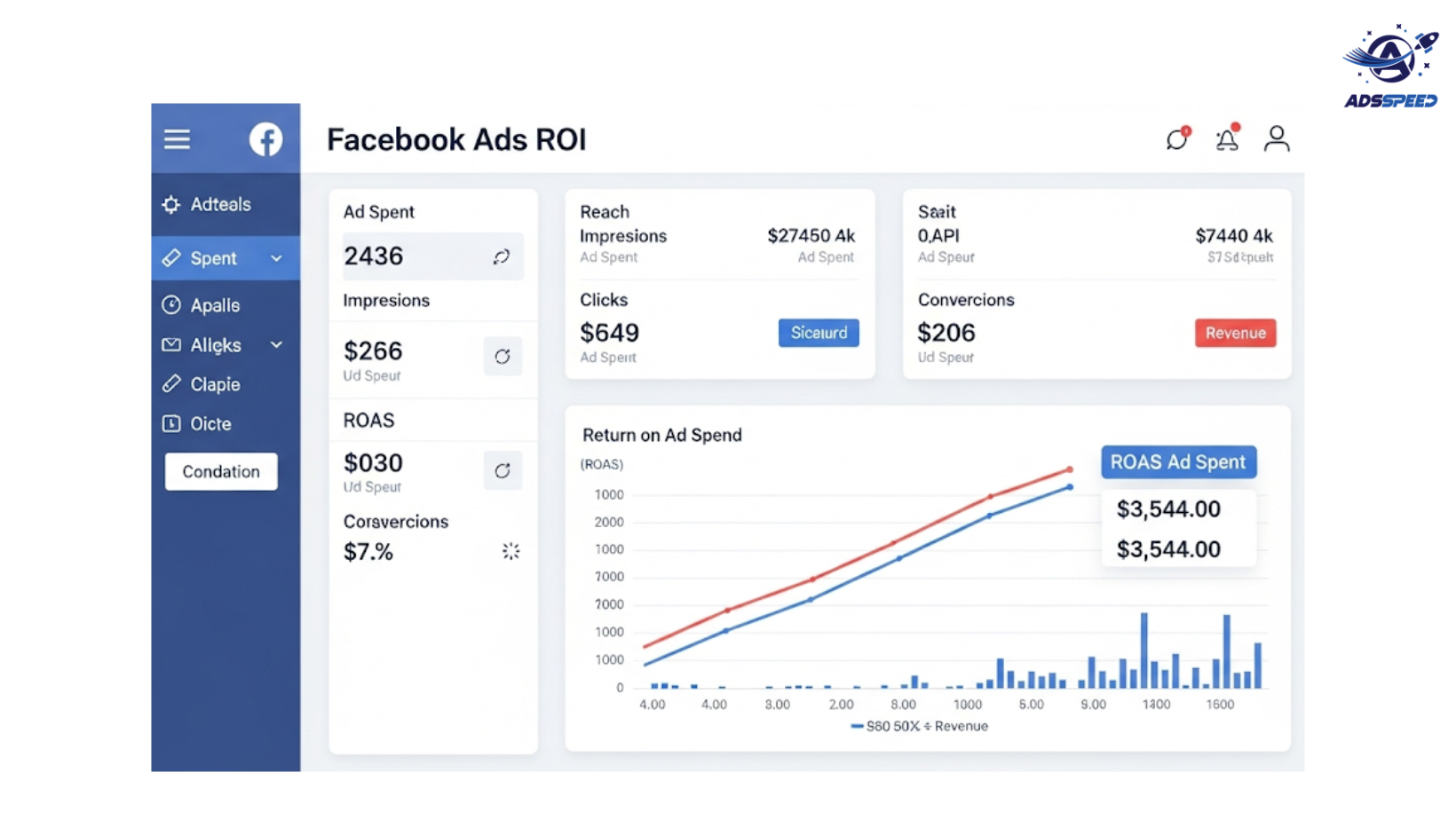
ROI (Return on Investment) is the ultimate metric to determine whether your Facebook advertising efforts are paying off. It tells you how much revenue you’re earning for every dollar spent.
Without clear ROI tracking, even great ad performance stats—clicks, likes, shares—can mislead you. Why? Because vanity metrics don’t pay the bills. ROI does.
The ROI Formula (Made Simple)
Here’s the basic formula:
pgsql
CopyEdit
ROI = (Revenue from Ads – Cost of Ads) / Cost of Ads x 100%
Example:
- Revenue from Ads: $5,000
- Ad Spend: $1,000
- ROI = ($5,000 – $1,000) / $1,000 x 100% = 400%
This means you’re earning $4 for every $1 spent. That’s great ROI.
What You Need Before Measuring ROI
To track ROI accurately, make sure you have:
- Meta Pixel installed on your site.
- Conversion events set up (purchases, leads, signups, etc.)
- Custom conversions tailored to your business goals.
- Integration with eCommerce platforms (like Shopify or WooCommerce).
Track These Metrics to Support Your ROI Analysis
Besides revenue and ad spend, monitor:
- Cost Per Purchase (CPP)
- Customer Lifetime Value (CLV)
- Click-Through Rate (CTR)
- Conversion Rate
- Frequency (to avoid ad fatigue)
- Attribution Windows (1-day click vs. 7-day click)
Pro Tip: Use tools like adscheck or ads check facebook to ensure your ads are compliant and optimized for performance before spending a dime.
Common ROI Mistakes to Avoid
- Not tracking back-end revenue.
→ Ensure you’re connecting Facebook data with actual sales platforms (like Stripe, PayPal, Shopify). - Using default attribution blindly.
→ Facebook’s default attribution might miss conversions if the sale happens after 7 days. Adjust settings if your product has a long decision cycle. - Ignoring refunds and returns.
→ Only count net revenue when calculating ROI.
How to Improve Your Facebook Ads ROI
Refine Audience Targeting
- Use lookalike audiences based on high-value customers.
- Retarget users who added to cart but didn’t buy.
Test Creatives Continuously
- Use tools like adsspeed to check if your ad loads quickly.
- A/B test headlines, visuals, and CTAs.
Optimize Landing Pages
- Make sure your page matches the ad promise.
- Test CTA button placements and form fields.
Cut What’s Not Working
- Pause ads with low ROAS (Return on Ad Spend).
- Reallocate budget to top-performing campaigns.
Reporting Like a Pro: Tools to Use
- Meta Ads Manager – For basic ROI insights.
- Google Analytics – To track multi-touch attribution.
- Third-party tools like Triple Whale, Hyros, or SegMetrics – For advanced eCommerce ROI tracking.
Conclusion: ROI Is the Real Scoreboard
Measuring ROI isn’t just a math exercise—it’s how smart marketers make decisions. Whether you’re running ads for a Shopify store, a coaching business, or SaaS, mastering ROI helps you:
Spend wisely
Scale confidently
Cut waste fast

