





What Are Facebook Instant Experience Ads?
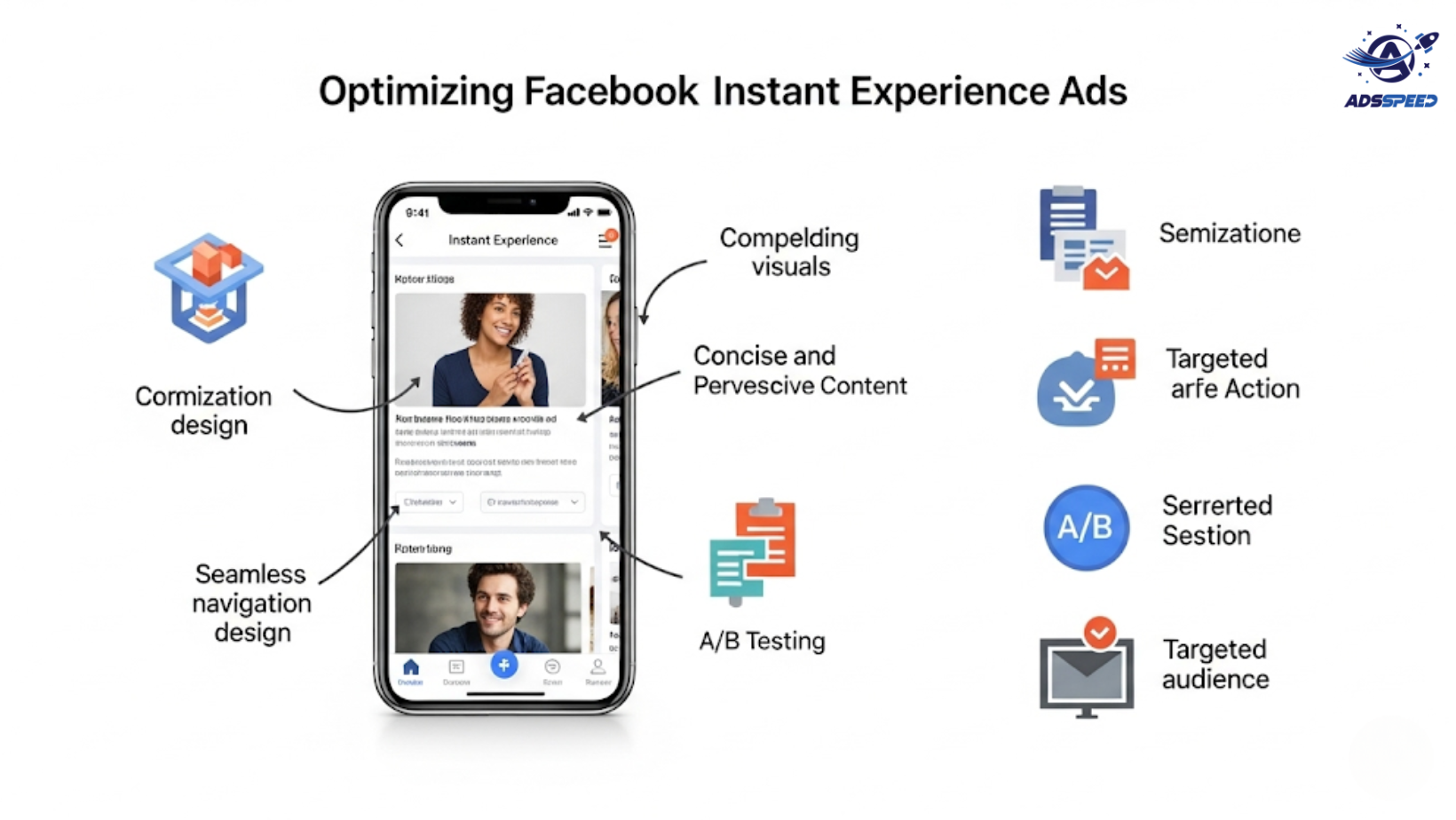
Facebook Instant Experience Ads (formerly Canvas Ads) are full-screen mobile ad formats designed to capture user attention quickly. They load up to 15x faster than regular mobile websites and offer immersive, interactive experiences with videos, images, carousels, CTA buttons, and more.
If optimized well, Instant Experience Ads can significantly increase engagement and lower bounce rates—especially for mobile-first audiences.
1. Keep It Mobile-First & Lightning Fast
The key advantage of Instant Experience Ads is speed and fluidity. But if you overload them with heavy files or confusing layouts, they’ll still flop.
Tips:
- Compress images and videos without losing quality
- Use vertical formats (9:16) for immersive mobile feel
- Stick to simple, thumb-friendly design and easy navigation
Tools like Adsspeed can help monitor ad loading issues and performance variations across multiple campaigns.
2. Tell a Visual Story
Instant Experience Ads work best when built like a story:
- A strong, scroll-stopping headline
- A short but impactful video
- Scannable product visuals or benefits
- A clear CTA button that feels natural
Pro Tip: Create a branded narrative instead of hard selling. Use colors, fonts, and layout styles that match your brand voice across every section.
3. Optimize the CTA for Action
Your call-to-action is the most critical part. It must:
- Be visible early in the scroll
- Align with your campaign goal (“Learn More,” “Shop Now,” “Get the Guide”)
- Lead to a mobile-optimized landing page or native Facebook form
Avoid multiple CTAs that confuse users. Stick with one consistent goal.
4. Segment by Audience Intent
Not all users need to see the same content. Segment your Instant Experience Ads by:
- Cold vs. warm audiences
- Product categories
- Geographic region or language
- Buyer stage (awareness, consideration, purchase)
Using ads check speed, you can compare performance across segments and optimize ad sets accordingly.
🔹 Google Chrome Store: Search “Ads Check Speed | adsspeed.com”
https://chromewebstore.google.com/detail/ads-check-speed-adsspeedc/bhfahbbgppclfpeapkaebjbcffjnahcd
🔹 IOS Download : https://apps.apple.com/vn/app/adscheckspeed/id6742325139
🔹 Android Download : https://play.google.com/store/apps/details?id=com.dev.fbadsspeedv2&hl=vi
5. Use Dynamic Content Where Possible
If you run eCommerce or product-based campaigns, dynamic Instant Experiences let you showcase product feeds that update automatically. This boosts relevance and conversion rates.
Make sure:
- Your product catalog is synced with Facebook
- Images are crisp and uniform
- Product descriptions are short and to the point
6. A/B Test the Layout
Try variations of:
- Video-first vs. image-first formats
- Scroll length (short form vs. deep dive)
- Placement of text overlays
- CTA position: top, middle, or bottom
Test early and monitor performance using Facebook Ads Manager and third-party dashboards for deeper insights.
7. Track Performance Beyond Clicks
To fully optimize Instant Experience Ads, track:
- View time and scroll depth
- Drop-off points within the canvas
- Click-to-landing conversions
- Performance by device, country, and audience type
Pair this with heatmap tools or advanced analytics integrations if needed.
Final Takeaway
Facebook Instant Experience Ads are one of the most immersive and high-performing ad formats—if done right. Focus on speed, simplicity, storytelling, and segmentation to create experiences that convert mobile users into loyal customers.

