





Why You’re Losing Leads After the Click
So you’ve run a great Facebook Ad. The user clicks. And then… silence.
It’s one of the biggest drop-off points in digital marketing: after the click but before the conversion.
Leads get distracted, your landing page doesn’t load fast enough (tip: use tools like adsspeed to fix this), or they simply forget.
That’s where chatbots come in.
What Are Chatbots in Lead Retention?
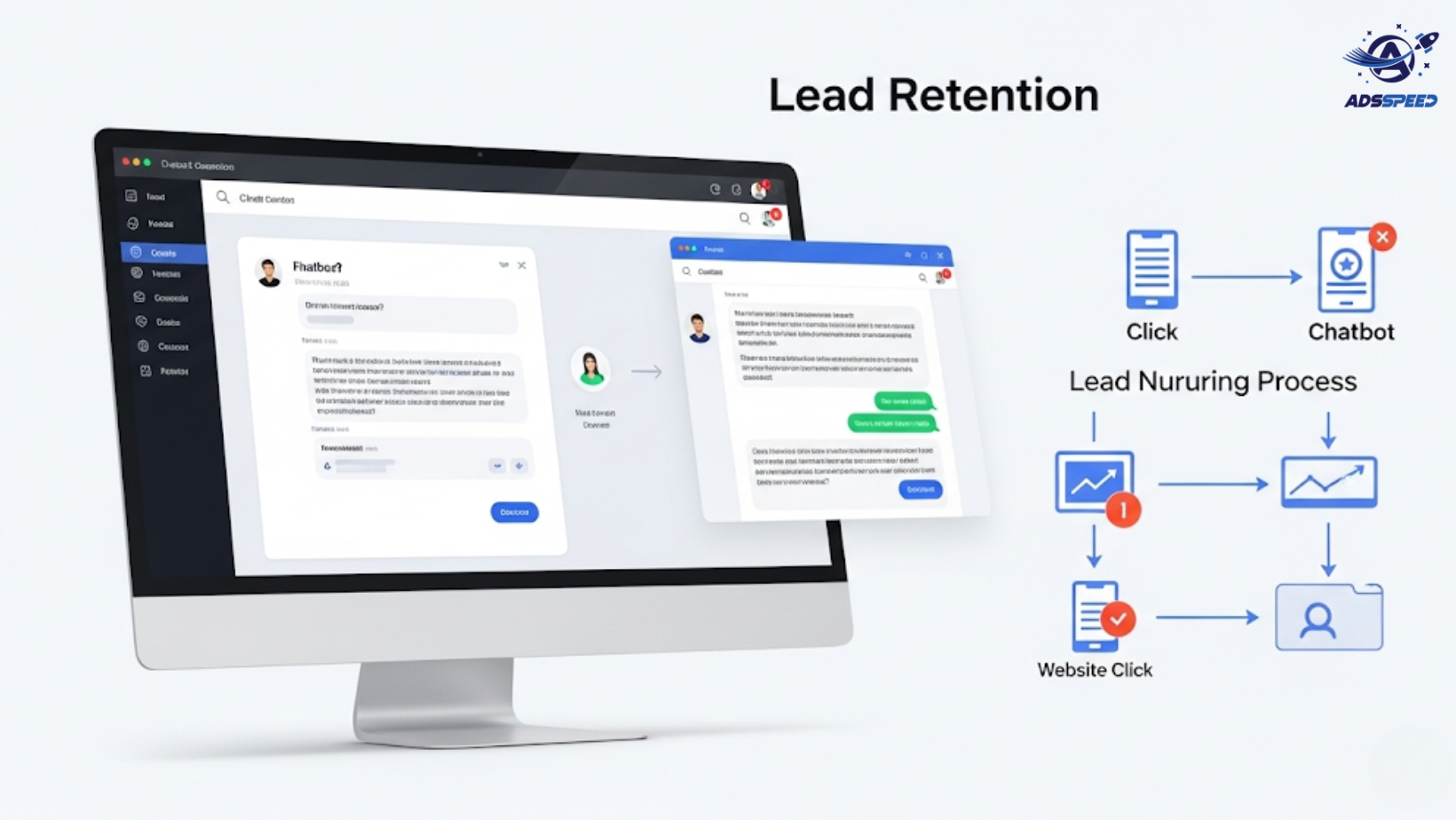
Chatbots are automated messaging tools — often used on Facebook Messenger, WhatsApp, or web chat — that help continue the conversation after the click.
They’re perfect for:
- Answering FAQs instantly
- Nurturing cold leads automatically
- Offering promotions or lead magnets
- Booking appointments or demos
Think of chatbots as your 24/7 sales assistant.
How to Retain Leads with Chatbots After the Click
1. Set Up Chatbot as a Landing Page Alternative
Instead of sending ad clicks to a traditional landing page, you can set the destination to Messenger (or WhatsApp) and let the chatbot take over.
Facebook calls this a Click-to-Messenger Ad.
Benefits:
- Instant engagement
- Higher open and response rates
- Personalized lead capture
Use platforms like ManyChat, Chatfuel, or MobileMonkey to build flows easily.
2. Use Lead-Qualification Flows
Once the lead enters Messenger:
Ask key questions (name, email, need)
Segment based on responses
Offer value — a free trial, discount code, eBook, etc.
This helps warm up leads before handing them off to your sales team or CRM.
3. Offer Timely Follow-Ups
You can set up automatic reminders, follow-ups, or even abandoned cart flows through your chatbot.
Example:
“Hey! You were checking out our course earlier. Here’s a 10% off code valid for 24 hours.”
It feels natural, helpful — not spammy.
4. Use Chatbots to Book Appointments
If you’re a service business (coach, consultant, agency), chatbots can schedule discovery calls or demos directly within Messenger.
Connect your chatbot to tools like Calendly or Google Calendar to make it seamless.
5. Monitor Performance & Optimize
Track chatbot KPIs like:
- Open rate
- Response rate
- Conversion rate
- Drop-off points in the flow
Use these insights to improve your messaging — and make sure to run periodic ads check facebook tests to see if your chatbot CTA is still effective and compliant.
Best Practices to Keep in Mind
- Keep messages short and friendly
- Use buttons and quick replies to guide action
- Always give an opt-out option
- Combine human + bot responses for complex queries
- Regularly update your chatbot flows with new offers
Real-World Example
A language learning platform used a chatbot to offer free trial lessons via Messenger after a user clicked their Facebook Ad.
Result:
- 55% increase in lead-to-trial conversion
- 38% boost in engagement
- 70% open rate on follow-up messages
Why? The chatbot provided instant value and personalized interaction.
Final Thoughts
Retaining leads after the click is just as important as attracting them in the first place.
With smart chatbot automation, you can build trust, stay top-of-mind, and convert more leads — even while you sleep.
Don’t let hot leads go cold. Use Messenger chatbots strategically, and support your campaign with tools like adscheck, ads check facebook, and adsspeed to stay fast, optimized, and compliant.

