





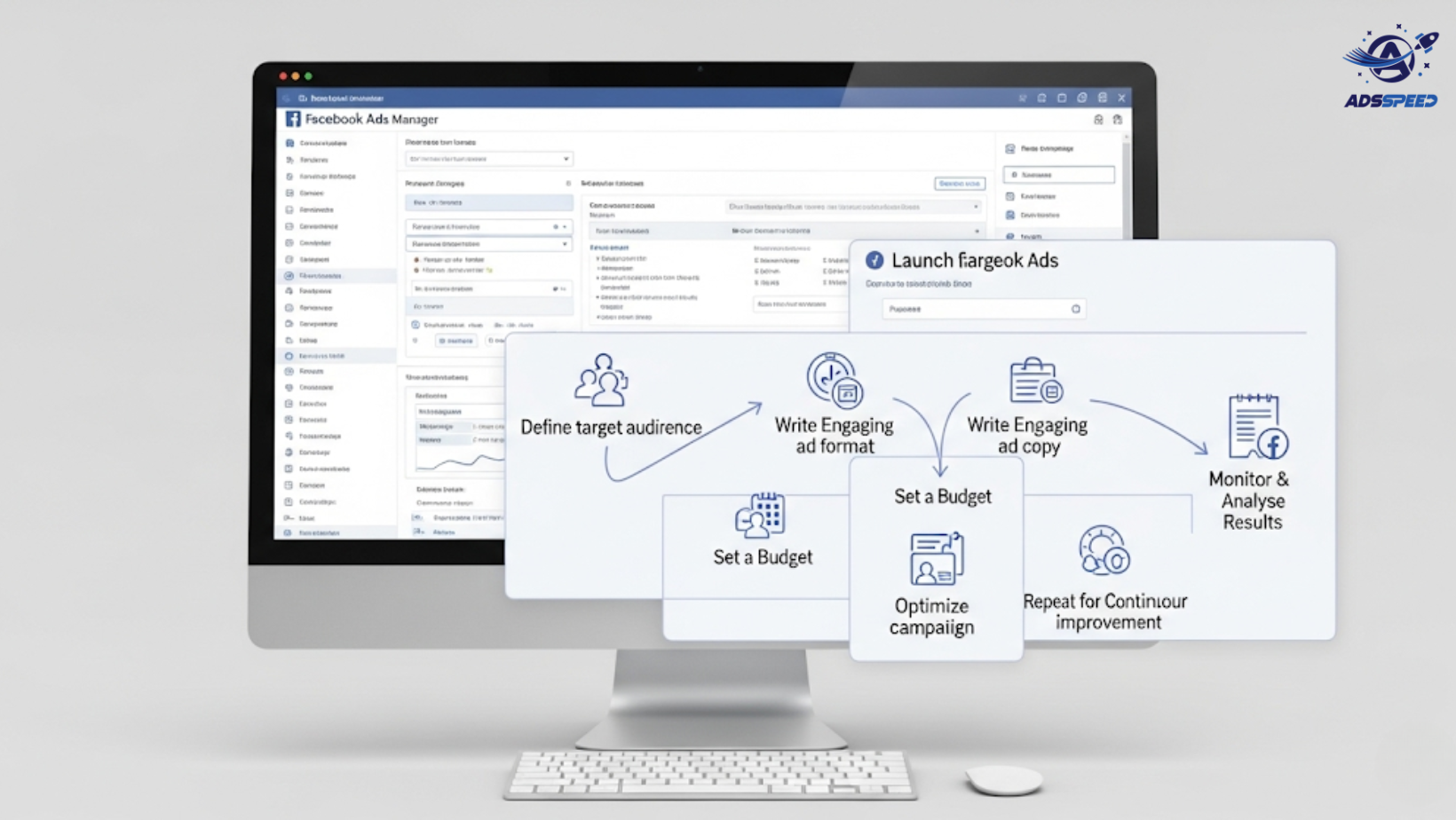

Can a New Fanpage Run Successful Facebook Ads?
Absolutely. A brand-new Facebook page doesn’t mean you’re starting from zero in performance—but you do need to be strategic. Without an established audience or credibility, your first ads must work double:
- To attract attention
- To build trust quickly
- To optimize without wasting budget
Step 1: Set Up the Page Professionally
Before launching any ad campaign, make sure your fanpage:
- Has a clear profile picture and cover image
- Includes a complete About section with links and contact info
- Features at least 3–5 posts that introduce your brand, product, or mission
- Has Messenger auto-reply enabled for inquiries
A polished page boosts your credibility, especially when you’re driving paid traffic.
Step 2: Choose the Right Campaign Objectives
As a new page, focus on low-friction objectives first. Recommended:
- Page Engagement: Build post likes, comments, and social proof
- Video Views: Use short-form video to quickly introduce your brand
- Traffic: Drive users to your website, blog, or landing page
- Leads: Use Lead Ads to build your first email list
Avoid starting with Conversion campaigns unless you already have warm data (e.g., via a Pixel or CRM upload).
Step 3: Run Page Like Campaigns for Initial Social Proof
Running a Page Likes campaign (in supported countries) helps:
- Establish base-level credibility
- Improve ad comments with engaged users
- Feed future Lookalike Audiences
Even a few hundred real likes can improve ad performance significantly.
Step 4: Leverage Facebook Pixel or Conversion API from Day One
Install the Meta Pixel on your website to start collecting visitor data for:
- Retargeting
- Custom Audiences
- Conversion optimization later
Platforms like Adsspeed can simplify the setup and help you manage multiple pixels across accounts if you’re working at scale.
Step 5: Use Highly Targeted Audiences
When starting from scratch, Facebook doesn’t have behavioral data on your fans—so use:
- Interest-based targeting
- Location + age + job role filters
- Narrow niches for relevance
- Exclude broad audiences (at first)
If you have external email data, upload to create Custom or Lookalike Audiences.
Step 6: Focus on Strong Creatives and Messaging
Since you’re new, your ad creatives do the heavy lifting.
Tips:
- Use social proof in copy (testimonials, “used by 1,000+ customers”)
- Keep videos under 30 seconds with captions
- Use product benefits + call to action in the first 3 seconds
- A/B test ad formats: images, carousels, short video, Reels
Step 7: Monitor Metrics Closely & Adjust Fast
Key metrics to track for a new page:
- Engagement rate (comments, shares, saves)
- Click-through rate (CTR)
- Cost per result
- Negative feedback (hides, reports)
Don’t be afraid to pause underperforming ads early and reinvest in high-performing variants.
Final Thoughts
Running Facebook Ads with a new fanpage is absolutely possible—and often a great way to accelerate growth. The key is to start small, build social credibility, and let your data guide smart scaling.
🔹 Google Chrome Store: Search “Ads Check Speed | adsspeed.com”
https://chromewebstore.google.com/detail/ads-check-speed-adsspeedc/bhfahbbgppclfpeapkaebjbcffjnahcd
🔹 IOS Download : https://apps.apple.com/vn/app/adscheckspeed/id6742325139
🔹 Android Download : https://play.google.com/store/apps/details?id=com.dev.fbadsspeedv2&hl=vi

