





Introduction
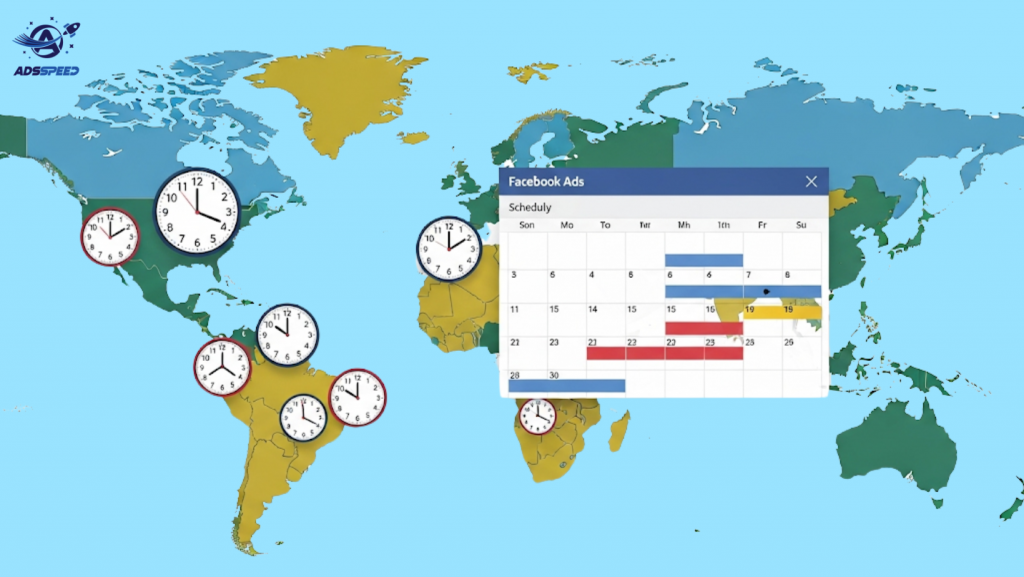
Running Facebook Ads globally? Timing is everything. If your audience spans multiple countries, understanding how to schedule Facebook Ads for global time zones is crucial to ensure your ads appear when your audience is most active. In this guide, we’ll walk you through the best strategies, tools, and tips to schedule your ads effectively across various time zones.
Why Scheduling Facebook Ads by Time Zone Matters
If you run ads at the wrong time, you risk wasting budget on low-engagement hours. When scheduled properly, your ads:
- Reach users during peak engagement times
- Increase click-through rate (CTR)
- Improve conversion rates
- Reduce ad spend waste
Understanding time zones isn’t just a technical detail — it’s a competitive edge.
Step-by-Step Guide to Scheduling Facebook Ads for Multiple Time Zones
1. Understand Your Audience’s Location
Before scheduling anything, use Facebook Audience Insights or Meta Ads Manager to:
- Identify top countries/cities of your audience
- Analyze peak activity hours by region
- Segment audience based on location
This data helps tailor your scheduling strategy.
2. Choose the Right Ad Scheduling Option
Facebook offers two ad delivery options:
- Run ads all the time
- Run ads on a schedule (only available for lifetime budgets)
To schedule ads by time zone, you must choose lifetime budget and then access the Ad Scheduling grid in Ads Manager.
3. Set the Correct Time Zone in Ad Account
By default, your Facebook ad account uses the time zone you selected at setup. To adjust your strategy:
- Go to Business Settings > Ad Account Settings
- Check the current time zone (Note: Time zone cannot be changed after setup. You’ll need to create a new ad account if needed.)
If you’re targeting a specific country, make sure your ad account time zone matches your target audience.
4. Use Manual Scheduling for Key Time Zones
If targeting multiple time zones (e.g., US, UK, SEA), use manual scheduling:
- Duplicate ad sets for each time zone
- Adjust active hours based on local time of each region
- Label ad sets clearly: e.g., “UK – 8AM to 8PM”, “US EST – 6AM to 10PM”
This ensures each audience sees ads at the most effective time.
Tips for Managing Global Ad Schedules
✔ Use World Time Buddy or Google Calendar
Plan posting and ad run times using free time zone tools to avoid confusion.
✔ Track Performance by Region
Use breakdown reports in Meta Ads Manager:
- Click “Breakdown > By time > Time of day (viewer’s time zone)”
- Analyze which time blocks perform best per region
Adjust scheduling accordingly.
✔ Automate With Third-party Tools
If managing multiple campaigns, consider tools like:
- AdEspresso
- Revealbot
- Madgicx
These platforms offer advanced scheduling, automation, and even AI-based recommendations.
Common Mistakes to Avoid
Using the same schedule for all countries
→ Engagement times vary by culture and region.
Relying only on your ad account’s time zone
→ Viewers may be in entirely different zones.
Forgetting daylight saving time
→ Especially important in markets like the US and Europe.
Conclusion
Mastering how to schedule Facebook Ads for global time zones gives you a serious advantage in today’s international market. With proper planning, audience insights, and strategic duplication, you can ensure your message hits at the perfect time — wherever your customers are in the world.

