





Why Identifying Customer Needs Matters
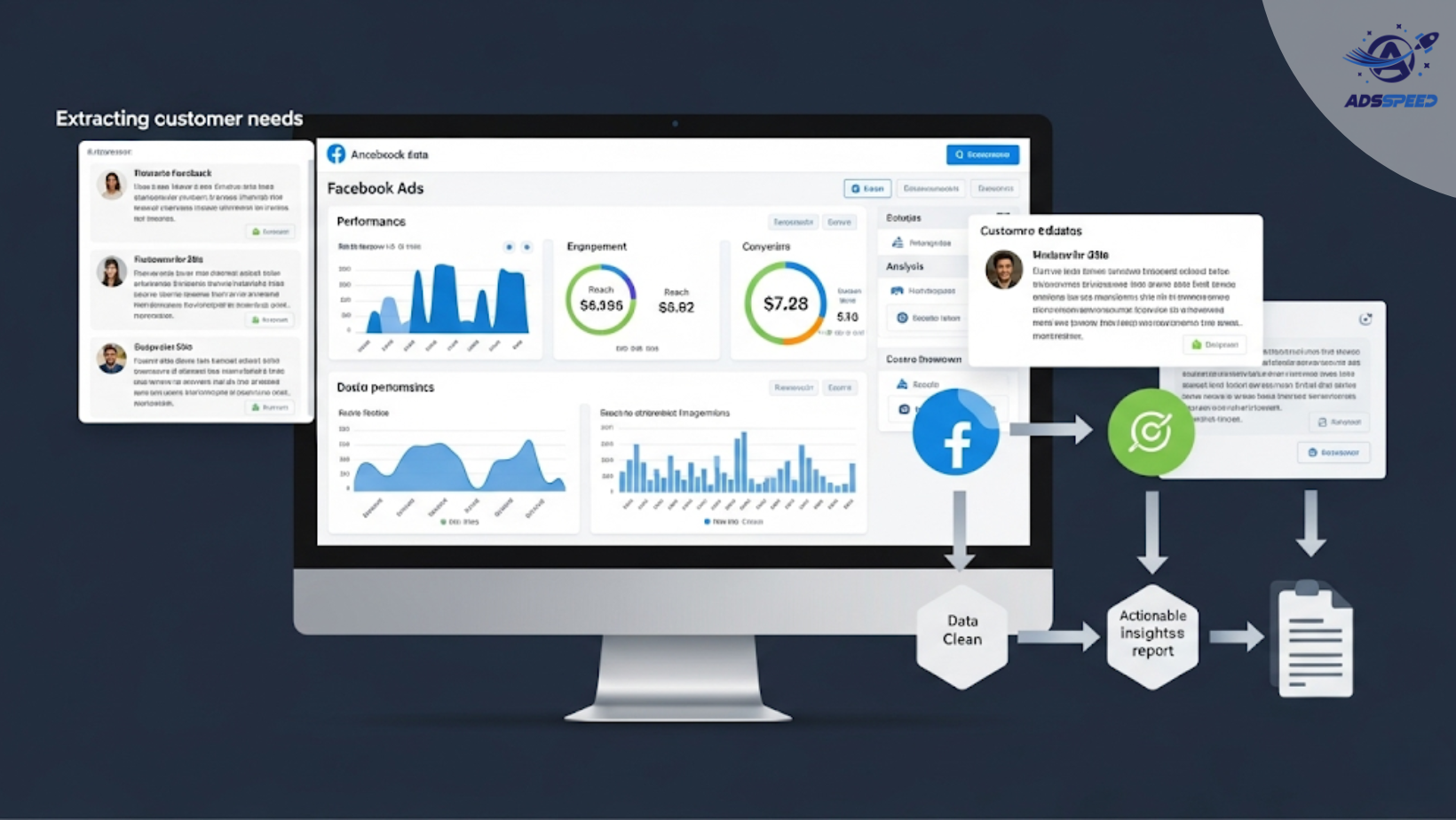
Many marketers assume they know what customers want — but assumptions often lead to wasted ad spend and missed opportunities. Facebook Ads don’t just drive traffic; they also generate valuable behavioral and interest data.
If you learn how to read between the numbers, your ads can become a powerful listening tool.
1. Analyze Engagement Patterns Beyond Clicks
Clicks tell part of the story — but not the whole. Look deeper into:
- Comments: Are people asking questions, sharing pain points, or showing excitement?
- Shares: What kind of messaging makes users share?
- Reactions: “Like” ≠ “Love” ≠ “Angry” — emotional signals reveal true sentiment.
Tip: Use engagement type filters in Facebook Ads Manager to segment by intent and emotional tone.
2. Look at Scroll-Stop Metrics
The 3-second view or video retention rate reveals more than just viewership:
- A high 3-second view rate shows that your message or creative is relevant.
- Drop-offs tell you when users lose interest — a hint that something isn’t resonating.
Use this to adjust how quickly you present the core need or solution in your ad.
3. Break Down Audience Segments by Behavior
Facebook’s breakdown tools allow you to segment performance by:
- Age
- Gender
- Device
- Region
- Placement
Compare these segments to see which audience is most engaged, and whether they behave differently across creatives. This can reveal distinct needs among different customer profiles.
Example: Mobile users might care more about convenience, while desktop users are more interested in features.
4. Use On-Facebook Lead Forms for Direct Feedback
Running lead generation campaigns? Customize your form to include optional short questions like:
- “What problem are you trying to solve?”
- “What feature matters most to you?”
These simple inputs provide first-party data on customer needs — directly from your prospects.
5. Analyze Landing Page Behavior (Post-Click)
Use Facebook’s integrated tracking or external tools (like Google Analytics or Hotjar) to monitor:
- Scroll depth
- Click heatmaps
- Time on page
If users bounce quickly or avoid your CTA, it may indicate a misalignment between the ad promise and the real customer need.
6. Compare Headlines and CTA Performance
Set up A/B tests with different:
- Pain point mentions
- Value propositions
- CTAs (“Book a Demo” vs. “See How It Works”)
Then match performance to specific segments. A high CTR on “Save Money Fast” may suggest customers are more cost-driven than speed-driven.
7. Reframe Results into Real Needs
Here’s how to interpret what Facebook data might really be telling you:
| Ad Behavior | Underlying Customer Need |
| Clicks but no purchases | More trust, clarity, or social proof |
| High video drop-off | Messaging not aligned with real concern |
| Many comments/questions | Product not clearly explained |
| High mobile engagement | Need for convenience, quick solutions |
🔹 Google Chrome Store: Search “Ads Check Speed | adsspeed.com”
https://chromewebstore.google.com/detail/ads-check-speed-adsspeedc/bhfahbbgppclfpeapkaebjbcffjnahcd
🔹 IOS Download : https://apps.apple.com/vn/app/adscheckspeed/id6742325139
🔹 Android Download : https://play.google.com/store/apps/details?id=com.dev.fbadsspeedv2&hl=vi

