





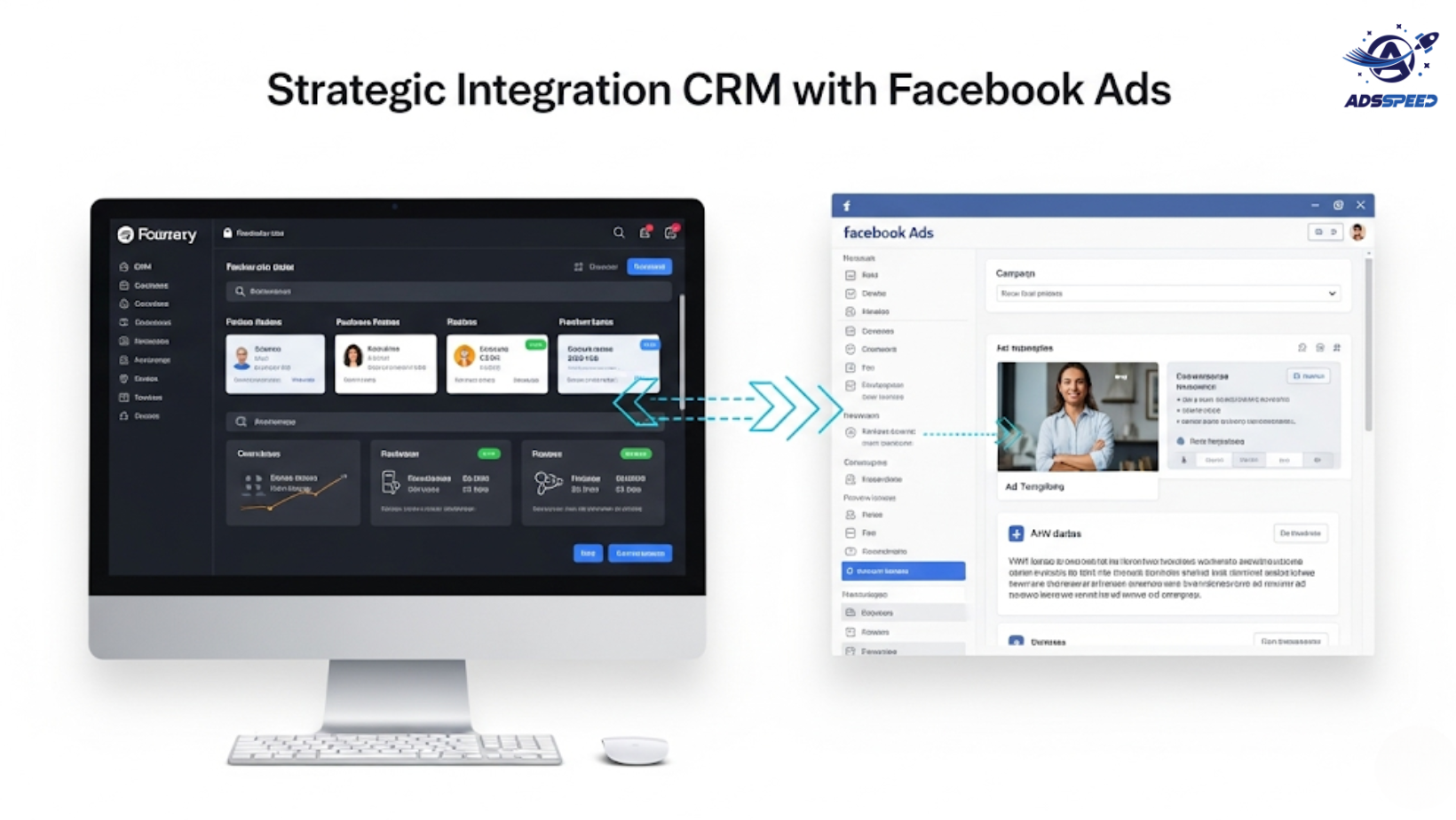
Why CRM Integration Matters in Facebook Advertising
Your CRM holds one of your most valuable assets—first-party customer data. When properly integrated into Facebook Ads, this data becomes a powerful tool to:
- Build custom audiences based on actual customer behavior
- Retarget leads at the right time with relevant messages
- Create accurate lookalike audiences
- Measure ROI with precision
In 2025, as third-party cookies fade out, CRM-based targeting is no longer optional—it’s essential.
Step 1: Connect Your CRM to Meta Business Suite
Popular CRMs like HubSpot, Salesforce, or Zoho can connect directly to Meta via:
- Native integrations
- Zapier
- Custom API connections
Once linked, you can sync contacts, leads, or users into Custom Audiences within your Ads Manager. For smaller startups, this can also be managed via spreadsheet imports or tools like adsspeed, which streamline campaign operations across multiple accounts.
Step 2: Segment Your CRM Lists for Smart Targeting
Don’t just sync your entire CRM blindly. Segment your lists based on:
- Stage in the sales funnel (e.g., new leads vs. loyal customers)
- Purchase behavior (frequent buyers, high spenders)
- Product interest
- Location or language
This allows you to serve tailored ads with higher relevance—and higher returns.
Step 3: Create Personalized Ad Experiences
Using CRM segments, you can personalize:
- Ad copy: “Hey [Name], we’ve got something new for you!”
- Product offers based on last interaction
- Dynamic ads with pre-filled forms using CRM data
The result? Higher engagement and lower cost per acquisition.
Step 4: Use CRM Data to Retarget and Upsell
Did a lead open your sales email but didn’t convert? You can serve them a Facebook ad offering a free demo.
Did a customer buy once? Show them a discount on their second purchase.
By syncing CRM activity in real-time, you can launch behavior-based retargeting that outperforms generic campaigns.
Step 5: Measure and Optimize with Data Feedback Loops
Feed your Facebook ad performance data back into your CRM:
- Tag which contacts clicked your ad
- See which campaigns led to actual sales
- Score leads more accurately based on Facebook behavior
Pairing Facebook Ads data with CRM analytics gives you a 360° view of the customer journey, helping you spend smarter.
Platforms like adsspeed can help organize this data in one place, especially when you’re running campaigns in different regions.
🔹 Google Chrome Store: Search “Ads Check Speed | adsspeed.com”
https://chromewebstore.google.com/detail/ads-check-speed-adsspeedc/bhfahbbgppclfpeapkaebjbcffjnahcd
🔹 IOS Download : https://apps.apple.com/vn/app/adscheckspeed/id6742325139
🔹 Android Download : https://play.google.com/store/apps/details?id=com.dev.fbadsspeedv2&hl=vi
Final Tips for Success
- Always get consent before uploading customer data
- Use Facebook’s advanced matching feature for better accuracy
- Update your audiences frequently to stay relevant
- Test Custom Audiences vs. Lookalikes to find your best-converting group
Conclusion
Integrating your CRM into your Facebook Ads strategy allows for laser-focused targeting, personalization, and higher ROI. Whether you’re a growing brand or managing hundreds of accounts, leveraging CRM data transforms how you connect with your audience.
Want to scale globally with smarter tools? Combine your CRM with a campaign manager like adsspeed to handle audience syncing, ad testing, and budget control—all from one dashboard.
CRM + Facebook = advertising that actually understands your customers.

