





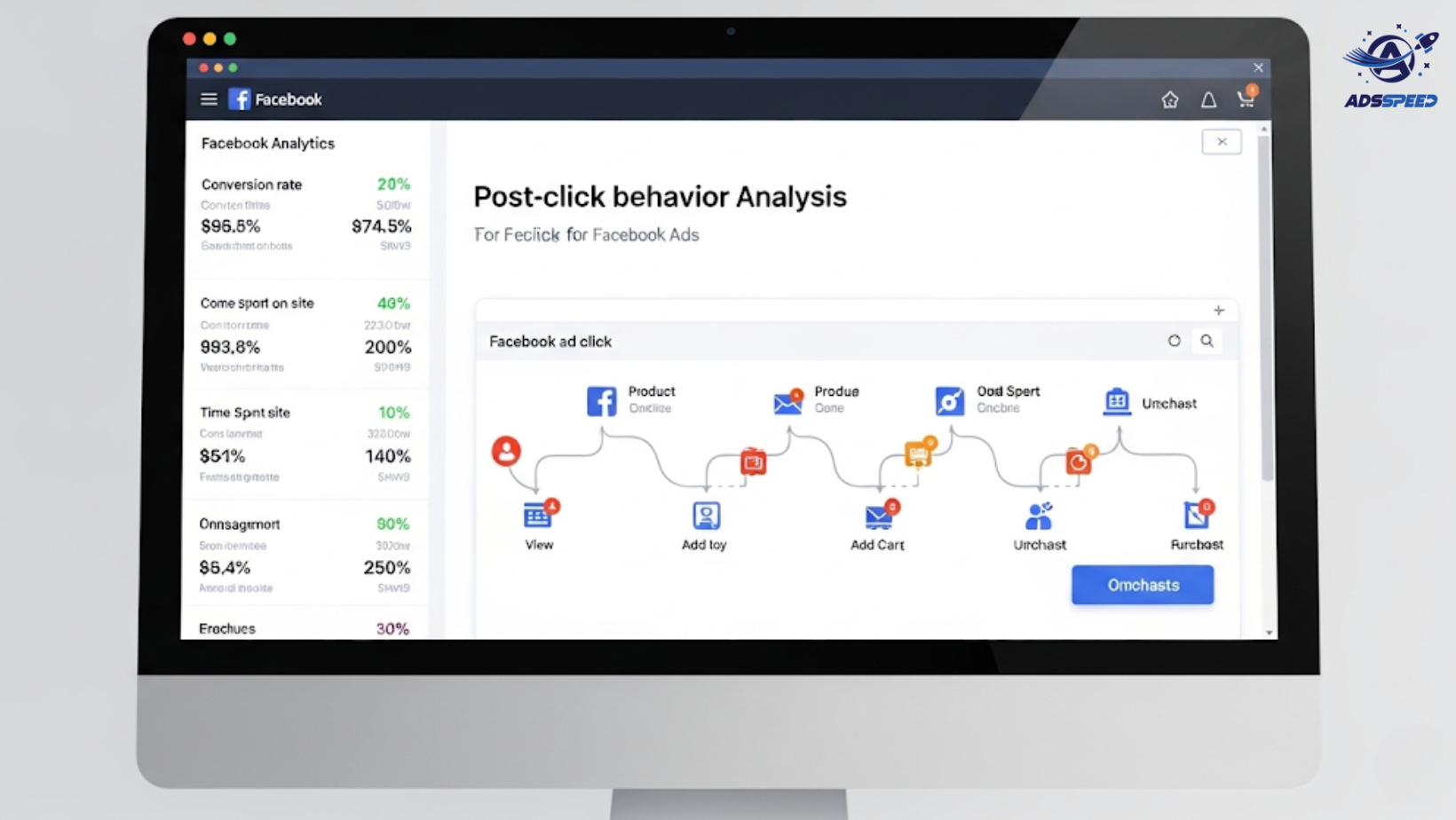
Why Post-Click Behavior Matters in Facebook Advertising
Many advertisers focus only on CTR (Click-Through Rate) and CPC (Cost Per Click), assuming that if people are clicking, the campaign is working.
But here’s the truth:
Clicks don’t equal success. What matters more is what users do after the click.
That’s where post-click behavior analysis comes in.
Understanding how users behave once they land on your site or app allows you to:
- Increase conversion rates
- Improve user experience
- Reduce bounce and friction
- Boost ROI without increasing ad spend
What Is Post-Click Behavior?
Post-click behavior refers to how users interact with your landing page or website after clicking on your Facebook Ad. It includes:
- Time on page
- Pages per session
- Scroll depth
- Form completions or cart additions
- Exit or bounce behavior
- Event triggers (e.g., video plays, downloads)
Tracking and analyzing this data helps you see whether the traffic you’re paying for is engaged or just passing by.
Key Metrics to Track After the Click
1. Bounce Rate
High bounce rates may indicate:
- Page load issues
- Poor design or confusing layout
- Mismatch between ad and page content
Aim for bounce rates under 50% on landing pages, depending on your industry.
2. Time on Page
If users spend only a few seconds before leaving, your offer may not be compelling—or the content might not match the promise of the ad.
Watch for:
- Avg. session duration
- Scroll activity to gauge depth of interest
3. Conversion Events
Track meaningful actions like:
- Form submissions
- Purchases
- Downloads
- Add-to-cart events
Use Facebook Pixel and tools like Google Analytics or server-side tracking to monitor micro and macro conversions.
4. Funnel Drop-off Points
If users are abandoning mid-funnel (e.g., during checkout), investigate:
- Confusing forms
- Too many steps
- Trust issues (lack of reviews, unclear policies)
Fixing just one drop-off step can dramatically improve overall performance.
Tools for Post-Click Analysis
- Facebook Pixel & Conversions API – Tracks events like view content, initiate checkout, purchase, etc.
- Google Analytics (GA4) – Offers deep insight into behavior flow, bounce rate, engagement rate
- Hotjar or Microsoft Clarity – Heatmaps and session recordings
- Adsspeed – Helps unify tracking across multiple Facebook ad accounts and centralizes performance data for easier optimization.
How to Optimize Based on Post-Click Behavior
A/B Test Landing Pages
Test different:
- Headlines
- Layouts
- Button placements
- Page speeds
Use the same Facebook ad to send users to two versions and compare post-click performance, not just CTR.
Improve Page Load Speed
Slow pages cause up to 40% abandonment.
Use tools like Google PageSpeed Insights or GTmetrix to identify and fix speed issues.
Match Ad Intent to Page Content
Make sure your landing page fulfills the promise made in your ad copy or creative.
If users expect a free trial, don’t land them on a pricing page. If your ad is about solving a problem, the page should directly address it.
Personalize the User Journey
Use Dynamic Text Replacement or location-specific content to reflect ad targeting.
For example:
- Facebook Ad → “Get free shipping in Singapore”
- Landing Page → Reinforces “Free shipping in SG” in headline
This increases trust and relevance, reducing bounce.
Final Thoughts
Post-click analysis is the missing link between ad performance and real business results. If you’re only tracking ad metrics, you’re flying blind.
Clicks are the start. Behavior is the story. Conversions are the goal.
Recap:
- Track bounce rate, time on page, funnel drop-offs
- Use Pixel, GA4, and heatmaps to diagnose problems
- Match landing page content to ad expectations
- Optimize layout, speed, and clarity for higher engagement
- Use tools like Adsspeed to track cross-account behaviors efficiently
Don’t just chase more clicks—turn the ones you already have into revenue.
🔹 Google Chrome Store: Search “Ads Check Speed | adsspeed.com”
https://chromewebstore.google.com/detail/ads-check-speed-adsspeedc/bhfahbbgppclfpeapkaebjbcffjnahcd
🔹 IOS Download : https://apps.apple.com/vn/app/adscheckspeed/id6742325139
🔹 Android Download : https://play.google.com/store/apps/details?id=com.dev.fbadsspeedv2&hl=vi

