





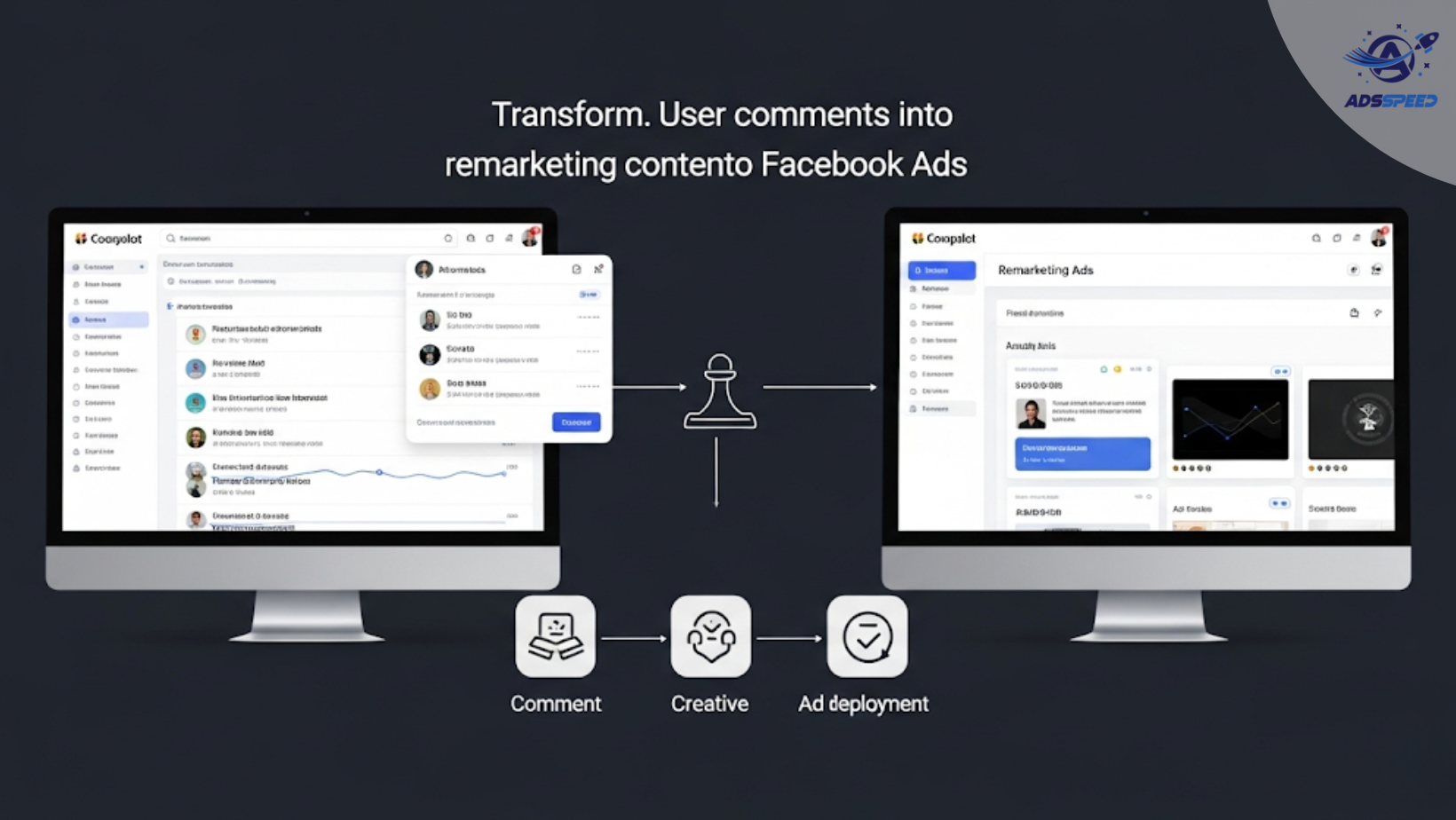
Why User Comments Are a Goldmine for Remarketing
Most marketers treat comments as something to moderate. Smart advertisers see them as fuel for remarketing.
User comments often reveal:
- Pain points
- Praise
- Objections
- Questions
- Real-life use cases
Instead of guessing what to say in your next ad, why not let your audience tell you directly?
1. Collect and Categorize the Best Comments
Start by exporting or reviewing comments from:
- High-performing ad posts
- Organic brand posts
- Reels or Story replies
- Customer support threads
Group them into categories like:
- Questions (e.g., “Does it work for oily skin?”)
- Praise (e.g., “This changed my routine!”)
- Objections (e.g., “It looks great, but is it worth the price?”)
- Pain points (e.g., “I’ve tried so many products that failed.”)
This gives you insight into what matters most to your audience.
2. Turn Praise Into Social Proof Creatives
Use actual customer praise in your visuals:
- Add the comment in quote style with the commenter’s name (with permission or anonymized)
- Overlay it onto product images or lifestyle photos
- Create a “real talk” testimonial ad set using just comments
This adds authenticity and builds trust — especially if the comments use relatable language.
3. Build a Q&A Carousel or Story Series
Take frequently asked questions from comments and turn them into:
- A carousel ad, with each card answering a question
- A Reels or Story sequence tackling top queries
- A chatbot flow addressing objections live
Bonus: Ads that solve objections convert better — and lower bounce rates.
4. Turn Objections Into Empathy Ads
See objections not as rejection, but as a chance to connect.
Example:
Comment: “Looks great, but it’s too expensive.”
Ad idea: “Worried about the cost? Here’s how our customers save more in the long run.”
Use this structure:
Problem → Empathy → Solution → CTA
This style of messaging feels personal and disarms resistance.
5. Use Questions for Engagement-Based Remarketing
Target users who interacted with your comment threads by:
- Creating ads that say, “You asked, we answered!”
- Running polls or quizzes based on FAQs
- Retargeting post engagers with educational videos or blog posts
With Adsspeed or similar ad check tools, you can segment audiences by interaction type and test which comments drive the best re-engagement.
🔹 Google Chrome Store: Search “Ads Check Speed | adsspeed.com”
https://chromewebstore.google.com/detail/ads-check-speed-adsspeedc/bhfahbbgppclfpeapkaebjbcffjnahcd
🔹 IOS Download : https://apps.apple.com/vn/app/adscheckspeed/id6742325139
🔹 Android Download : https://play.google.com/store/apps/details?id=com.dev.fbadsspeedv2&hl=vi
6. Create a “Comment-Based” UGC Collection
Encourage users to reply with their own experience, then:
- Turn replies into text-based visuals
- Record users reading their own comments as UGC
- Build credibility with “100+ happy customers said…” montages
This works especially well for DTC, fashion, and wellness brands.

