






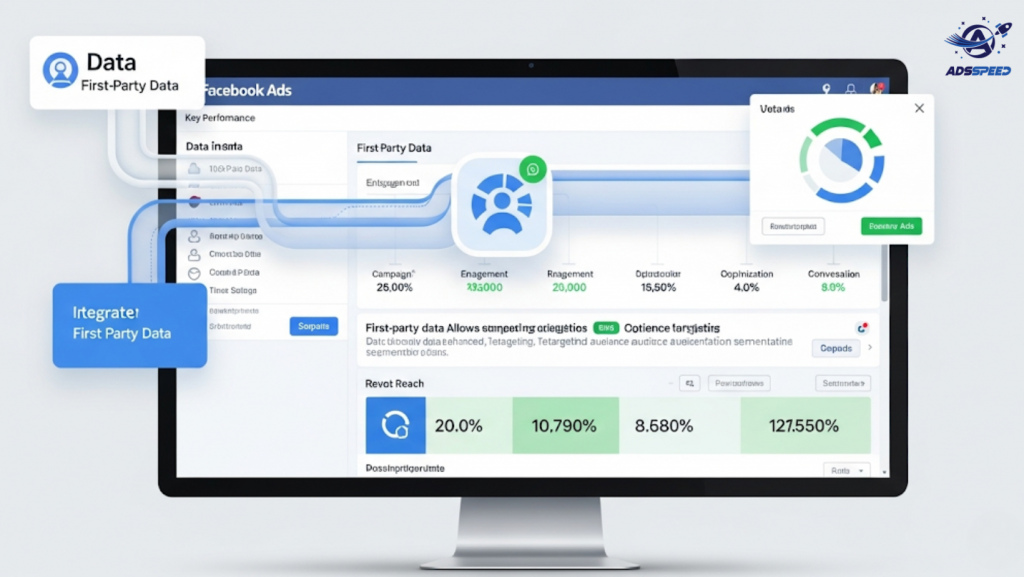
What Is First-Party Data?
First-party data is the information your business collects directly from your customers and website visitors. Unlike third-party data, it’s:
- Owned by you
- More accurate and relevant
- Compliant with privacy regulations when used properly
Common first-party data sources include:
- Website visitor behavior (via Pixel or CAPI)
- CRM or email lists
- Purchase history
- App interactions
- Survey responses and chatbot data
Why First-Party Data Matters for Facebook Ads in 2025
As tracking becomes more privacy-centric (due to iOS updates, GDPR, and the phasing out of third-party cookies), first-party data is now essential to running high-performing Facebook Ads.
Benefits:
- Improved ad targeting
- More accurate lookalike audiences
- Stronger retargeting lists
- Enhanced personalization
- Better data compliance
How to Collect and Use First-Party Data
1. Integrate Facebook Pixel & Conversion API
This is the foundation for gathering event-based first-party data from your site.
- Use Pixel for browser-based data
- Add Conversion API (CAPI) for server-side tracking, especially post-iOS 14.5
🔧 Platforms like Adsspeed help streamline and monitor these integrations across multiple ad accounts.
2. Sync CRM Data with Custom Audiences
Upload email lists, phone numbers, or app IDs to Facebook and create Custom Audiences.
Use them for:
- Retargeting past buyers
- Upselling to repeat customers
- Excluding existing clients from prospecting campaigns
Tip: Keep your CRM list updated regularly for best performance.
3. Create High-Quality Lookalike Audiences
Facebook can build Lookalike Audiences from your best customers.
Steps:
- Upload a custom audience of high-value clients
- Choose countries or regions you want to target
- Adjust similarity range (1% for best match, 10% for scale)
Lookalikes built from clean, rich first-party data consistently outperform cold targeting.
4. Leverage On-Site Behavior for Dynamic Retargeting
Use Facebook Pixel events like:
- ViewContent
- AddToCart
- InitiateCheckout
- Purchase
With these signals, you can:
- Remind users of abandoned carts
- Offer discounts to product viewers
- Upsell post-purchase with sequenced ads
5. Use Facebook Lead Ads to Capture More First-Party Data
Lead Ads allow you to:
- Grow your email list
- Ask qualifying questions
- Sync directly with CRMs or email tools
These forms are mobile-optimized, pre-filled, and ideal for collecting quality leads.
Best Practices for Using First-Party Data in Facebook Ads
Stay compliant: Follow GDPR, CCPA, and Meta’s privacy guidelines
Segment wisely: Tailor messages based on user behavior and lifecycle
Refresh your lists: Avoid outdated or inactive data
A/B test: Test different audiences created from first-party insights
Final Thoughts
First-party data is no longer optional—it’s your most powerful Facebook Ads asset. By collecting it responsibly and integrating it intelligently, you’ll run smarter campaigns, reach the right people, and drive better ROI in 2025 and beyond.
🔹 Google Chrome Store: Search “Ads Check Speed | adsspeed.com”
https://chromewebstore.google.com/detail/ads-check-speed-adsspeedc/bhfahbbgppclfpeapkaebjbcffjnahcd
🔹 IOS Download : https://apps.apple.com/vn/app/adscheckspeed/id6742325139
🔹 Android Download : https://play.google.com/store/apps/details?id=com.dev.fbadsspeedv2&hl=vi

