





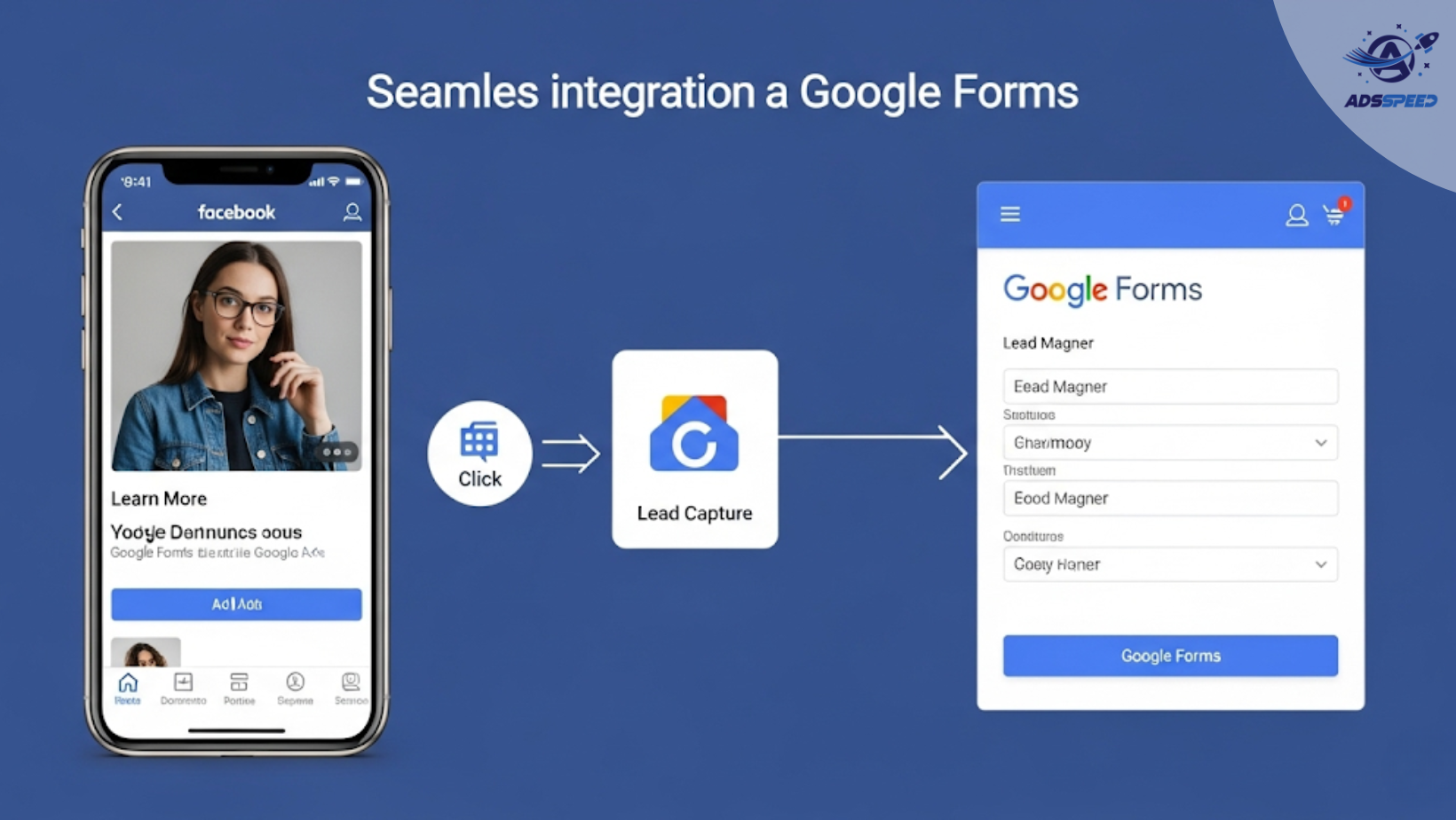
Why Use Google Forms as a Lead Magnet?
In the world of Facebook advertising, simplicity and speed are key when converting cold traffic into leads. Google Forms offers a free, easy-to-use, and mobile-friendly solution for capturing user information without needing a complex landing page.
It’s ideal for:
- Small businesses with limited resources
- Early-stage startups testing ad concepts
- Educational services, coaches, or consultants offering value-first lead magnets
Benefits of Using Google Forms in Facebook Ads
Zero cost — You don’t need to invest in a landing page builder or CRM integration.
Quick setup — Create a form in under 10 minutes.
Instant access to leads — All responses are auto-saved to a spreadsheet for easy tracking.
Highly customizable — Add your brand colors, logo, and even conditional logic to guide users.
1. Choose the Right Lead Magnet to Offer
What are you giving away in exchange for their contact info?
Here are high-performing ideas:
- Free mini-course or workshop registration
- Checklist (e.g., “10 Mistakes New Entrepreneurs Make”)
- Free audit or consultation
- Exclusive event sign-up
- Entry into a giveaway or beta access
Make sure your lead magnet solves a specific problem for a clearly defined audience.
2. How to Structure Your Google Form for Ads
Your form should be:
- Short (3–5 questions max)
- Value-focused (“Download our free guide to saving $500/month”)
- Visually clean (use section breaks and brand visuals)
- Mobile-optimized
Typical fields:
- Name
- One qualifying question (e.g., “What’s your biggest challenge?”)
Use the confirmation page to redirect users to a thank-you message or bonus content.
3. Drive Traffic to the Form via Facebook Ads
In your ad setup, choose Traffic or Conversions as your objective and paste the Google Form link as your destination URL.
Ad copy tips:
- Start with a problem the audience relates to
- Highlight the solution your form offers
- Use urgency or exclusivity if possible
- CTA examples: “Claim Your Free Guide” | “Reserve Your Spot” | “Download Now”
Pro tip: Use ad visuals that match the color theme of your Google Form for brand consistency.
4. Retarget and Nurture Your Leads
Once leads start coming in:
- Upload the list to create Custom Audiences for retargeting
- Send follow-up emails if you’ve collected email addresses
- Offer the next step: consultation, product trial, or webinar
Tools like ads check speed or Facebook’s native Events Manager can help you measure which ad sets deliver the highest form completions.
🔹 Google Chrome Store: Search “Ads Check Speed | adsspeed.com”
https://chromewebstore.google.com/detail/ads-check-speed-adsspeedc/bhfahbbgppclfpeapkaebjbcffjnahcd
🔹 IOS Download : https://apps.apple.com/vn/app/adscheckspeed/id6742325139
🔹 Android Download : https://play.google.com/store/apps/details?id=com.dev.fbadsspeedv2&hl=vi
Final Thoughts
Using Google Forms as a lead magnet is an excellent way to lower barriers to entry while still collecting quality leads. With the right targeting and a compelling offer, your Facebook Ads can become a powerful list-building engine—without needing a landing page or complicated tech setup.

