





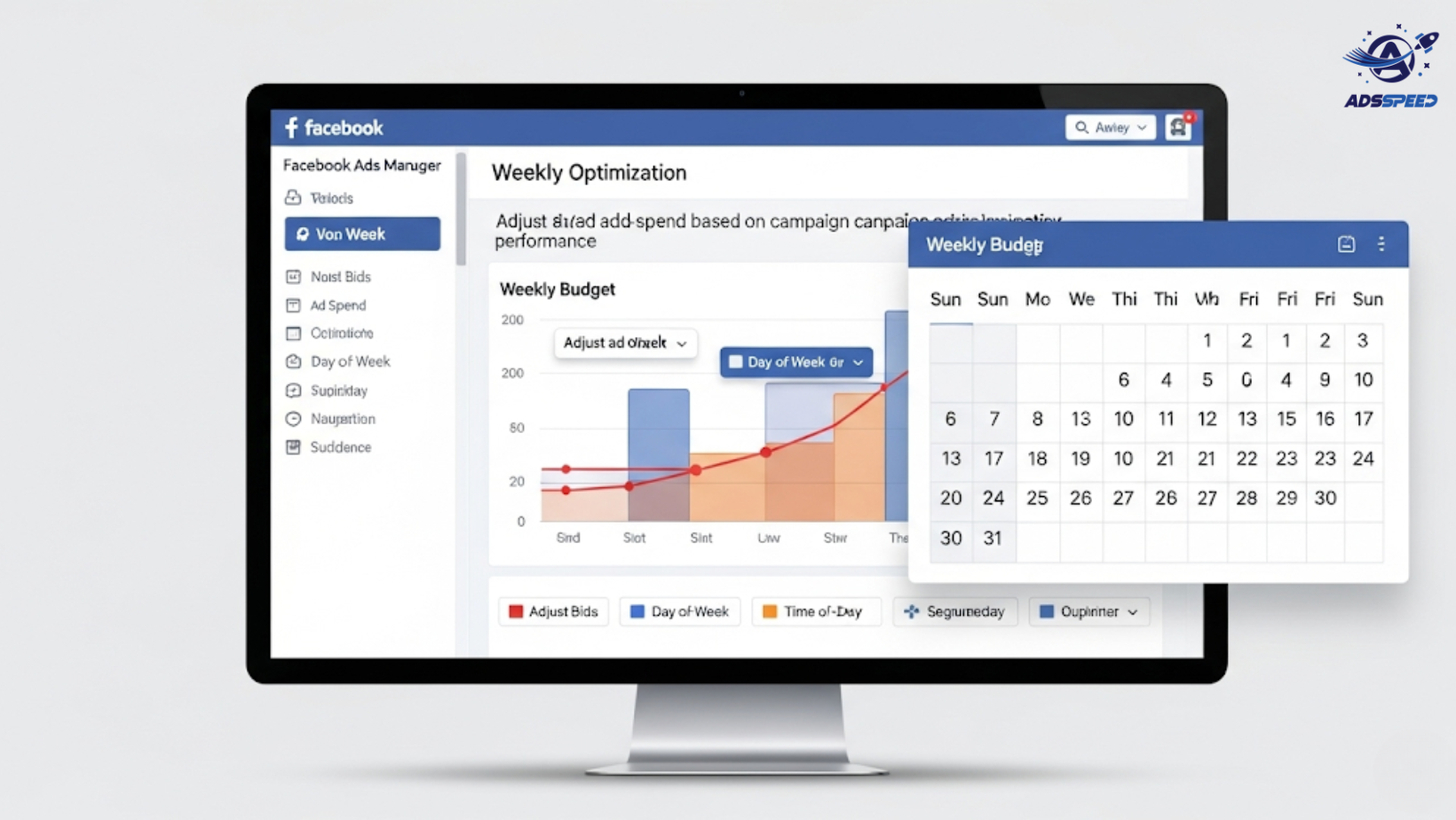
Why Weekly Budget Optimization Matters
Facebook Ads campaigns are dynamic—what worked last week may not work this week.
If you “set and forget” your budget:
- You risk overspending on underperforming ads
- You may miss scaling opportunities for winning sets
- Your ad frequency might rise without results
Weekly budget reviews help you stay agile, efficient, and profitable.
Step-by-Step Weekly Budget Optimization Plan
1. Review Campaign-Level Performance Every Monday
Start the week by checking:
- ROAS (Return on Ad Spend)
- CPA (Cost per Acquisition)
- CTR (Click-Through Rate)
- CPM (Cost per 1,000 impressions)
- Frequency
Group your campaigns by objective (Sales, Lead Gen, Traffic) and sort them by ROI.
Tip: Use dashboards like Adsspeed to quickly view multi-account or multi-campaign metrics in one place.
2. Pause or Reduce Budget on Underperformers
If a campaign or ad set has:
- High CPA
- Low CTR
- Flat conversions
- Frequency above 3+ (but results aren’t improving)
Scale it down or pause for testing. Don’t waste budget on ads Facebook is showing too often with little return.
3. Redistribute Budget to Top Performers
Identify your top-performing:
- Ad sets
- Creatives
- Audiences
- Placements
Increase budget by 10–20% per week (avoid sudden jumps to prevent algorithm disruption).
Example: If your best ad set has a ROAS of 4.0 and budget is $20/day, increase it to $22–24/day.
4. Test One New Variable Each Week
Every week, experiment with:
- New audience segments
- Fresh ad copy or creatives
- Different placements (Reels, Stories, Feed)
- A different CTA or offer
Dedicate 10–20% of your weekly budget to testing.
This keeps your funnel fresh and avoids over-reliance on a single strategy.
5. Use Rules & Automation
Set Facebook Ads rules like:
- Pause ads if CPA > $X for 3 days
- Increase budget if ROAS > 3.0
- Send notifications for major performance drops
This saves time and allows you to focus on analysis, not manual adjustments.
Tools like ads check speed can help you scan your ad health across audiences in seconds.
6. Refine Based on Funnel Stage
Each week, break down your spend by funnel stage:
- Top of Funnel (cold audience awareness)
- Middle of Funnel (engagement, video views, clicks)
- Bottom of Funnel (retargeting, conversion)
Reallocate weekly based on:
- Which stage is underperforming
- Where users are dropping off
- What stage needs more nurturing
7. Check Competitor Activity
Use the Facebook Ads Library weekly to:
- Spy on competitors’ creatives
- Identify seasonal offers
- Get inspiration for new formats
Staying informed helps you react faster and budget smarter.
Bonus: Weekly Optimization Calendar Example
| Day | Task |
| Monday | Campaign performance audit + pause low performers |
| Tuesday | Scale winners + adjust budgets |
| Wednesday | Launch new A/B test |
| Thursday | Review test data & tweak targeting |
| Friday | Review mid-week trends + check frequency |
| Weekend | Light monitoring (unless running weekend offers) |
Final Thoughts
Weekly budget optimization isn’t about micromanagement—it’s about intentional tuning for results.
Recap:
Review & pause underperformers
Scale winners gradually
Test weekly
Use automation to save time
Adjust based on funnel and frequency
Combine that with a smart management platform like Adsspeed, and you’ve got a budget strategy that runs like a machine—with flexibility and precision.
🔹 Google Chrome Store: Search “Ads Check Speed | adsspeed.com”
https://chromewebstore.google.com/detail/ads-check-speed-adsspeedc/bhfahbbgppclfpeapkaebjbcffjnahcd
🔹 IOS Download : https://apps.apple.com/vn/app/adscheckspeed/id6742325139
🔹 Android Download : https://play.google.com/store/apps/details?id=com.dev.fbadsspeedv2&hl=vi

