






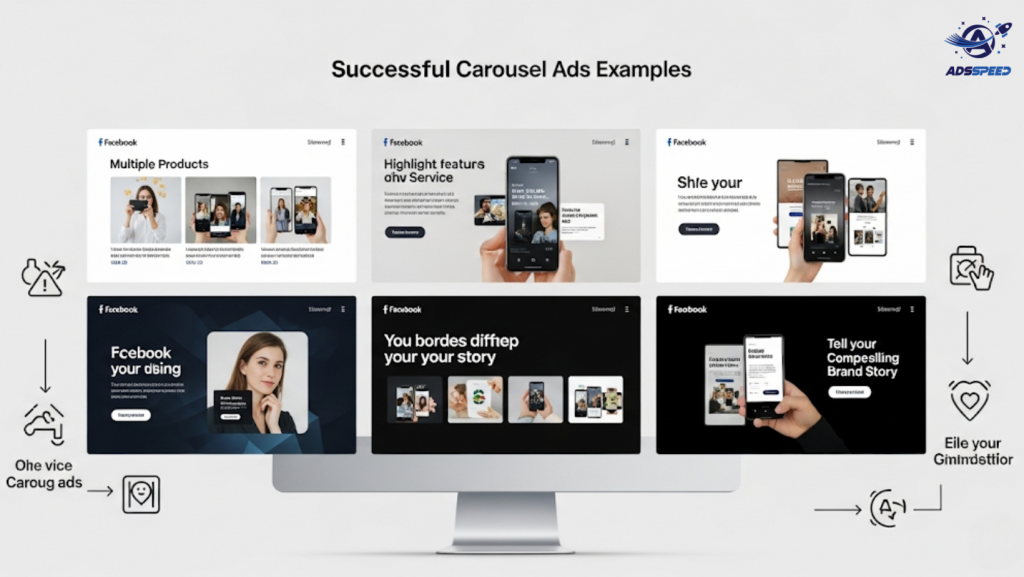
What Are Carousel Ads on Facebook?
Carousel Ads allow you to showcase up to 10 images or videos within a single ad unit. Each card can have its own link, headline, and call-to-action (CTA).
Why do marketers love them?
Because they’re interactive, versatile, and proven to drive higher engagement and conversions when used at the right time.
Top Scenarios to Use Carousel Ads Effectively
1. To Showcase Multiple Products or Services
If you run an eCommerce store or offer various services, Carousel Ads are perfect for displaying a range of options.
Example:
A fashion brand can show different outfits from the same collection in one ad.
A digital agency might showcase SEO, design, and ad services in individual cards.
SEO Tip: Use product-specific keywords in each card’s headline to improve relevance and click-through rate (CTR).
2. To Demonstrate a Process or How-To Sequence
Carousel Ads are ideal for step-by-step visuals—perfect for:
- Tutorials (e.g., “How to use our app in 3 steps”)
- Onboarding sequences
- Explaining complex services visually
This format keeps the audience engaged by guiding them through a clear narrative.
3. To Tell a Brand Story or Customer Journey
Create a visual timeline across cards:
- Card 1: The challenge
- Card 2: The discovery
- Card 3: The transformation
- Card 4: The happy result
Emotional storytelling + visual flow = higher retention and shareability.
4. To Highlight Features of a Single Product
Instead of showing many products, use Carousel Ads to zoom in on one product and its features:
- Card 1: Design
- Card 2: Functionality
- Card 3: User benefits
- Card 4: Testimonials
This method builds depth and credibility in a compact space.
5. To Drive Traffic to Multiple Landing Pages
Each Carousel card can link to a different URL. That’s a major advantage for:
- Retailers promoting multiple product categories
- Service businesses targeting niche audiences
- Publishers sharing multiple blog articles
Pro Tip: Tools like Adsspeed allow you to monitor card-level performance and see which links drive the most engagement—perfect for refining your strategy over time.
6. To Retarget Different Segments in One Ad
Custom audiences often have varied needs. Carousel Ads let you serve personalized messages within the same ad unit:
- Past buyers → “Get 10% off your next order”
- Website visitors → “Still thinking it over?”
- Abandoned cart users → “Your item’s waiting!”
Best Practices for Carousel Ads That Convert
- Keep visual flow consistent across all cards
- Use the first card to hook attention
- Maintain brand style (colors, tone, visuals)
- Include a clear CTA on every card
- Test different orders to see which performs best
- Refresh creatives often to avoid ad fatigue
Final Thoughts
Facebook Carousel Ads are more than just pretty slides—they’re a performance powerhouse when used strategically.
Whether you’re telling a story, showcasing a product lineup, or retargeting different users in one shot, Carousel Ads provide the flexibility and engagement you need to stand out.
🔹 Google Chrome Store: Search “Ads Check Speed | adsspeed.com”
https://chromewebstore.google.com/detail/ads-check-speed-adsspeedc/bhfahbbgppclfpeapkaebjbcffjnahcd
🔹 IOS Download : https://apps.apple.com/vn/app/adscheckspeed/id6742325139
🔹 Android Download : https://play.google.com/store/apps/details?id=com.dev.fbadsspeedv2&hl=vi

