

Antidetect Browser for Android and iPhone: Mobile Browser, Cloud Phone or Android Profiles on a PC? (2026)
What does "antidetect for Android or iPhone" mean?
Searches such as "antidetect browser for android", "antidetect browser for iphone" and "antidetect browser ios" mix three different needs:
- Browsing websites in separate profiles on the phone itself, for example the mobile version of a marketplace or a social network.
- Running several accounts of a mobile app, where the work happens inside an app, not on a website.
- Doing either from a computer, so one person or a team can manage many mobile accounts side by side.
Each need has a different answer, and the phone you hold is the most limited place to solve any of them.
On an Android phone
Some Android browser apps let you keep several profiles or containers. That separates cookies and site data, so two logins don't sign each other out. What it cannot change is that every profile runs on the same physical phone and the same network: one device, one connection, shared by all of them.
For mobile apps, many platforms offer their own account switcher inside the app, which is the simplest option for a few accounts you own. When you need each account in its own device environment, with its own device configuration and proxy, you need separate Android environments: a cloud phone or Android profiles on a computer. See what an antidetect phone is.
On an iPhone
Apple's App Store Review Guidelines, section 2.5.6, say that apps that browse the web must use the appropriate WebKit framework and WebKit JavaScript. An alternative browser engine requires an entitlement, which Apple documents for the EU and Japan. In practice, browser apps on iPhone build on the same engine as Safari, so the room for "antidetect" features on an iPhone is small.
If your work is on websites, browser profiles on a computer are the practical route. If it is in iOS apps, there is no Android-style workaround: use the app's own account features and the platform's official team tools. ADSSPEED has no iPhone app and does not run iOS.
Cloud phone, emulator or Android profiles on your PC
| Option | Where it runs | Who holds the environment | Typical use |
|---|---|---|---|
| Android Emulator | Your computer | You | Testing apps on many device types and Android versions |
| Cloud phone | A provider's server, rented per device | The provider | Remote access without hardware at home |
| Android profiles on your PC (antidetect phone) | Your computer | You | Several mobile accounts you are authorized to run, each with its own device configuration and proxy |
| Real phones | Your desk or a rack | You | Apps that require certified hardware |
Google describes its Android Emulator as a tool that simulates Android devices on your computer so you can test an app on a variety of devices and Android API levels. Cloud phones and local Android profiles start from the same idea, Android running somewhere other than a phone in your pocket, but they are organized around separate accounts rather than app testing. Read run Android apps on a PC for the broader picture.
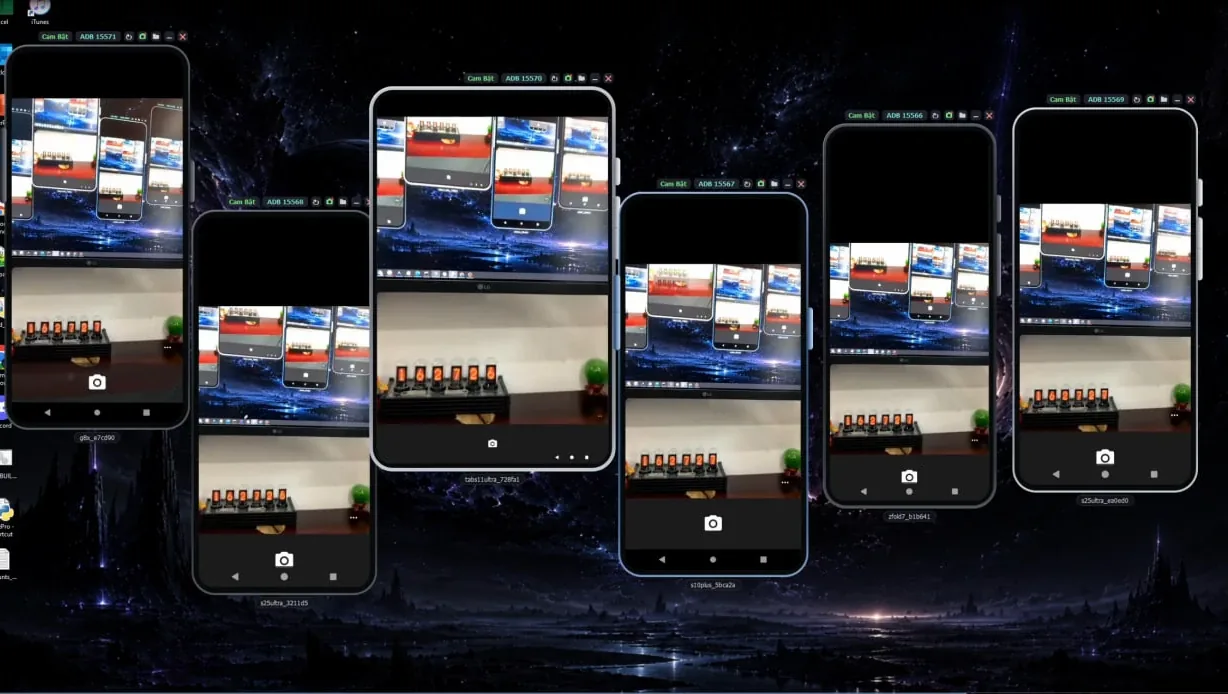
What your PC needs for Android phone profiles
Running Android on a computer depends on the hardware and on Windows' virtualization platform. ADSSPEED publishes the cases where its Android phones do not run. Browser profiles run on Windows 10, Windows 11 and Windows VPS; Android phones need:
| Requirement | Why it matters |
|---|---|
| Windows 10 version 2004 or later, or Windows 11 | Older builds, such as Windows 10 LTSC 2019, are not supported |
| A real computer, not a rented VPS or cloud server | Rented servers usually don't allow virtualization |
| Not inside VMware, VirtualBox or Hyper-V virtual machines | Some models, such as Android 16, won't start inside a virtual machine |
| An x86 processor | Windows on ARM laptops are not supported |
| Virtualization (VT-x / AMD-V) turned on | Without it, Android can't start |
| At least 6 GB of RAM and 10 GB of free disk | Each phone uses about 2 GB of RAM |
| No other Android software on the same platform at the same time | Two programs can't share Windows' virtualization platform side by side |
Not sure about virtualization? See check whether virtualization is enabled and enable virtualization in the BIOS.
Limits to know before you start
- Apps decide what they accept. With Google's Play Integrity API, the MEETS_DEVICE_INTEGRITY label means the app is running on a genuine and certified Android device; the verdict is empty when the app is not on a physical device, such as an emulator that doesn't pass the checks. No environment that isn't a certified physical phone can promise to pass every app's checks.
- No SIM card of its own. Receiving SMS codes needs a real phone number that you control.
- The device is only one signal. Your network, your behaviour and details reused across accounts can link accounts regardless of the device.
- Platform rules still apply. Run only accounts you own or are authorized to operate, and use each platform's official business tools where they exist.
Where ADSSPEED fits
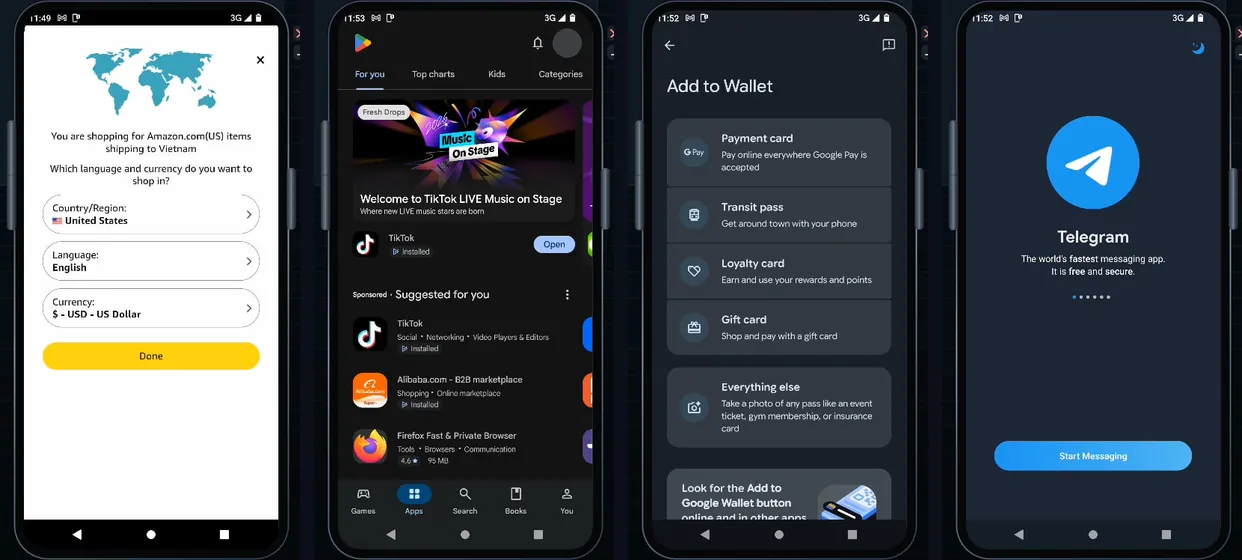
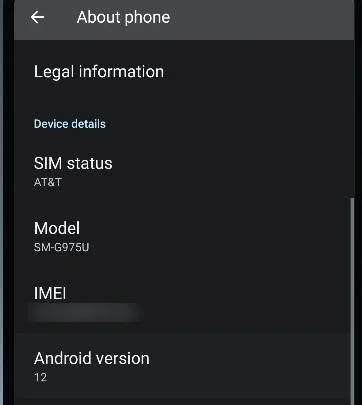
- Android phone profiles on your Windows PC. Each phone profile is a full Android device running on your computer, with its own device configuration (model, sensors, IMEI and carrier) and its own proxy.
- Next to your browser profiles. Manage phones and browser profiles in one app; see Android phones.
- On paid plans. The Free plan includes browser profiles only; phone profiles come with paid plans listed on the home page. See also free antidetect browser options.
- Not a cloud service and no iPhone app. Your profiles stay on your computer. ADSSPEED is not affiliated with Apple, Google or any platform.
Read more: What is an antidetect phone · What is ADSSPEED.
Frequently asked questions
Is there an antidetect browser for iPhone?
Options are limited. Apple's App Store Review Guidelines (2.5.6) say apps that browse the web must use the appropriate WebKit framework and WebKit JavaScript, and an alternative browser engine needs an entitlement that Apple offers for the EU and Japan. Browser apps on iPhone therefore build on the same engine as Safari. ADSSPEED has no iPhone app.
Is there an antidetect browser for Android?
Some Android browser apps keep separate profiles or containers, which separates cookies and site data. Every profile still runs on the same physical phone and network. To run several accounts of a mobile app in separate device environments you need separate Android environments, such as cloud phones or Android profiles on a PC.
What is a cloud phone?
An Android device or Android environment that runs on a provider's server and is rented per device. You control it remotely from a browser or an app; the provider runs the hardware and holds the environment.
Should I use an emulator instead?
An emulator is made for testing apps. Google's Android Emulator simulates Android devices on your computer so developers can test an app on many devices and Android versions. It is not designed around keeping several accounts apart with their own device configuration and proxy.
What does my PC need to run Android phone profiles in ADSSPEED?
According to ADSSPEED's published list: Windows 10 version 2004 or later or Windows 11, a real computer (not a rented VPS or a virtual machine), an x86 processor (not Windows on ARM), virtualization turned on, at least 6 GB of RAM (each phone uses about 2 GB) and 10 GB of free disk space, and no other Android software using the same Windows virtualization platform at the same time.
Will apps accept an Android environment that is not a real phone?
There is no promise. Apps can ask Google's Play Integrity API for a verdict; its MEETS_DEVICE_INTEGRITY label means the app runs on a genuine and certified Android device, and the verdict is empty when the app is not on a physical device, such as an emulator that does not pass the checks. Each app decides what to do with that.
Sources
- Apple Developer: App Store Review Guidelines, section 2.5.6 (read 16 Nov 2026)
- Apple Developer: Using alternative browser engines in the European Union (read 16 Nov 2026)
- Android Developers: Run apps on the Android Emulator (read 16 Nov 2026)
- Android Developers: Play Integrity API, integrity verdicts (read 16 Nov 2026)
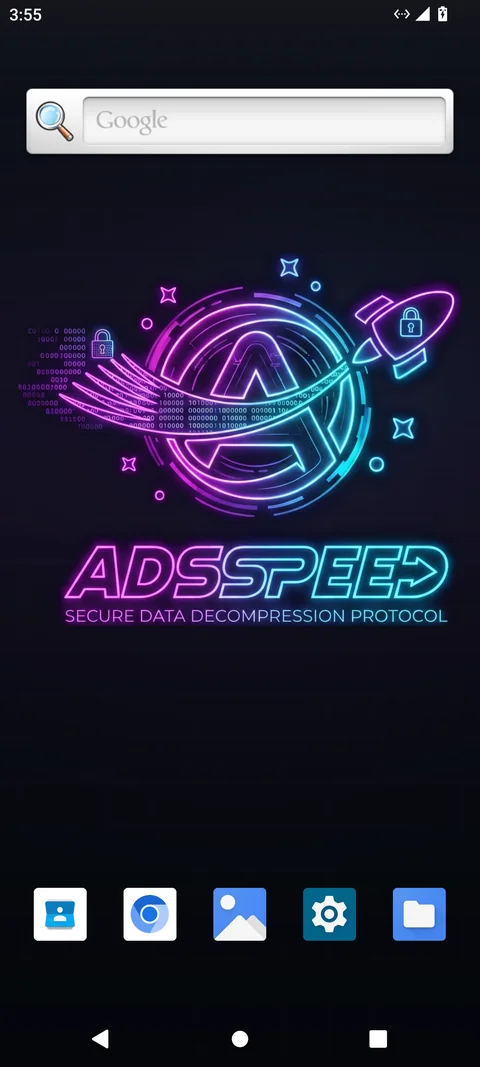
Run Android devices and browser profiles on your own PC
ADSSPEED manages many browser profiles and Android phone profiles from one app, each with its own device configuration, proxy and automation.