

Features
Antidetect phone: every profile is a complete Android phone
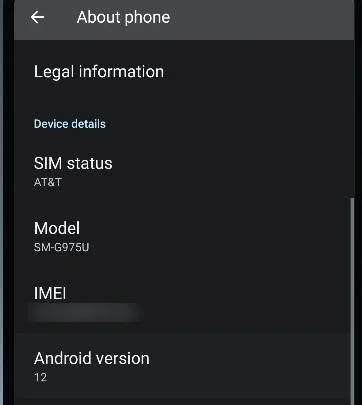
ADSSPEED's antidetect phone is not a browser emulation. Each profile is a complete Android device running right on your computer, with its own model, sensors, IMEI and carrier.
Phones are included in paid plans — see Pricing
What you can do
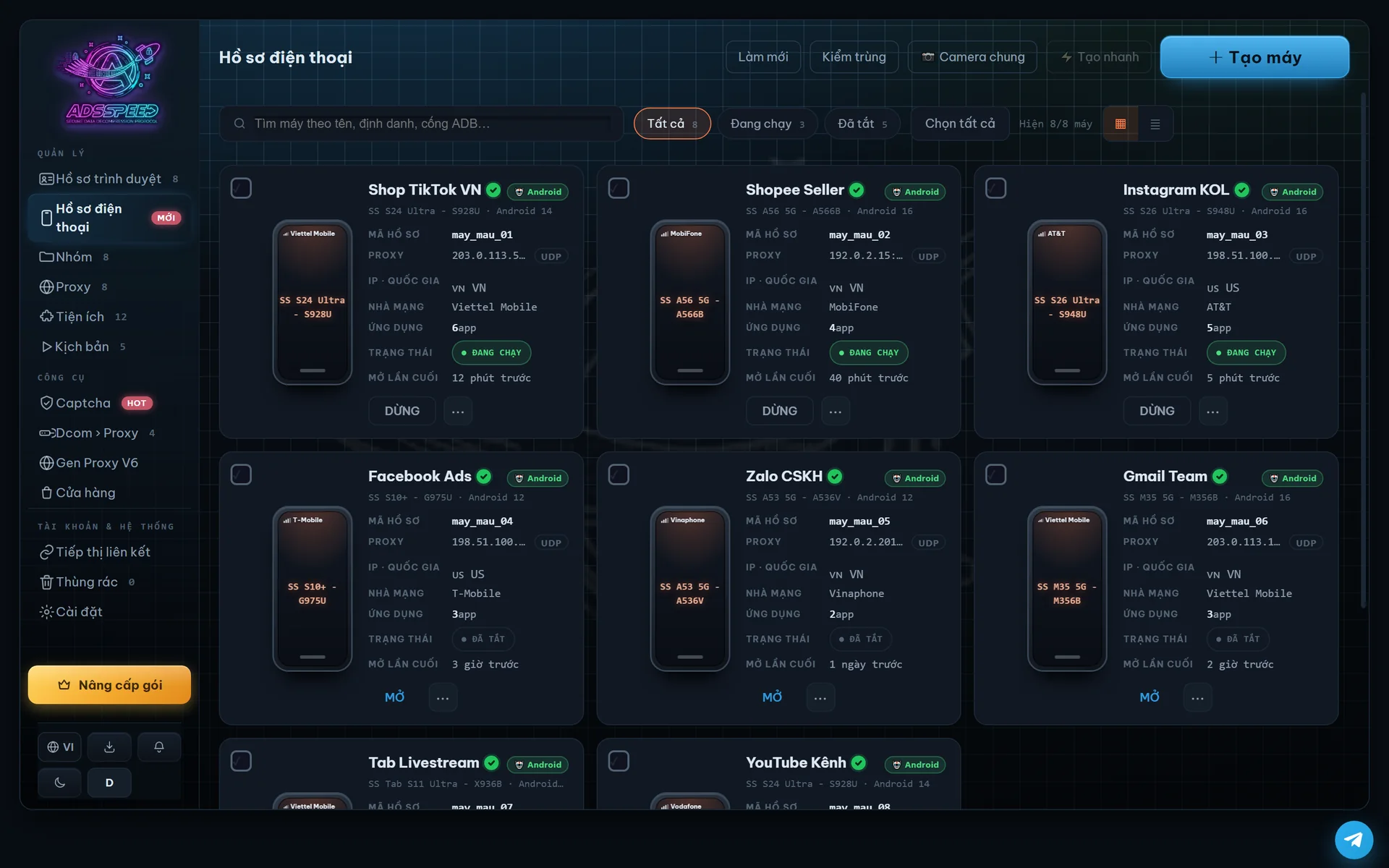
Each phone has its own model, sensors, IMEI and carrier, listed together with your browser profiles.
Language, SIM, carrier, phone number and time zone change together to match the country of the proxy you assign.
GPS follows the proxy's IP automatically; higher plans can set a custom location (see Pricing).
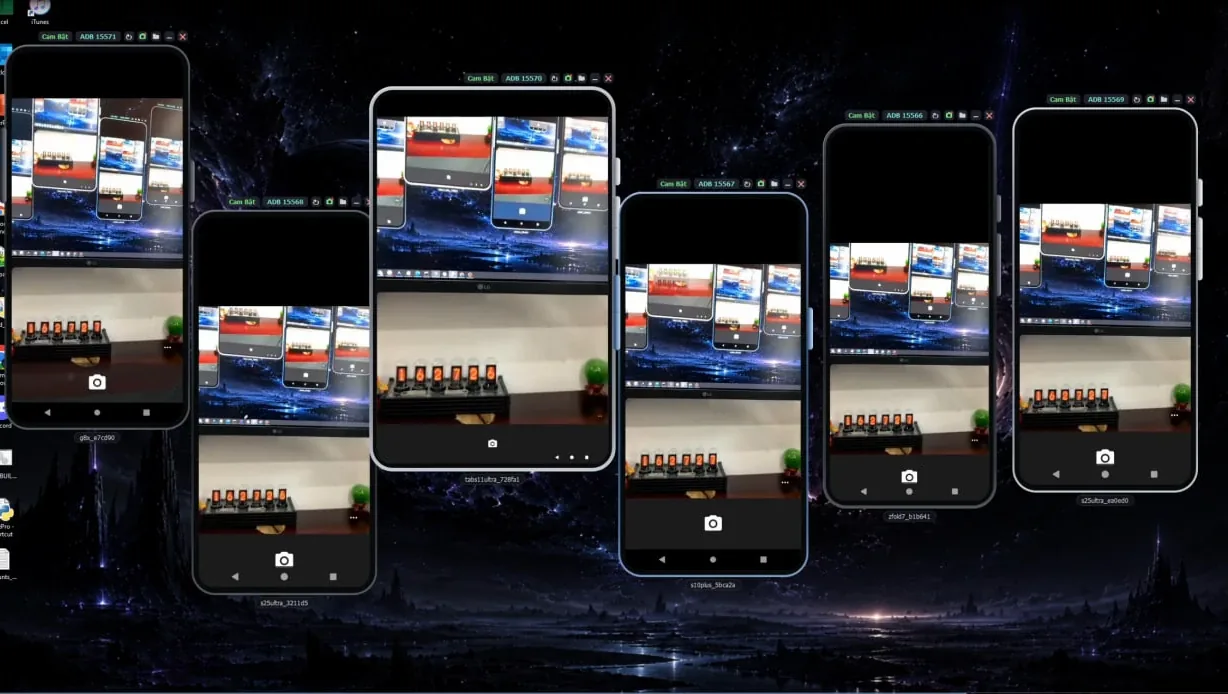
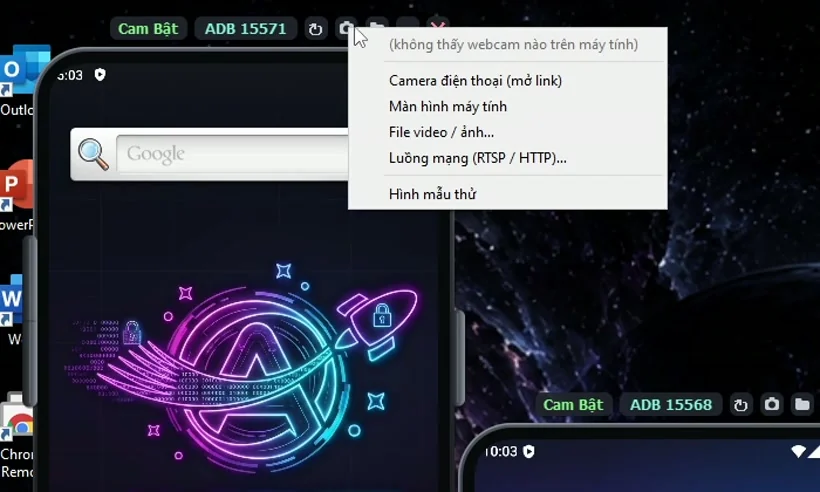
Send a real video source to the phone's camera: webcam, screen, a video file or your phone's camera via QR code.
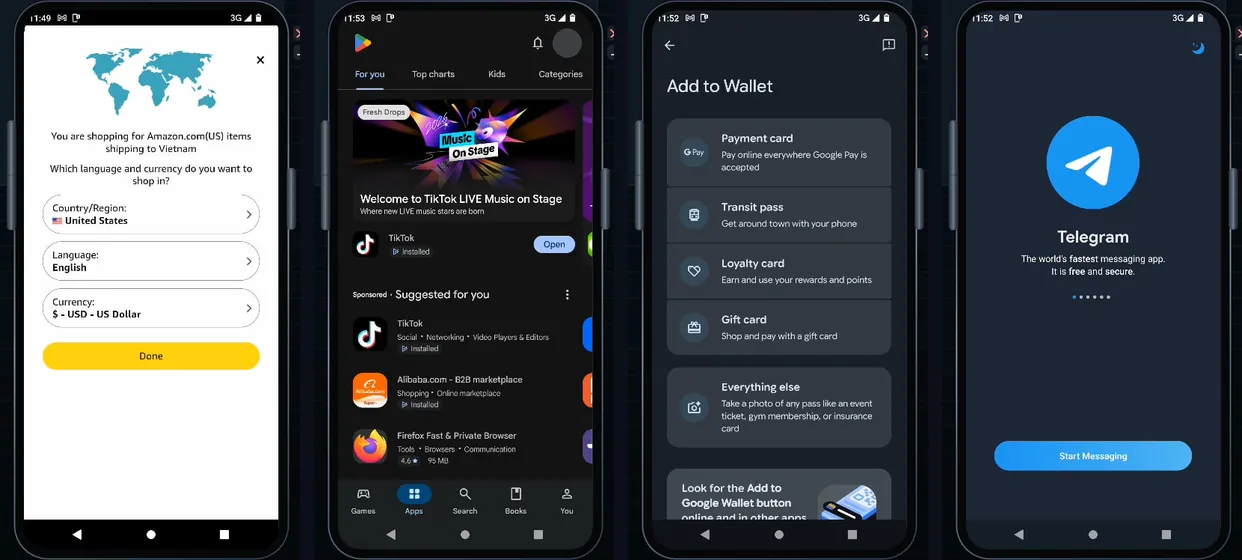
Use Chrome or Firefox right inside the phone.
Start, stop and assign proxies to phones in the same app; each phone's window opens on your PC screen.
Phones in use
Get started in 3 steps
- Prepare your PC
Turn on virtualization in the BIOS (one time only).
- Create a phone
Pick a model and assign a proxy; language, SIM, carrier and time zone follow the proxy.
- Start and use it
Start the phone, its window opens on your PC, and use apps as on a phone.
Frequently asked questions
What is an antidetect phone?
An antidetect phone, also written phone antidetect or anti-detect phone, is an Android environment where each profile has its own device identity (model, identifiers, sensors, carrier information) and its own proxy, so the accounts you are authorised to operate stay in separate device environments. More in What is an antidetect phone?
How is it different from a cloud phone or an emulator?
A cloud phone runs on a provider's server and is rented per device; an emulator runs on your PC and is usually used to test apps. ADSSPEED's antidetect phone runs on your own PC, with one device identity per profile. No option fits every app; see the comparison.
What does my PC need to run phones?
A Windows PC with virtualization turned on in the BIOS.
Which plans include phones?
Phones are included in paid plans; the Free plan has browser profiles only. See Pricing for each plan's phone count.
Can phones use a camera?
Yes. You can send a real video source to the phone's camera: webcam, screen, a video or image file, or your phone's camera via QR code.
Is there an iPhone version?
The phones are Android devices running on a Windows PC. For iPhone and cloud phones, see Antidetect for Android and iPhone.
Related articles
Other features
Profile managementAI captchaAutomationDcom mobile proxyShared cameraAsset protectionAds extension
Get started with ADSSPEED
Download ADSSPEED for Windows, create a free account and try it today.